Advertisement
Click to download now, finish the installation quickly, and directly unlock the "all-round experience"
Advertisement
Screenshots
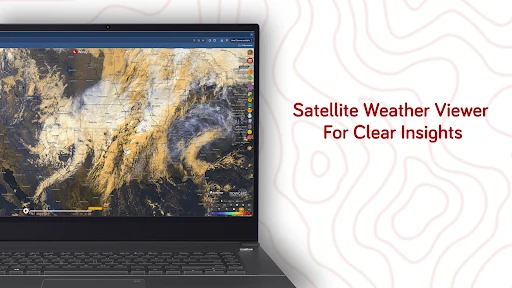
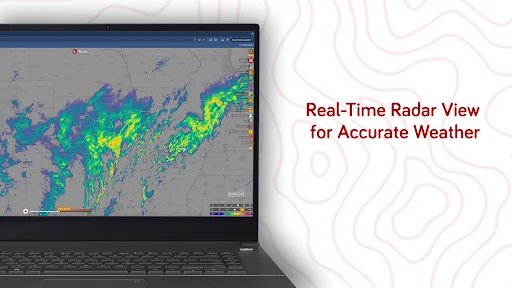
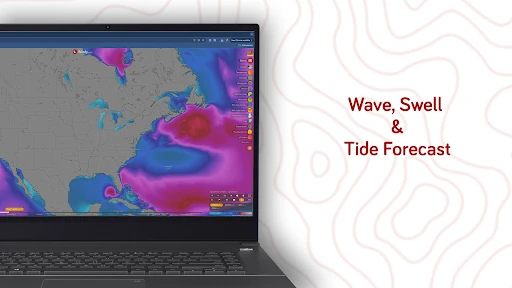
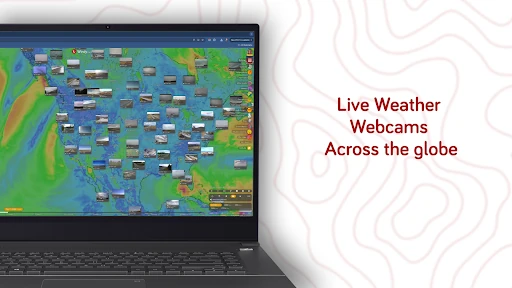
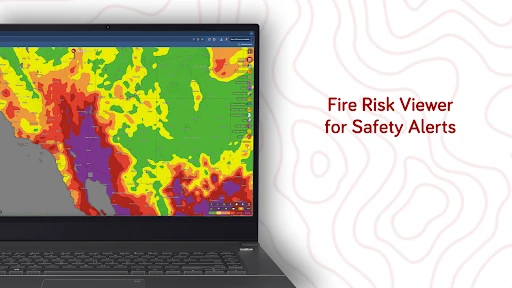
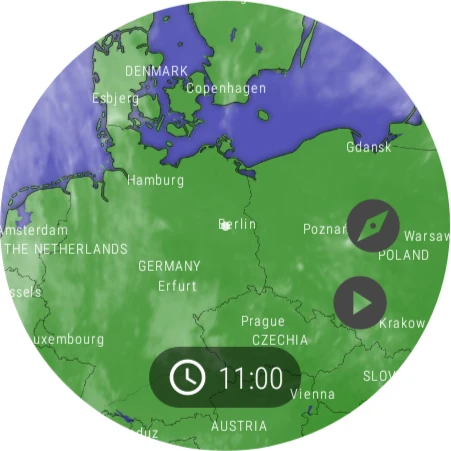
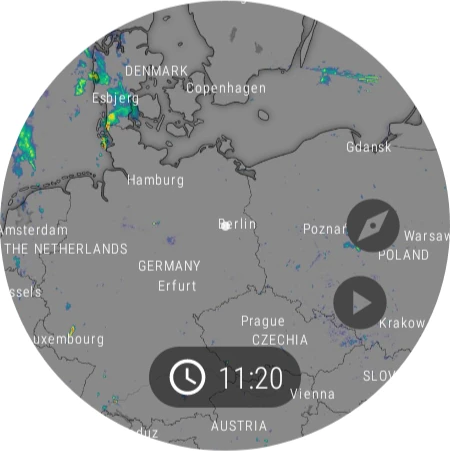
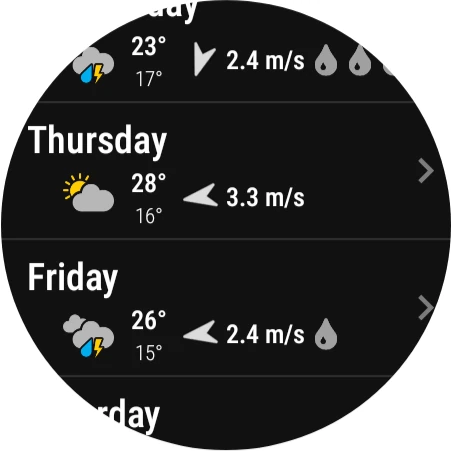
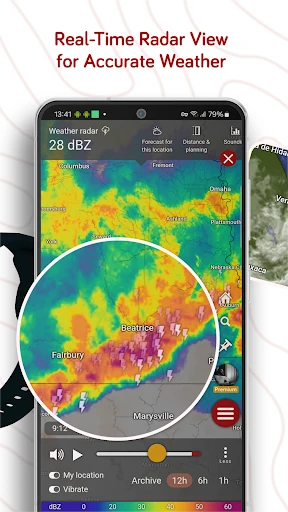
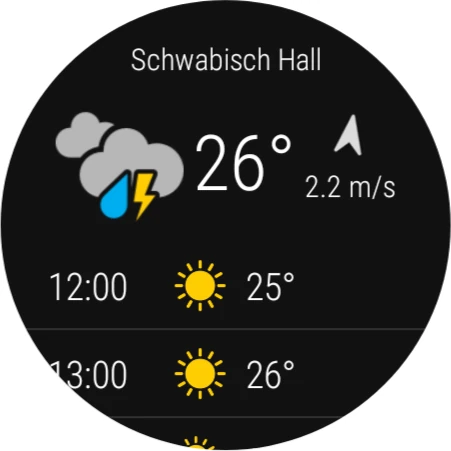
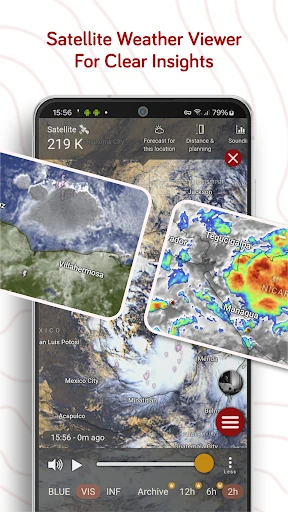
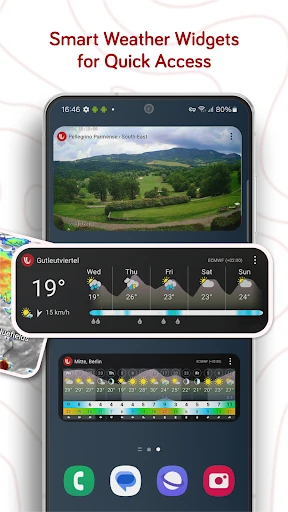
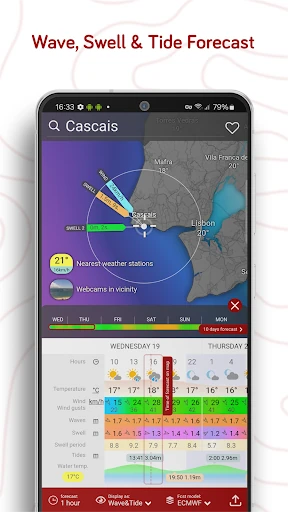
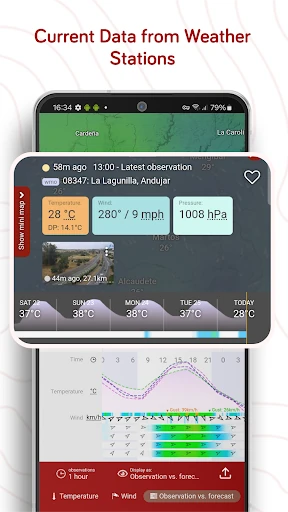
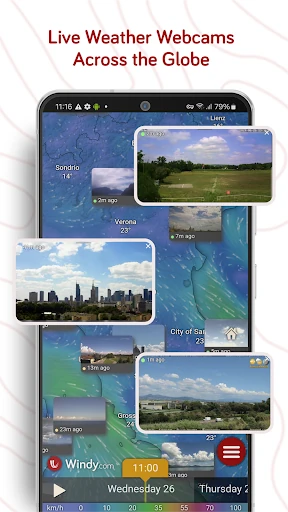
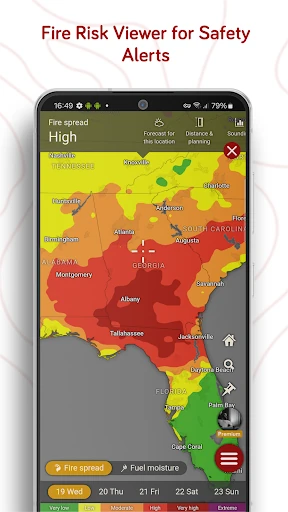
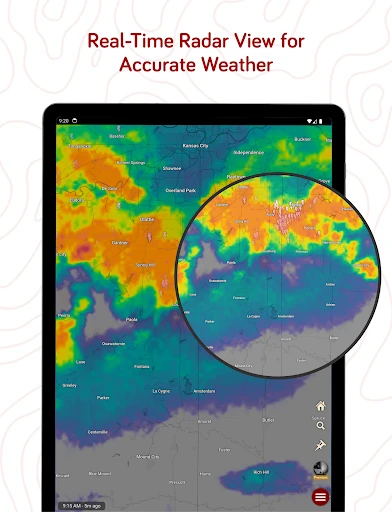
Click to download now, finish the installation quickly, and directly unlock the "all-round experience"
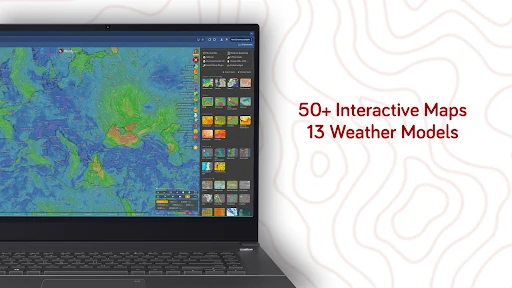
Windy.com - Weather Forecast is a masterclass in data visualization, standing as a titan in the Weather category. Unlike standard weather apps that provide simplified summaries, Windy provides a professional-grade meteorological suite that is both fast and incredibly detailed. It occupies a unique space in the landscape, serving as a bridge between high-end aviation/marine tools and consumer-facing applications. By offering premium features—such as multi-model comparisons and high-resolution layers—entirely for free and without advertisements, it sets a standard for transparency and utility that few competitors can match.
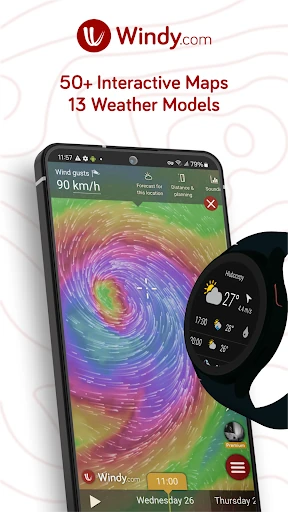
The UI of Windy.com is remarkably fluid, utilizing a particle-animation system to visualize wind flow that is both aesthetically pleasing and functionally superior for understanding atmospheric movement. For a weather app, the UX is surprisingly intuitive despite the high density of data; the ability to slide through time and switch layers with a single tap creates a "smooth and fluid" experience. However, the interface follows a "pro-tool" philosophy, meaning the sheer volume of options and settings creates a steep learning curve for the average user. It prioritizes data depth over simplified "glanceability," which is exactly what its core audience of weather geeks and professionals demands.
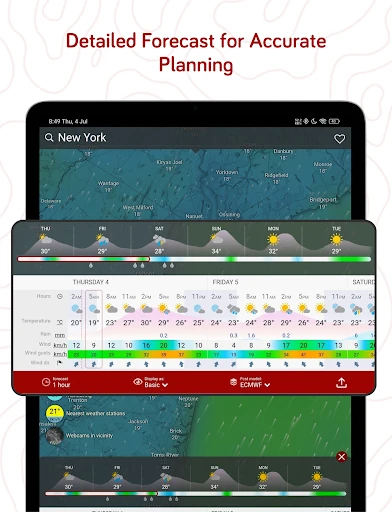
While Windy.com is near-perfect for its target demographic, it could benefit from an optional "Basic Mode" or a guided onboarding tutorial for casual users to help them interpret complex data like CAPE or Airgrams. Additionally, integrating more localized "plain language" severe weather alerts alongside its technical data could make the app more accessible to the general public during emergency situations.
Windy.com - Weather Forecast is the definitive tool for weather enthusiasts, professional pilots, sailors, and outdoor athletes. It is not just a weather app; it is a portable meteorological station. While it might be "too much app" for someone looking for a simple temperature reading, it is an absolute recommendation for anyone who needs accurate, high-fidelity environmental data. It remains the gold standard for transparency and visualization in the mobile weather space.