Advertisement
Click to download now, finish the installation quickly, and directly unlock the "all-round experience"
Advertisement
Screenshots
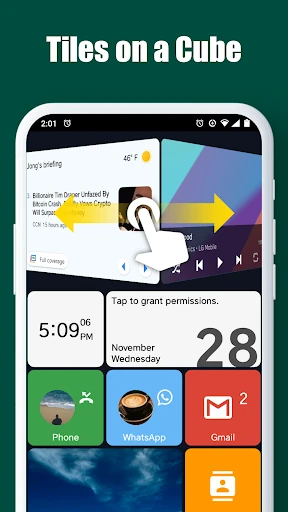
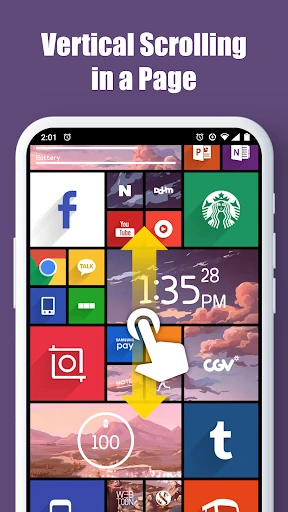
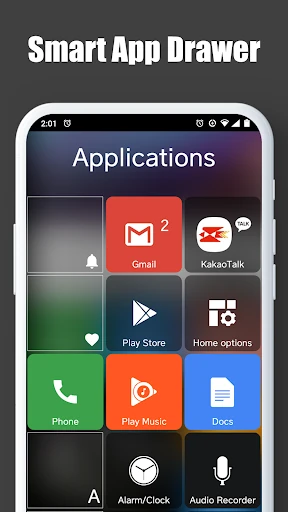
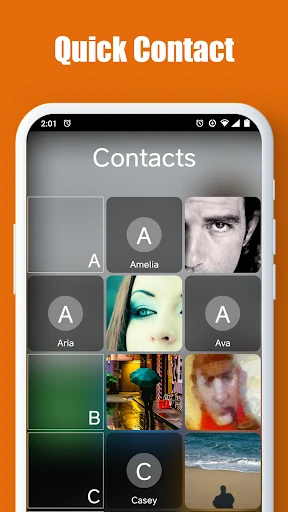
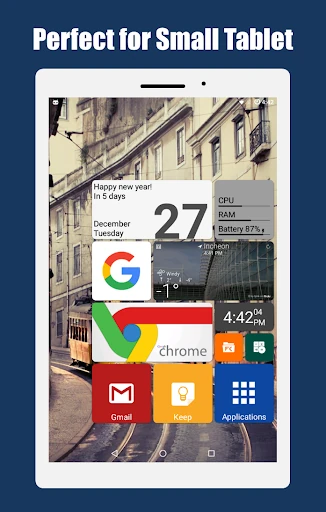
Click to download now, finish the installation quickly, and directly unlock the "all-round experience"
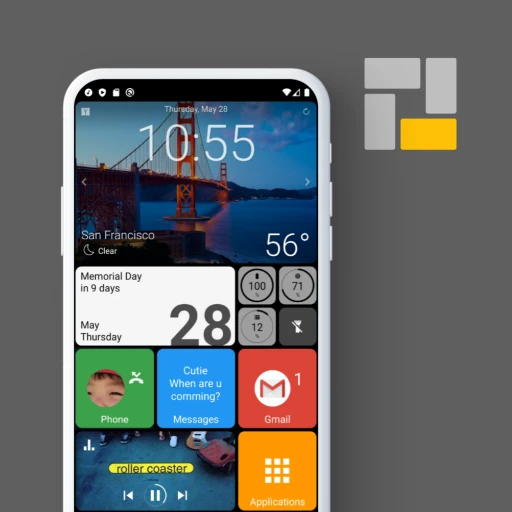
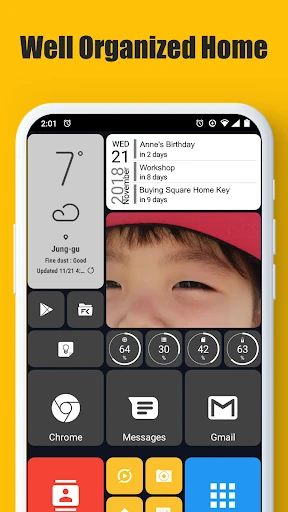
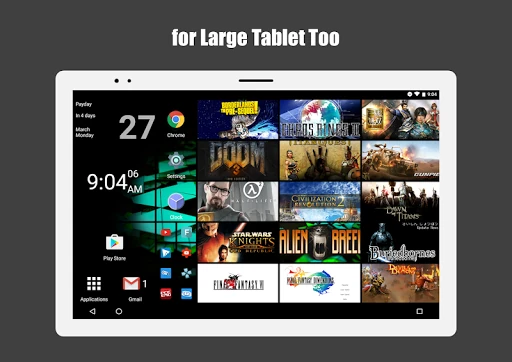
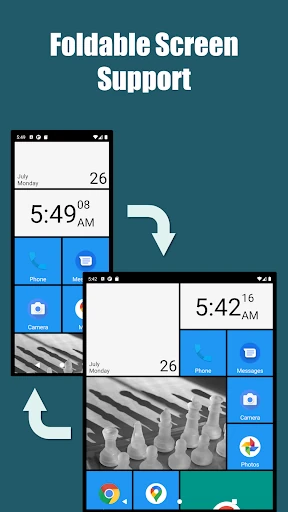
Square Home stands as a masterclass in layout-driven personalization, carving out a unique niche in the Android ecosystem by successfully translating the iconic Microsoft Metro UI to mobile. Unlike typical launchers that merely replicate an icon grid, Square Home reimagines the interface as a dynamic, modular canvas. It is particularly impressive for its future-proof design, offering robust support for foldable devices and TV boxes, making it one of the most versatile tools for users looking to break away from standard launcher paradigms.
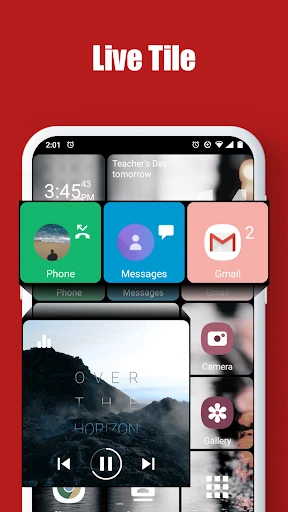
The design philosophy of Square Home is rooted in information density and visual clarity. The UI successfully recreates the "Live Tile" experience with fluid animations that feel native rather than tacked on. From a UX perspective, the experience is highly tactile; resizing and reordering tiles provides a level of granular control rarely seen in the Personalization category. While the interface is a significant departure from standard Android aesthetics, the logical placement of the smart drawer and quick contact access ensures that the user journey remains intuitive once the initial setup is complete.
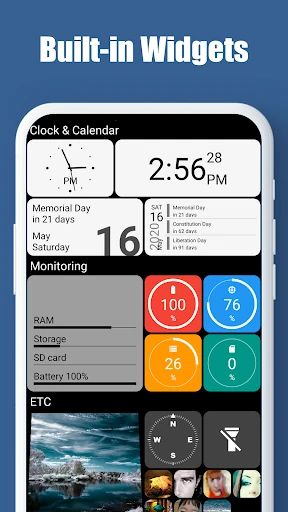
Square Home would benefit greatly from an integrated "Theme Store" or community-driven template gallery. Currently, the burden of design is placed entirely on the user; providing pre-configured Metro-style layouts would make the app more accessible to beginners. Additionally, improving the visual consistency of third-party widgets to better match the square tile aesthetic would create a more unified look across the OS.
Square Home is the premier choice for enthusiasts who miss the Windows Phone aesthetic or for foldable device owners seeking a launcher that actually utilizes their expanded screen real estate. It is a powerful, professional-grade personalization tool that rewards the time invested in its setup. We recommend this app to power users and "tinkerers" who want a distinct, high-performance alternative to the traditional icon-based home screen.