Advertisement
Click to download now, finish the installation quickly, and directly unlock the "all-round experience"
Advertisement
Screenshots
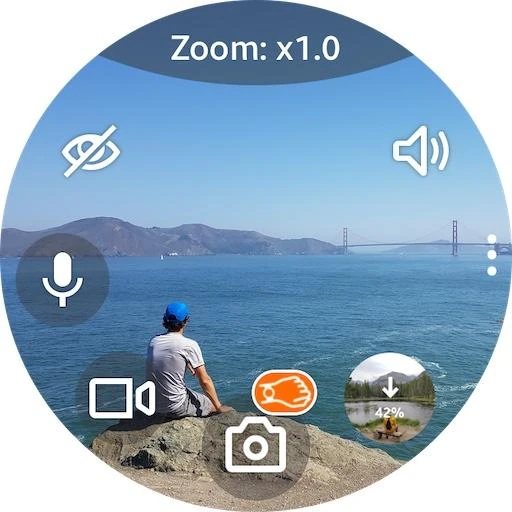
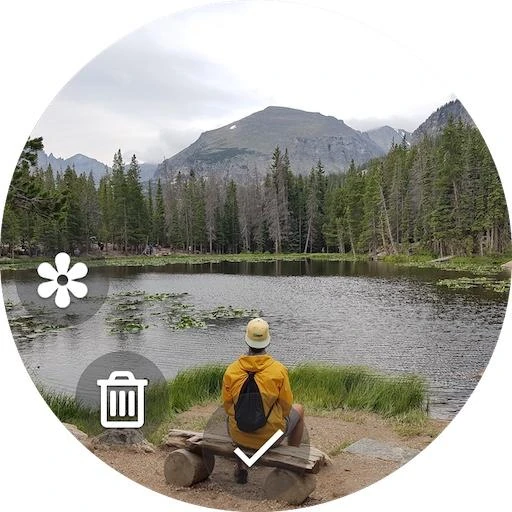
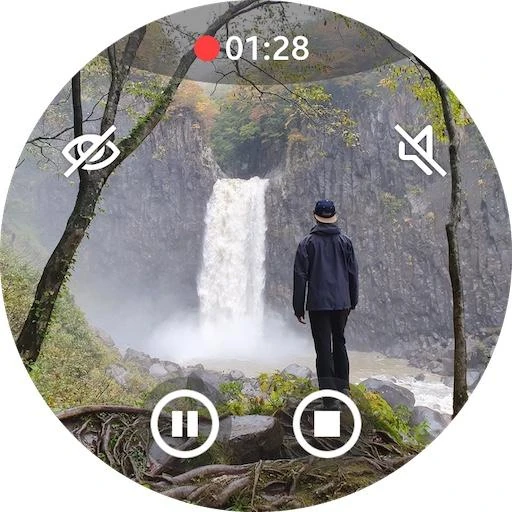
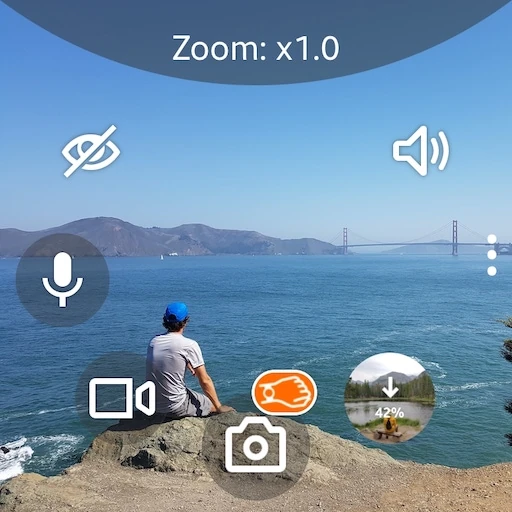
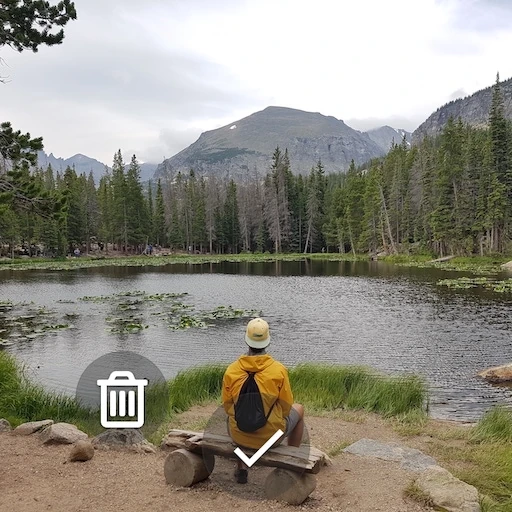
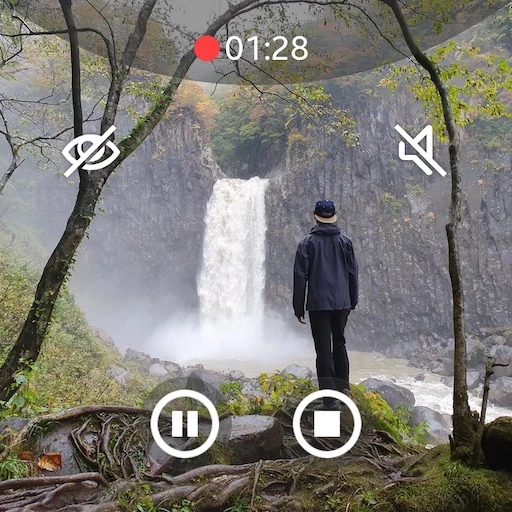
Click to download now, finish the installation quickly, and directly unlock the "all-round experience"
Camera One: Wear, Galaxy Watch is a sophisticated remote control utility that bridges the gap between wrist-worn technology and mobile photography. As a premier solution in the Photography category, it transforms a smartwatch into a high-performance viewfinder and command center. Unlike basic remote shutters, this app provides granular control over the phone's camera sensors, making it an indispensable tool for solo creators, security-conscious users, and those requiring a versatile monitoring system. Its ability to operate while the phone screen is off sets a high standard for utility in the Wear OS and Galaxy Watch ecosystem.
The user interface is engineered for high utility within the constrained real estate of a smartwatch face. By prioritizing the live preview and using intuitive swipe gestures (up/down for camera switching, left/right for settings), the app avoids cluttered menus. The integration of the physical bezel for parameter adjustments is a masterclass in UX design for the Galaxy Watch series, offering precision that touch-only interfaces lack. While the density of features is high, the layout styles are customizable, ensuring that the interface can be as minimal or as data-heavy as the user requires.
To further enhance the user experience, the developer could implement a more prominent "Power Off" or "Exit" prompt within the UI to prevent accidental battery drain from background camera processes. Additionally, a simplified "Quick Start" tutorial overlay on the watch app would help users more easily discover the tap-and-rotate gesture required for advanced settings like White Balance and HDR.
Camera One: Wear, Galaxy Watch is a must-have for any Samsung or Wear OS user who takes photography seriously. It is specifically recommended for content creators, solo travelers, and parents who need a reliable remote viewing tool. By offering professional-grade controls like exposure and time-lapse on the wrist, it effectively turns a smartwatch into a powerful extension of the smartphone's optics. It remains a top-tier choice for its category, provided users are mindful of its power-management requirements.