
LINE: Calls & Messages
LINE (LY Corporation)
Downloads
1,000,000,000+
Version
Latest
Advertisement
Click to download now, finish the installation quickly, and directly unlock the "all-round experience"
Advertisement
Screenshots




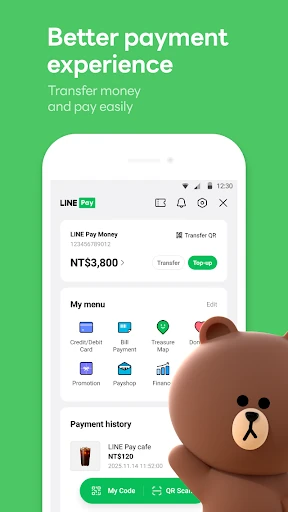

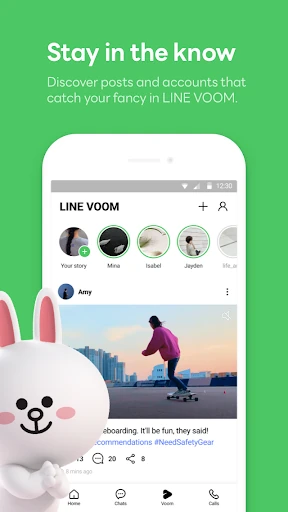

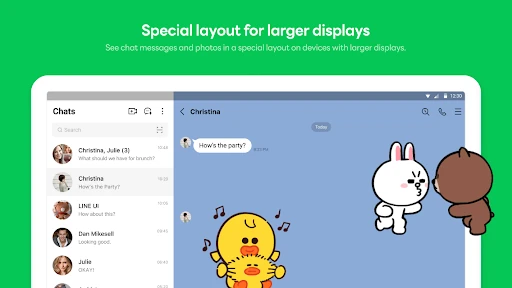
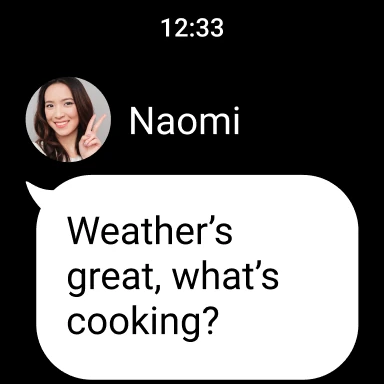
Click to download now, finish the installation quickly, and directly unlock the "all-round experience"
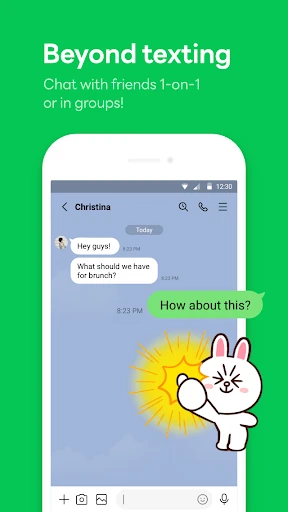
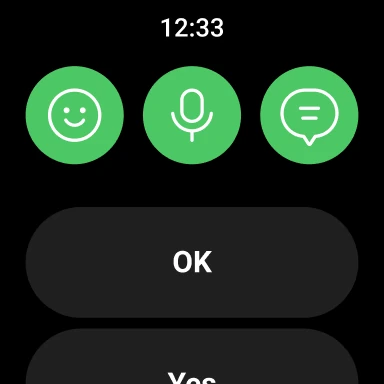
LINE: Calls & Messages remains a cornerstone of the global communication landscape, offering a feature-rich alternative to traditional SMS and competing directly with giants like WhatsApp and Telegram. By blending high-quality VoIP services with a vibrant social ecosystem, LINE transforms basic messaging into a highly expressive, multi-platform experience. Its commitment to security through Letter Sealing and its expansion into wearable tech via Wear OS support make it a robust choice for users seeking an all-in-one digital hub for personal and professional connections.
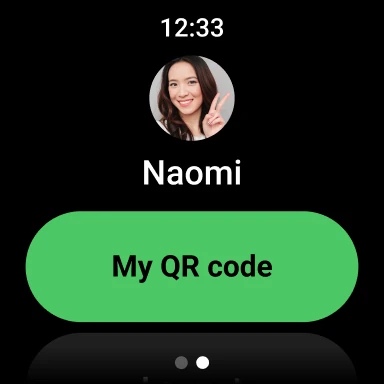
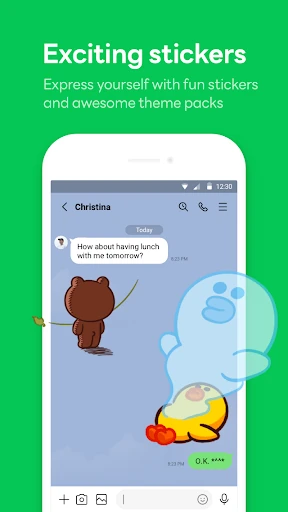
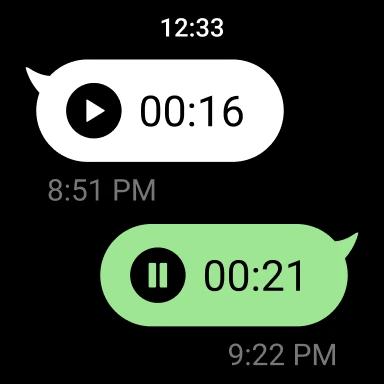
The UI of LINE is characterized by a vibrant and highly customizable aesthetic, moving away from the utilitarian minimalism often found in the Communication category. The interface is structured around a centralized "Home" hub, which effectively organizes friends, birthdays, and services into a single point of entry. While the sheer volume of features—including the Sticker Shop and integrated services—can occasionally make the interface feel dense, the UX remains intuitive. The integration of Wear OS complications is a highlight, offering modern convenience for users who need to check messages at a glance without reaching for their smartphones.
To maintain its competitive edge, LINE should focus on optimizing the app's resource consumption to ensure smoother performance on devices with limited storage. Implementing a more advanced search and tagging system within the "Keep Memo" feature would also enhance its utility as a productivity tool. Furthermore, offering a "Lite" mode or a way to toggle off non-essential social services would appeal to users who prefer a more focused messaging experience.
LINE: Calls & Messages is a premier choice for users who view messaging as a social experience rather than a simple utility. It is particularly well-suited for families, friend groups, and international users who frequent the Asian digital ecosystem or who enjoy a highly visual, sticker-heavy communication style. For users seeking a secure, multi-platform "super-app" that handles everything from casual chats to encrypted calls, LINE is a top-tier recommendation.