Advertisement
Click to download now, finish the installation quickly, and directly unlock the "all-round experience"
Advertisement
Screenshots
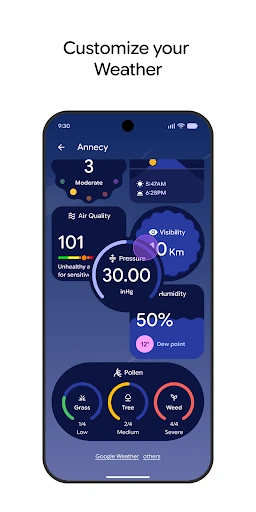
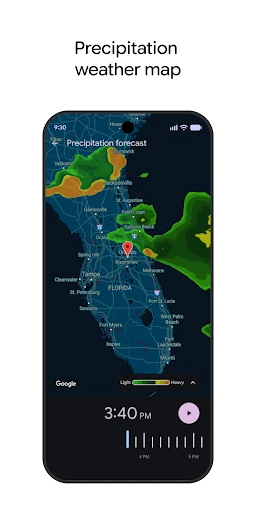
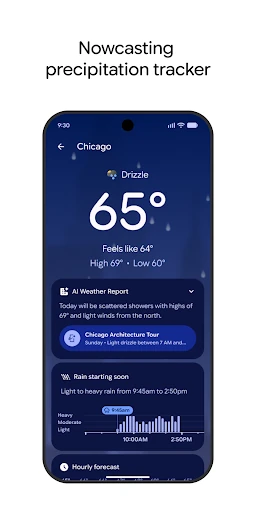
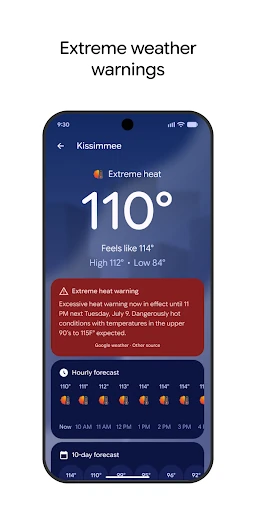
Click to download now, finish the installation quickly, and directly unlock the "all-round experience"
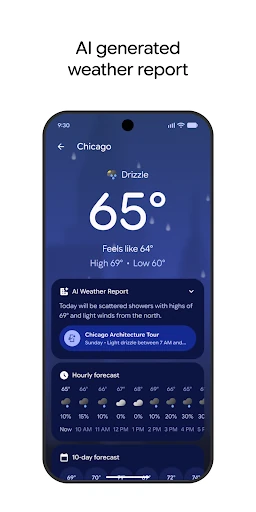
The Pixel Weather app represents Google’s strategic shift toward "ambient intelligence," transforming a standard utility into a proactive planning assistant. While the weather app landscape is saturated with data-heavy alternatives, this exclusive offering prioritizes context through AI-generated summaries and Material You design principles. It is a sophisticated, minimalist tool that aims to tell a story about your day rather than just listing temperatures, making it a benchmark for integrated OS utilities in the modern smartphone era.
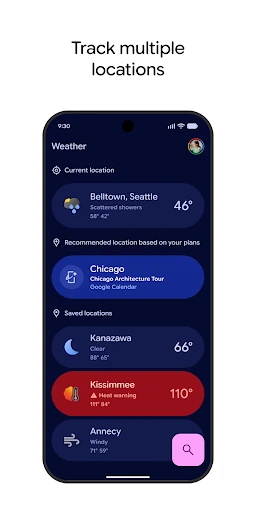
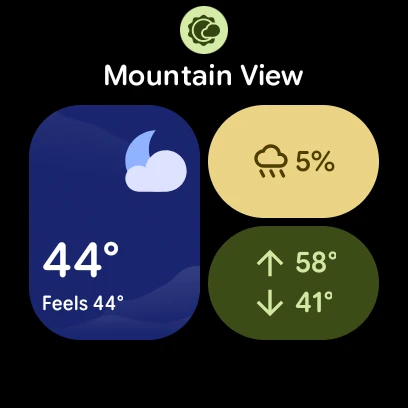
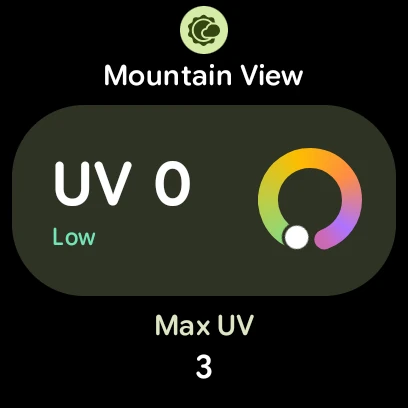
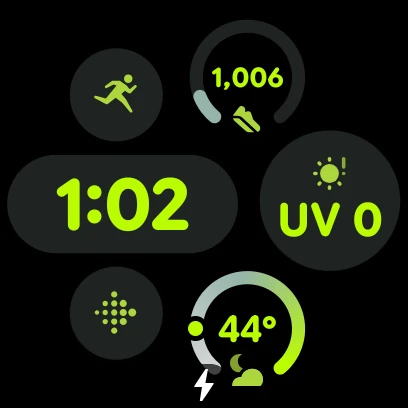
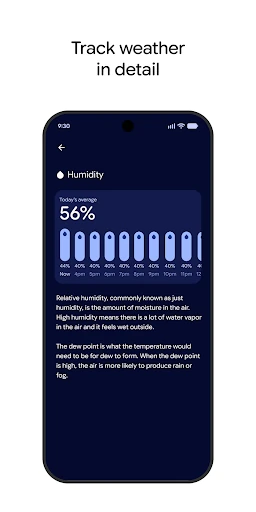
The user interface is a masterclass in modern Android design, utilizing clean typography and a modular, card-based layout that makes data consumption effortless. Unlike many weather apps that suffer from "data clutter," the Pixel Weather app uses white space effectively to emphasize the most important metrics. The transition between different locations is fluid, and the customization options allow power users to prioritize the specific data points—like UV index or humidity—that matter most to them. It feels less like an app and more like a natural extension of the Pixel software ecosystem.
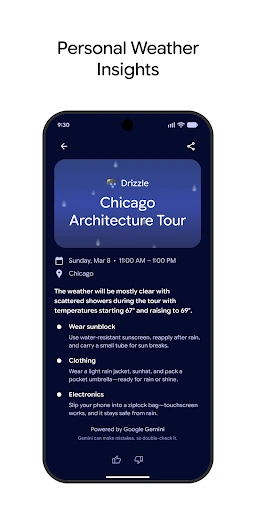
To truly dominate the category, the app should look toward deeper integration with the broader Google ecosystem. For example, syncing the "Personal Weather Insights" with Google Calendar could allow the app to suggest specific time-blocks for outdoor activities based on the forecast. Furthermore, expanding the availability of the AI-generated backgrounds and overviews to older Pixel models and a wider range of international languages would ensure a more consistent experience for the global user base.
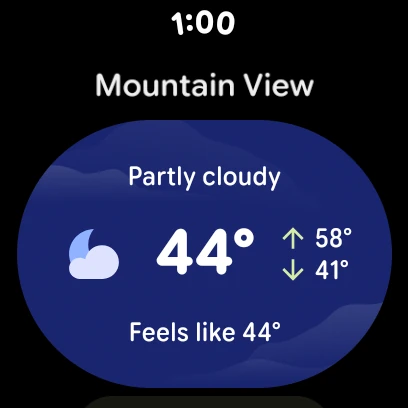
The Weather app is the definitive choice for Pixel users who prioritize design, simplicity, and contextual intelligence over granular meteorological data. It is specifically designed for the "at-a-glance" user—the person who needs to know if they should bring an umbrella or reschedule a morning run. While it may not replace high-end tools for storm chasers, it is arguably the most polished and user-friendly weather experience available on the Android platform today.