Advertisement
Click to download now, finish the installation quickly, and directly unlock the "all-round experience"
Advertisement
Screenshots
Click to download now, finish the installation quickly, and directly unlock the "all-round experience"
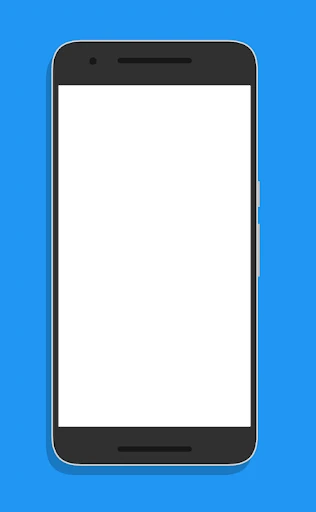
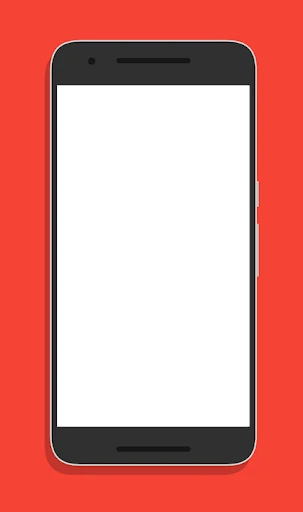
White Screen is a minimalist utility that excels in its singular purpose: providing a pure, uninterrupted white canvas. In a Tools landscape often cluttered with ad-heavy flashlight apps and complex screen testers, White Screen stands out for its radical simplicity and commitment to user privacy. It serves as a digital light box or a diagnostic tool without the overhead of modern app bloat, positioning itself as a "clean" alternative for users who value function over features.
The interface is the epitome of "form follows function." There is no learning curve because there are no menus, settings, or complex UI elements to navigate. This "invisible" design approach is highly effective for the Tools category, where speed and reliability are paramount. By stripping away everything but the core function, the developer has created a frictionless experience that launches instantly and performs its task without distraction.
To enhance its utility, future updates could include an integrated brightness slider to allow for granular control without leaving the app. Additionally, implementing a "Full Screen" toggle that hides the status and navigation bars would create a more immersive white surface, which is particularly useful for artists using the screen as a tracing lightbox. Finally, adding a simple timer function would mitigate the risk of battery depletion.
White Screen is specifically designed for tech enthusiasts, display testers, artists, and photographers who require a reliable, static light source. It is an ideal recommendation for privacy-conscious users who are wary of the permission-heavy nature of similar utility apps. While basic, its reliability makes it a staple tool for any digital toolkit where simplicity is a priority.