Advertisement
Click to download now, finish the installation quickly, and directly unlock the "all-round experience"
Advertisement
Screenshots
Click to download now, finish the installation quickly, and directly unlock the "all-round experience"
Kids Arts positions itself as a streamlined, entry-level digital canvas within the competitive Art & Design landscape. Unlike complex professional suites, this application focuses on the "frictionless" experience necessary for younger demographics. It serves as a digital surrogate for paper and crayons, prioritizing immediate creative output over advanced technical features. For parents seeking a lightweight, distraction-free environment for toddlers and preschoolers to explore fine motor skills, Kids Arts provides a safe and accessible starting point.
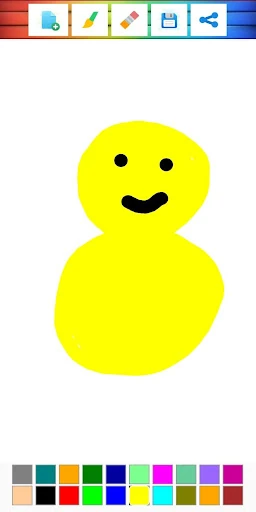
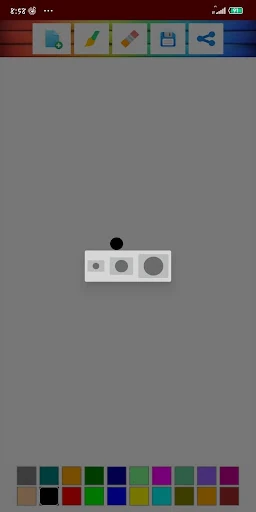
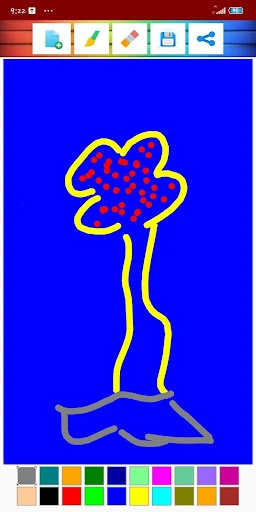
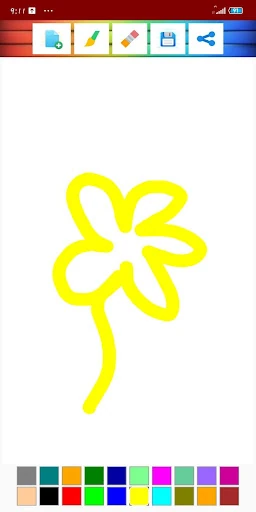
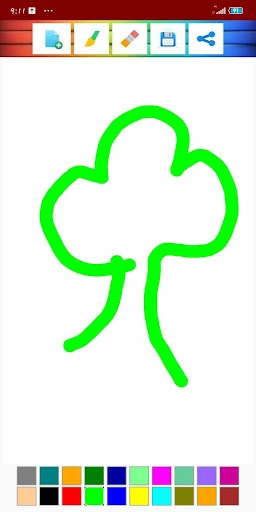
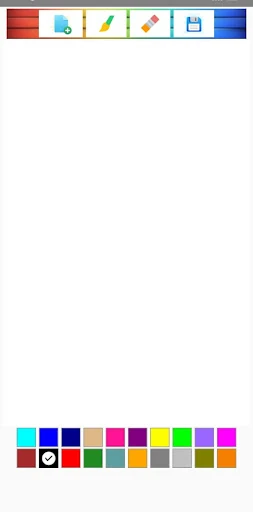
The UI design of Kids Arts adheres to the principle of "less is more," which is vital for the Art & Design category targeting youth. By utilizing a high-contrast white canvas, the app minimizes visual noise and keeps the focus entirely on the user's input. The iconography is large and tap-friendly, accommodating the less-developed precision of younger users. Navigation is linear and simple, ensuring that a child can operate the app independently without constant parental intervention.
To elevate the app further, the developers should consider implementing a simple "Undo/Redo" functionality to mitigate frustration during the creative process. Additionally, adding a few basic "Coloring Book" templates or stencils would provide a helpful bridge for children who find a blank white canvas intimidating. Introducing a "Lock UI" mode could also prevent accidental exits or menu triggers during intense drawing sessions.
Kids Arts is best suited for parents of toddlers and preschoolers who are just beginning their artistic journey. It avoids the bloat of professional tools, offering a pure and simple drawing experience. While it may lack the depth required for older children, it is a top-tier choice for safe, creative, and lightweight play. We recommend this app as a foundational tool for early childhood artistic expression.