Advertisement
Click to download now, finish the installation quickly, and directly unlock the "all-round experience"
Advertisement
Screenshots
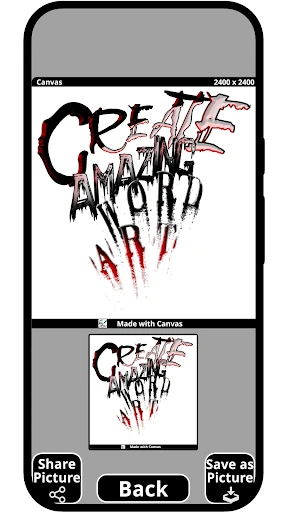
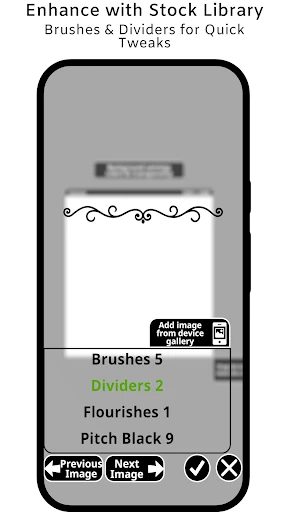
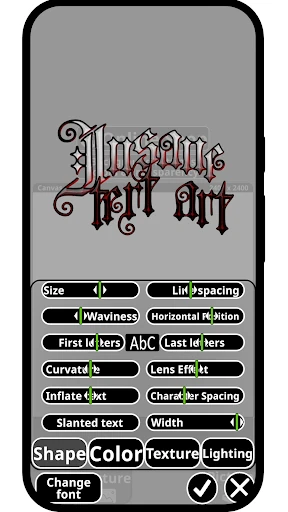
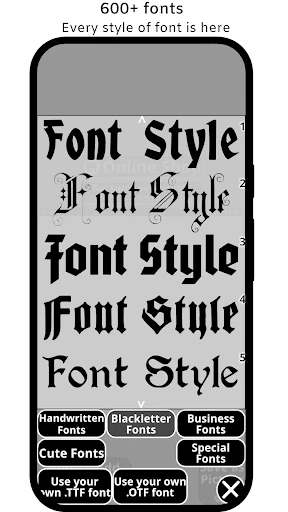
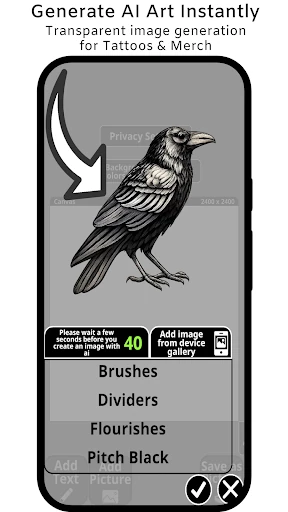

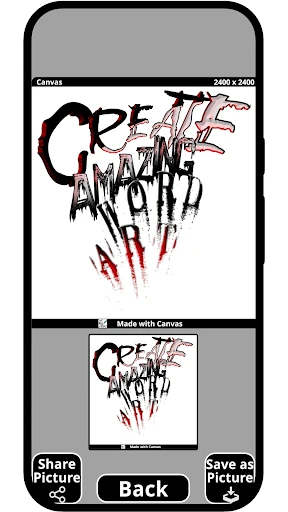
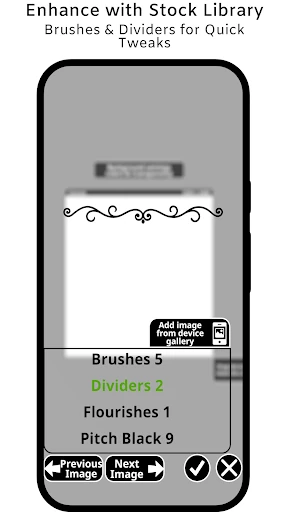
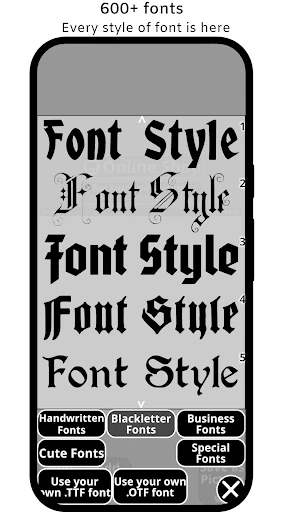
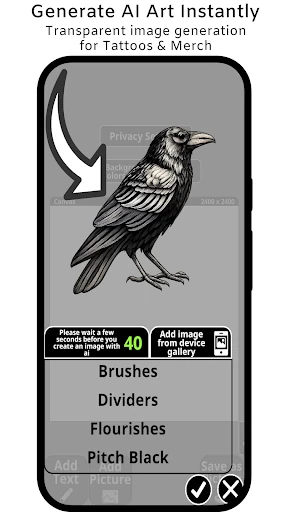
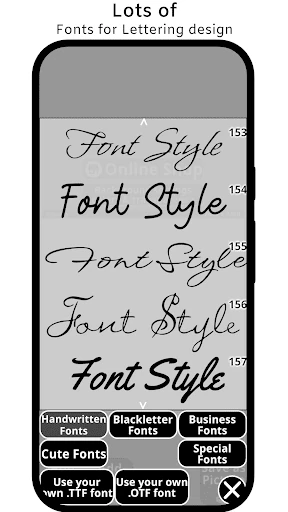
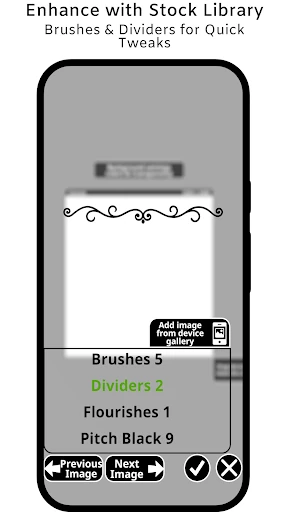
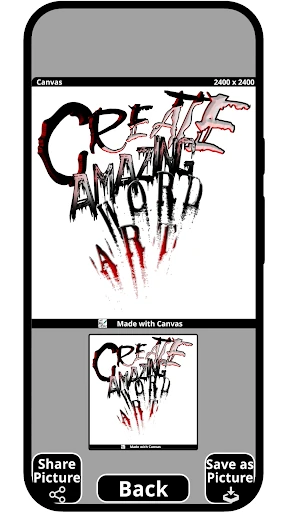
Click to download now, finish the installation quickly, and directly unlock the "all-round experience"
xCanvas establishes itself as a highly specialized powerhouse within the Art & Design category, specifically targeting the intersection of body art and digital branding. In a landscape often dominated by generic graphic design tools, xCanvas carves out a niche by focusing on high-fidelity typography and lettering. It serves as both a visualization tool for tattoo artists and a functional font generator for logo designers. By bridging the gap between physical craftsmanship—such as its tracer light box functionality—and modern digital assets, xCanvas offers a professional-grade utility for users who prioritize stylistic precision over general-purpose photo editing.
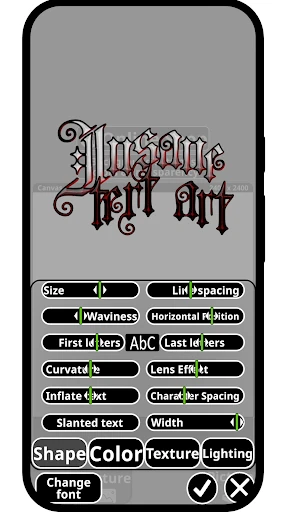
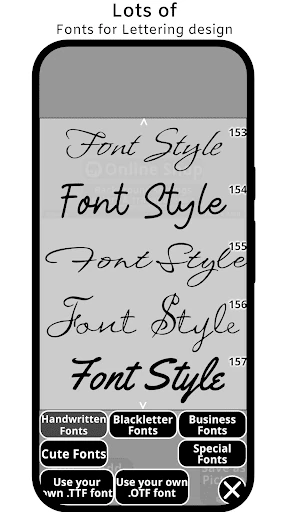
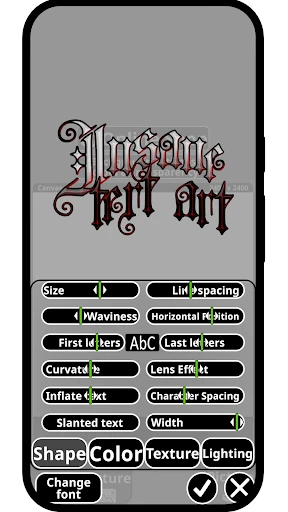
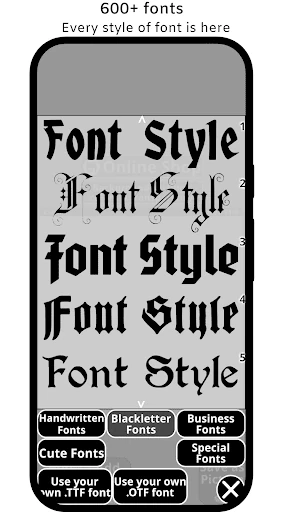
The UI of xCanvas is built with a "canvas-first" philosophy, prioritizing the workspace where text manipulation occurs. In the Art & Design category, user friction is often found in complex menu nesting; however, xCanvas streamlines the creative process by categorizing font types (e.g., Calligraphy, Gothic) for rapid access. The interface handles advanced features like layering and 3D effects with intuitive touch gestures, ensuring that the transition from a conceptual "name font" to a viral-ready logo is seamless even on smaller mobile screens.
To further solidify its position as a professional tool, xCanvas could benefit from implementing vector export options (SVG) to ensure designs remain lossless when scaled for large-scale tattoo stencils or signage. Additionally, integrating an AI-powered "Font Pairing" engine would assist logo designers in finding complementary typefaces, further enhancing the app's utility as a comprehensive branding suite.
xCanvas is an essential tool for tattoo artists, brand designers, and calligraphy enthusiasts who require more than just standard system fonts. It is particularly effective for professionals who need to generate high-impact typography on the go. While it may not replace a full graphic suite for general editing, its specialized toolkit makes it the premier choice for anyone whose creative work centers around the art of the letter. This app is highly recommended for those looking to elevate their branding or tattoo visualization workflows.