Advertisement
Click to download now, finish the installation quickly, and directly unlock the "all-round experience"
Advertisement
Screenshots
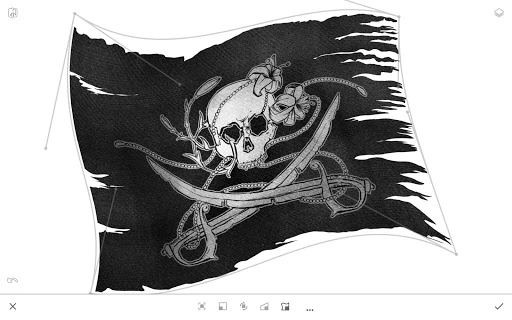
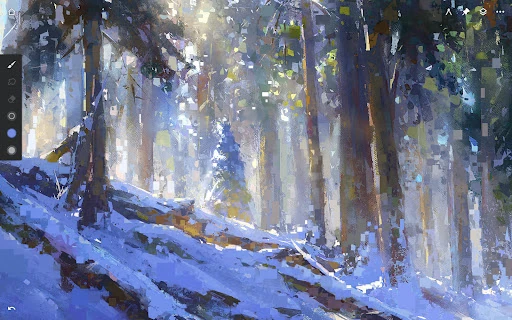
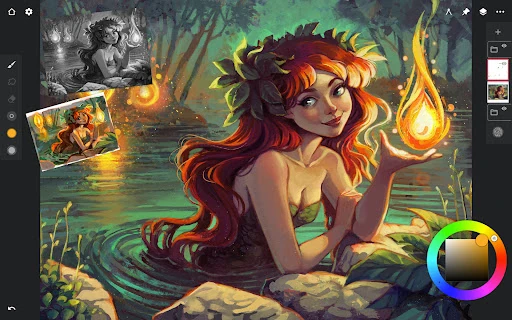
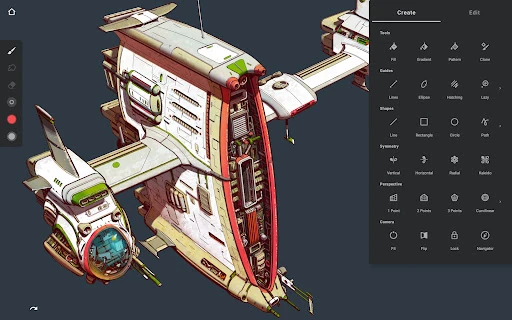
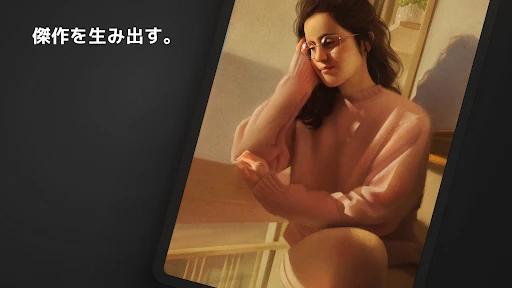
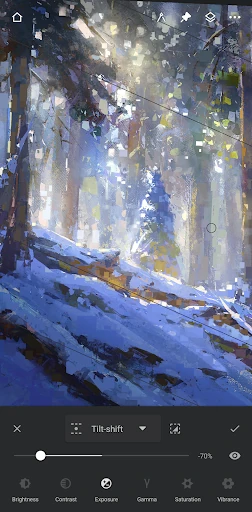
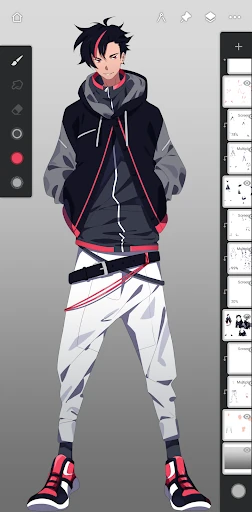
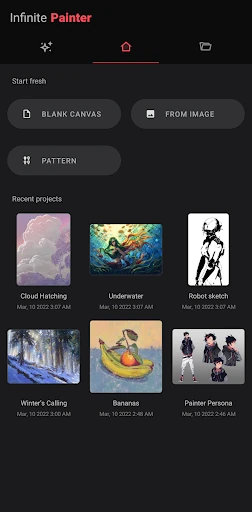
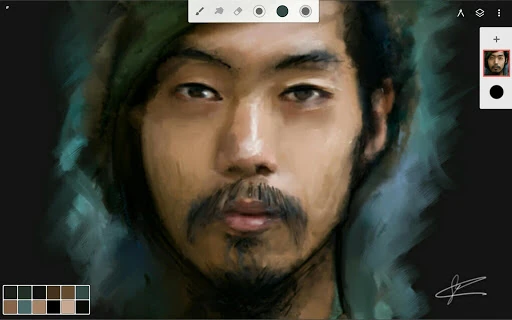
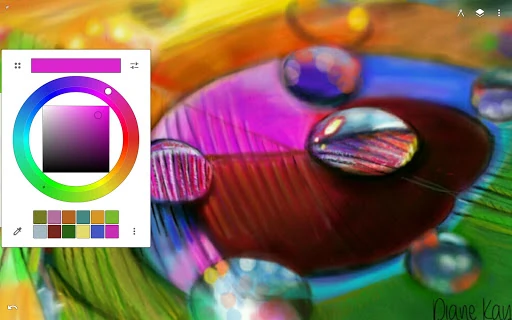
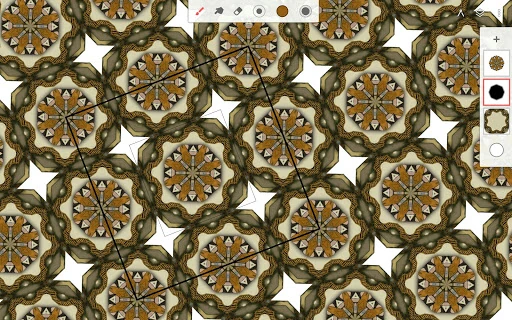
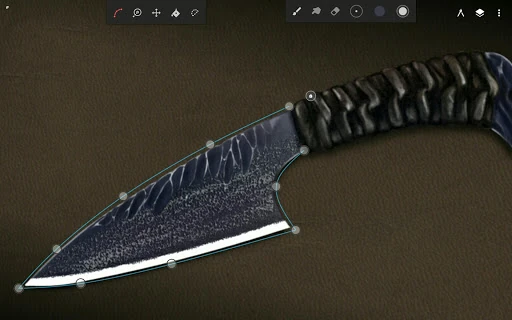
Click to download now, finish the installation quickly, and directly unlock the "all-round experience"
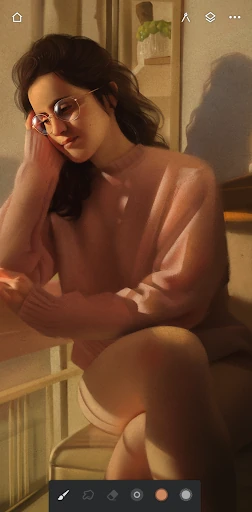
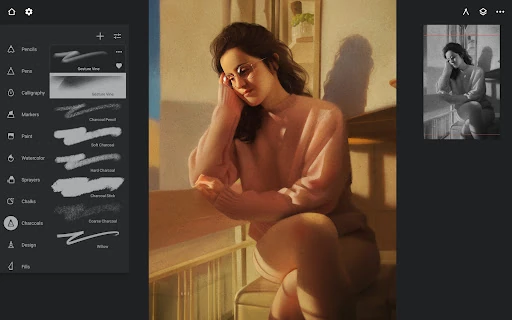
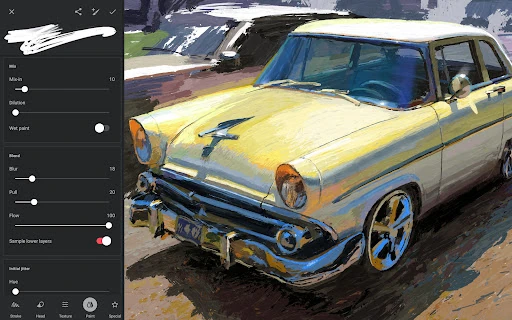
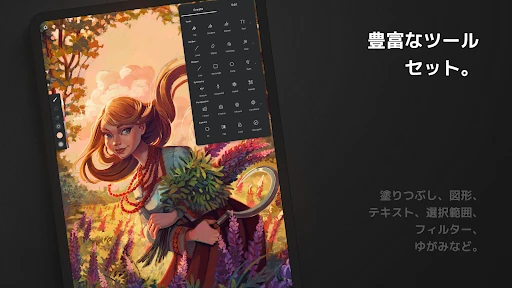
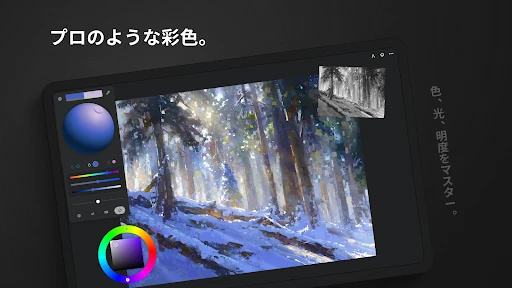
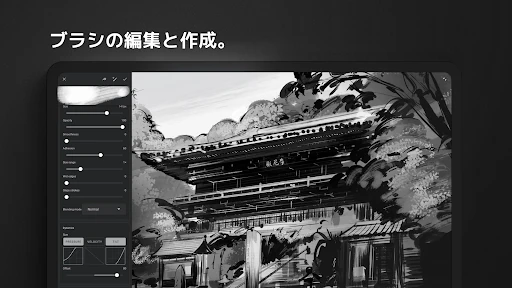
Infinite Painter stands as a sophisticated titan in the Art & Design category, effectively positioning itself as the premier digital illustration suite for the Android and ChromeOS ecosystems. While many mobile drawing apps trade depth for simplicity, Infinite Painter manages to offer a desktop-grade feature set—including 64-bit deep color and complex perspective tools—within a remarkably fluid mobile interface. It serves as a critical bridge for artists transitioning from traditional media to digital, or those seeking a professional-grade alternative to Procreate on non-iOS hardware. Its presence in the market is transformative, proving that mobile devices can be genuine production environments rather than just digital sketchpads.
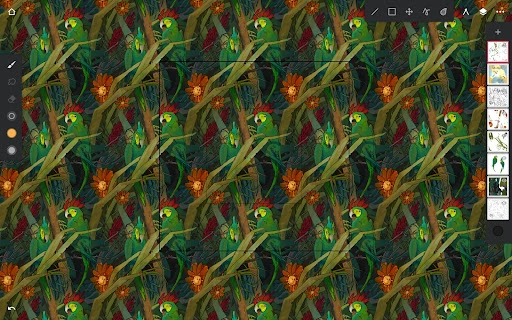
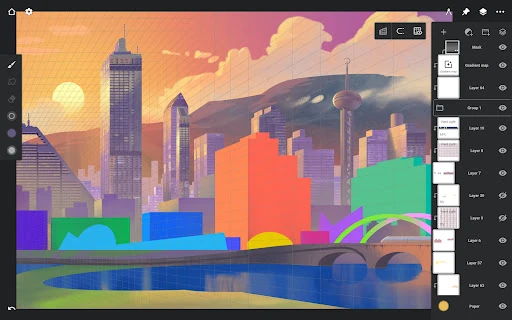
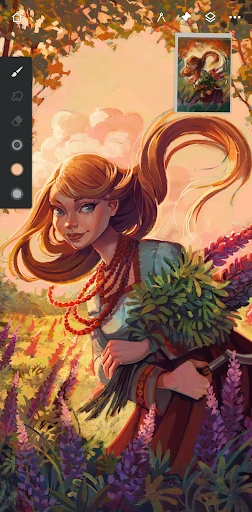
The UI of Infinite Painter is a masterclass in minimalist "canvas-first" design. By hiding complex toolsets behind intuitive gestures—such as pinching to group layers or flicking to expand menus—the app maximizes the available drawing area. The UX is specifically optimized for stylus users, offering a rare "finger vs. stylus" differentiation that prevents accidental marks while allowing for rapid gesture-based navigation. For an app with such immense technical depth, the interface remains uncluttered, utilizing a "pinned tools" system that allows artists to customize their workspace based on their specific discipline, whether it be character design, plein air painting, or pattern creation.
While the feature set is nearly exhaustive, the next iteration could benefit from a more robust cloud synchronization system to allow seamless transition between different devices. Additionally, integrating a more comprehensive vector-based text tool would elevate its utility for graphic designers and comic book letterers. Improved in-app onboarding tutorials specifically targeting the "hidden" gesture shortcuts would also help bridge the gap for new users who may feel overwhelmed by the app's initial minimalism.
Infinite Painter is the definitive choice for professional illustrators, concept artists, and serious hobbyists operating within the Google Play ecosystem. It is not merely a "mobile app" but a full-scale creative studio. We highly recommend this app to anyone who requires a mobile workflow that does not compromise on technical capabilities like CMYK support and complex masking. It is the gold standard for digital art on tablets and Chromebooks.