🏆 Expert Verdict & Overview
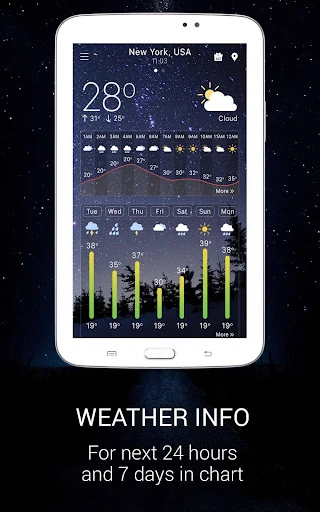
The "Weather app" positions itself as a comprehensive utility in the crowded meteorology category on Google Play. It attempts to bridge the gap between basic temperature trackers and professional-grade radar tools. By offering a robust suite of free features—including animated radar maps, hyper-local alerts, and extensive widget customization—it serves as a versatile Swiss Army knife for users who require more than just a surface-level glance at the sky. In the current weather landscape, it competes by prioritizing data density and real-time background updates, ensuring that critical information like storm warnings and precipitation shifts are always at the user's fingertips.
🔍 Key Features Breakdown
- Multi-Layered Weather Radar: Provides a sophisticated visual representation of rain, snow, pressure, and wind patterns, allowing users to track storm trajectories with precision.
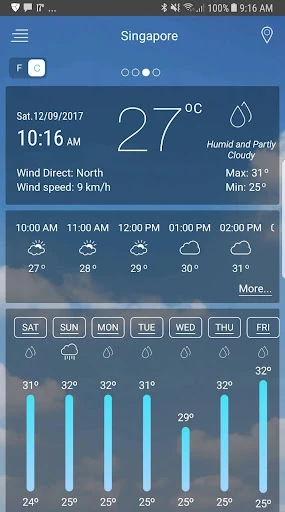
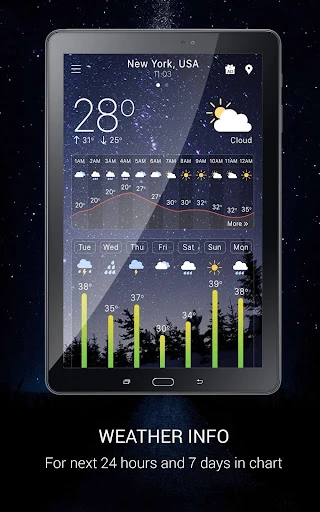
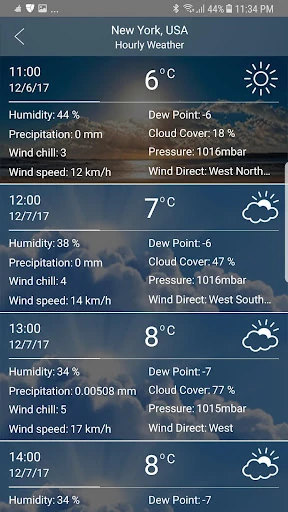
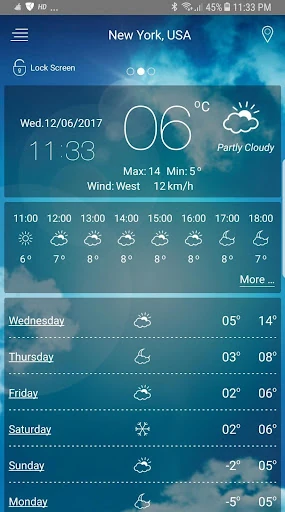
- Hyper-Local Forecasting: Offers hourly and daily breakdowns that solve the problem of unpredictable micro-climates, helping users plan outdoor activities down to the minute.
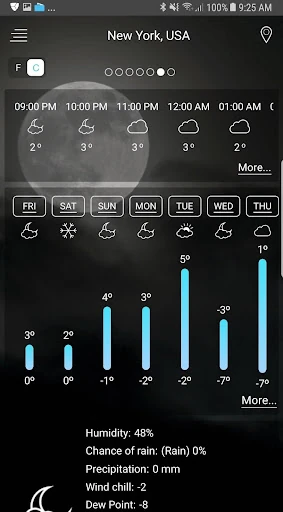
- Comprehensive Meteorological Metrics: Goes beyond temperature to include dew point, visibility, humidity, and atmospheric pressure, catering to hobbyists and professionals who need technical data.
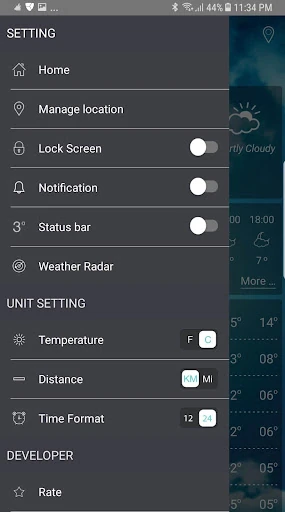
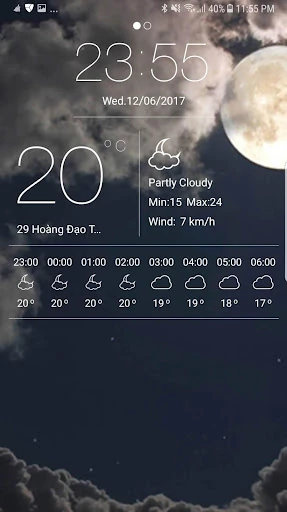
- Advanced Notification System: Features a persistent notification bar and lock-screen integration, solving the need for immediate data access without requiring the user to unlock their device or launch the app.
- Network-Based Location Detection: Solves the privacy or battery-drain concerns of GPS by allowing location detection via network signals, providing "good enough" accuracy for general forecasting.
🎨 User Experience & Design
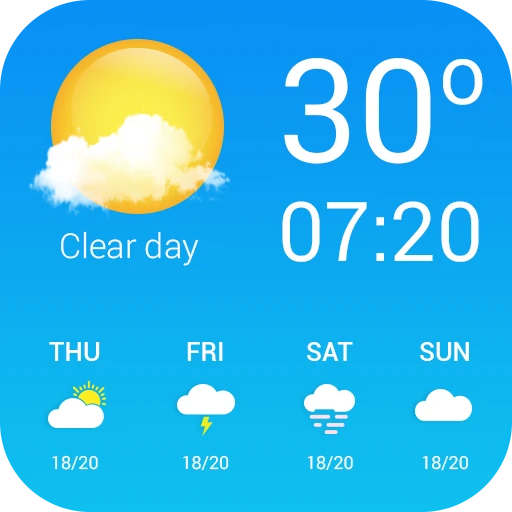
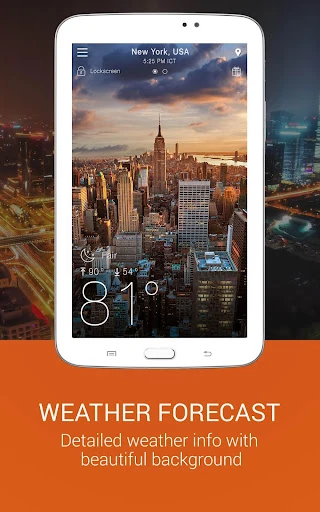
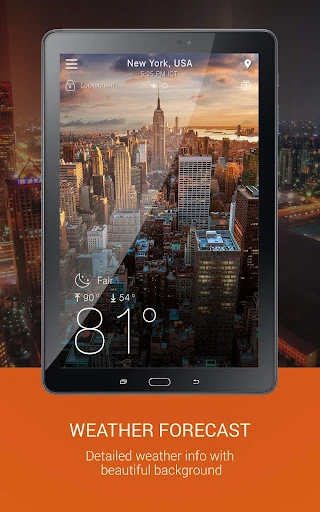
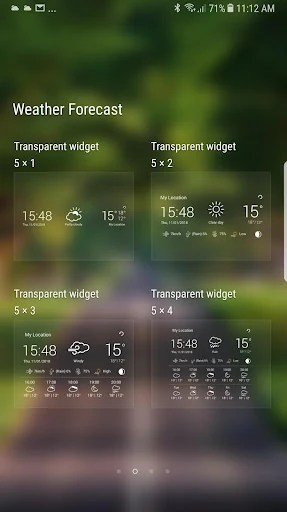
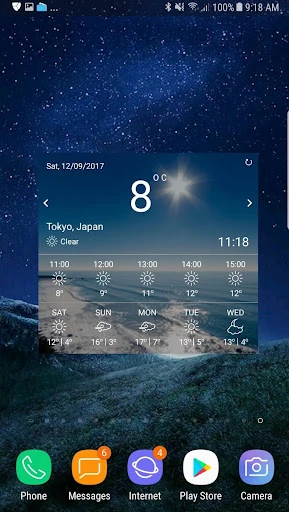
The user interface of the app is designed with a focus on "glanceability" and immersion. By utilizing animated background images that reflect current weather conditions, the app provides an immediate emotional and visual context to the data. The design language leans toward a data-heavy aesthetic, which is standard for high-utility weather apps. While the sheer volume of information could be overwhelming for some, the inclusion of highly customizable widgets allows users to curate their own experience. The UX is streamlined to minimize the steps between opening the app and viewing the radar, which is a critical requirement for users during severe weather events.
⚖️ Pros & Cons Analysis
- ✅ The Good: Exceptional depth of data, including moon phases and wind-guru tools for specialized outdoor use.
- ✅ The Good: Flexible unit conversion (Celsius/Fahrenheit) and automatic country detection simplify the setup process for global travelers.
- ❌ The Bad: The "underground" background processes required for real-time updates may impact battery longevity on older hardware.
- ❌ The Bad: The interface can feel cluttered due to the high density of icons and text labels presented on a single screen.
🛠️ Room for Improvement
To further elevate the user experience, the developers should consider implementing a "modular dashboard" where users can hide specific metrics they don't use to reduce visual noise. Additionally, optimizing the background data refresh algorithm to better balance real-time accuracy with battery preservation would be a significant technical upgrade. Introducing a "Simplified Mode" for casual users who only want temperature and rain alerts could also broaden the app's appeal.
🏁 Final Conclusion & Recommendation
The "Weather app" is an ideal choice for "weather junkies," outdoor enthusiasts, and professionals like sailors or hikers who depend on detailed atmospheric data. While it may be slightly too complex for someone seeking a minimalist aesthetic, its wealth of free features—particularly the animated radar and multi-location tracking—makes it a top-tier contender in the utility space. We recommend this app for users who want a professional-grade weather station in their pocket without the premium price tag.