🏆 Expert Verdict & Overview
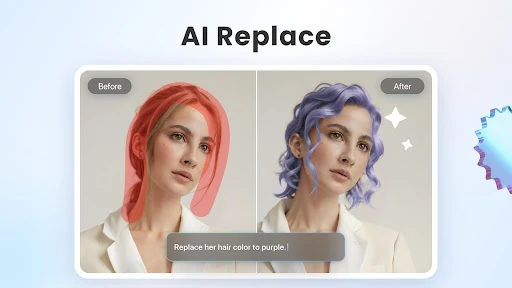
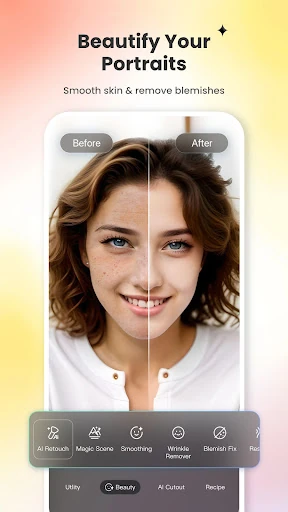
Fotor–AI Photo Editor&Enhancer is a powerhouse in the Photography landscape, positioning itself as a comprehensive, AI-centric solution for the modern creator. By integrating a "talk-to-edit" workflow through its new AI Agent, it effectively lowers the barrier to entry for professional-grade photo manipulation. While the market is saturated with editors, Fotor distinguishes itself by blending traditional adjustment tools with cutting-edge generative AI, making it a versatile "all-in-one" toolbox for both casual enthusiasts and social media professionals who require high-quality output with minimal manual effort.
🔍 Key Features Breakdown
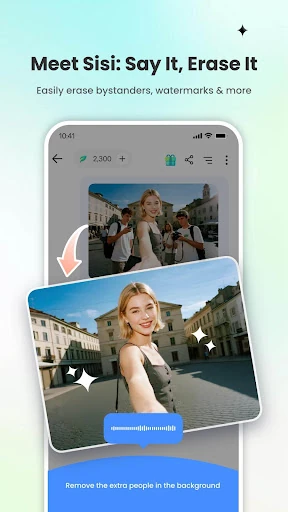
- AI Agent: Acts as a personal editor that understands natural language, allowing users to apply complex, multi-step edits simply by typing or speaking, which significantly streamlines the creative process.
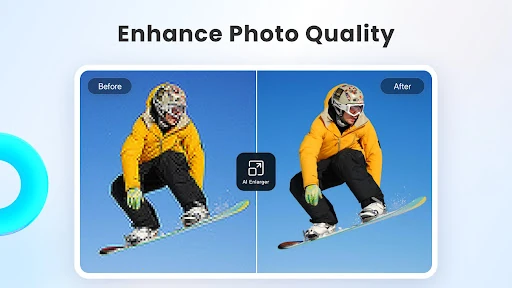
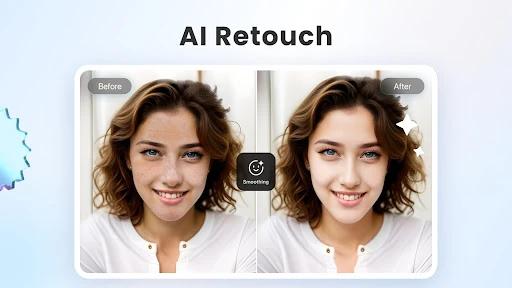
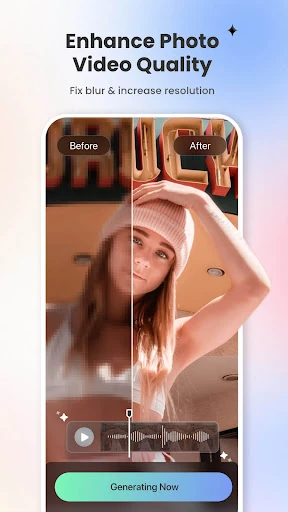
- AI Photo Enhancer: Solves the problem of low-quality captures by automatically sharpening blurry images and restoring lost details, effectively salvaging photos that would otherwise be unusable.
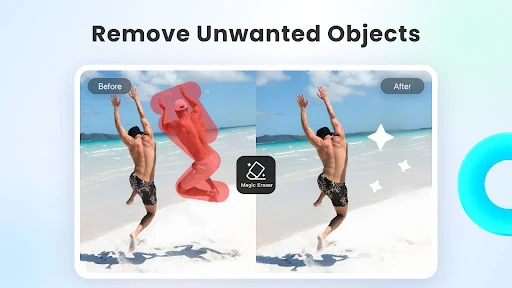
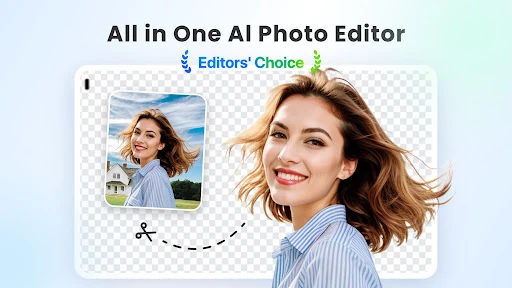
- Magic Eraser & Background Remover: Provides a "one-tap" solution for removing unwanted bystanders or replacing backgrounds, saving users from the tedious task of manual masking and path selection.
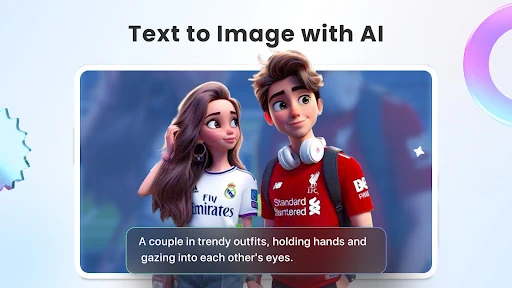
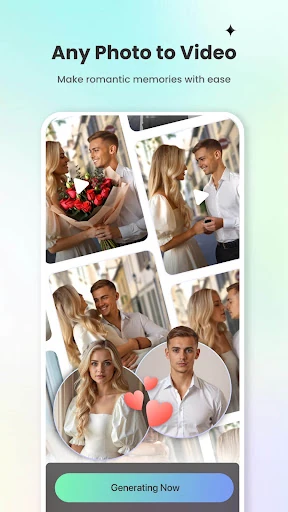
- Generative AI Tools (Text-to-Image/Video): Empowers users to create entirely new content from scratch, transforming text descriptions into visual assets for unique storytelling and branding.
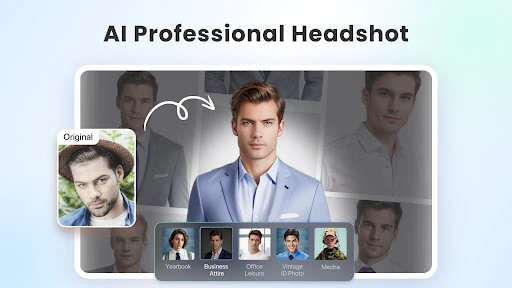
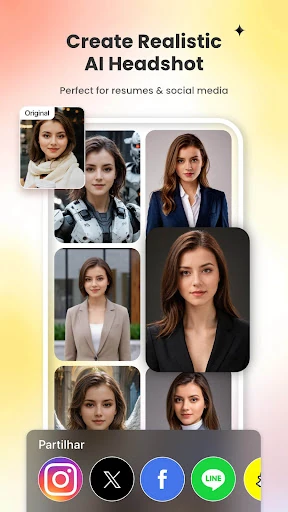
- AI Headshot Generator: Addresses the need for professional branding by converting casual selfies into studio-quality portraits suitable for LinkedIn and other professional platforms.
🎨 User Experience & Design
The UI of Fotor–AI Photo Editor&Enhancer is designed with a "mobile-first" philosophy that prioritizes accessibility without sacrificing depth. By shifting towards an AI-driven interface, the app reduces the cognitive load on the user, replacing complex slider menus with intuitive, automated actions. The layout is clean and follows modern photography category standards, ensuring that even advanced features like AI Expand or Colorize are easily discoverable. The feedback loop for AI processing is generally swift, providing a sense of "magic" that aligns with contemporary user expectations for AI-integrated applications.
⚖️ Pros & Cons Analysis
- ✅ The Good: The AI Agent is a game-changer for accessibility, allowing non-technical users to perform advanced edits through conversational commands.
- ✅ The Good: Exceptional versatility, ranging from basic photo filtering to advanced AI video generation within a single application.
- ❌ The Bad: The subscription-based pricing model may be a deterrent for casual users who only require occasional, simple edits.
- ❌ The Bad: Heavily reliant on cloud-based AI processing, which may lead to slower performance or lack of functionality in low-connectivity environments.
🛠️ Room for Improvement
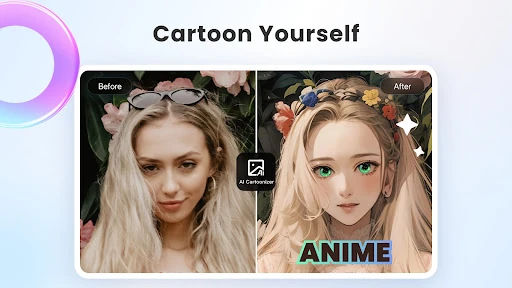
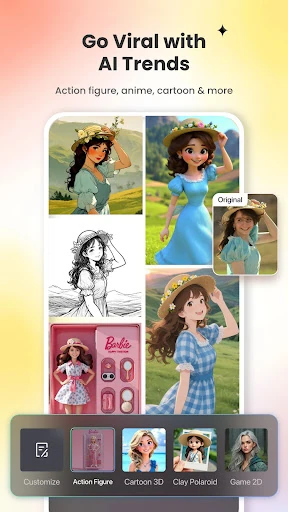
Future updates could benefit from more granular manual override controls after an AI edit is performed, allowing pro-level users to fine-tune the AI's "decisions." Additionally, improving the offline capabilities for basic photo editing tools would ensure the app remains useful during travel. Introducing more localized AI style presets for the 3D Cartoon and Art effects would also help cater to a broader global audience with diverse aesthetic preferences.
🏁 Final Conclusion & Recommendation
Fotor–AI Photo Editor&Enhancer is the ideal tool for social media influencers, small business owners, and digital creators who need to produce high-quality visual content quickly. Its strength lies in its ability to automate complex tasks that previously required desktop software. For anyone looking to modernize their photography workflow with the power of generative AI, this app is a top-tier recommendation.