FlipaClip: Create 2D Animation
Visual Blasters LLC
Downloads
50,000,000+
Version
Latest
Advertisement
Click to download now, finish the installation quickly, and directly unlock the "all-round experience"
Advertisement
Screenshots
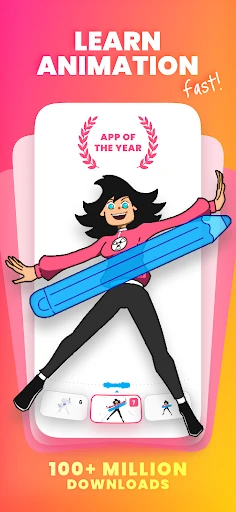
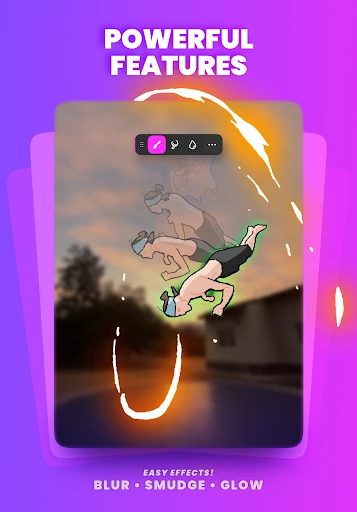
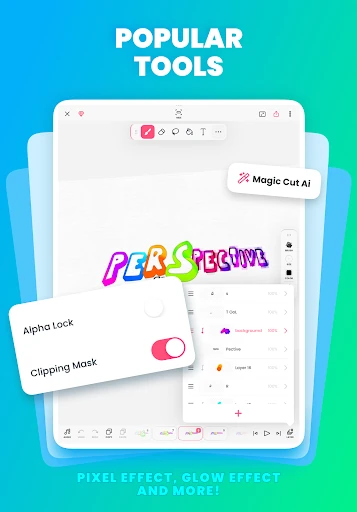
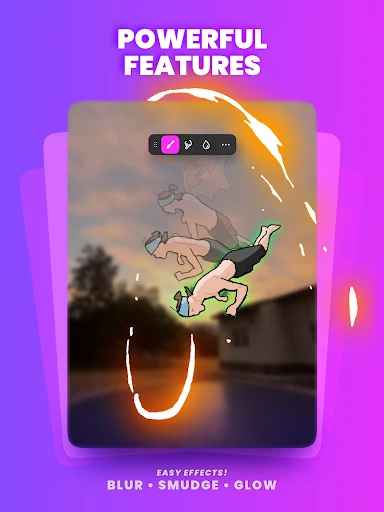
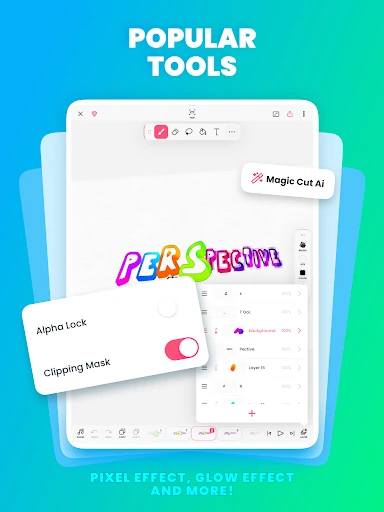
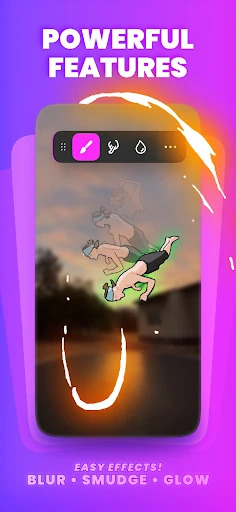
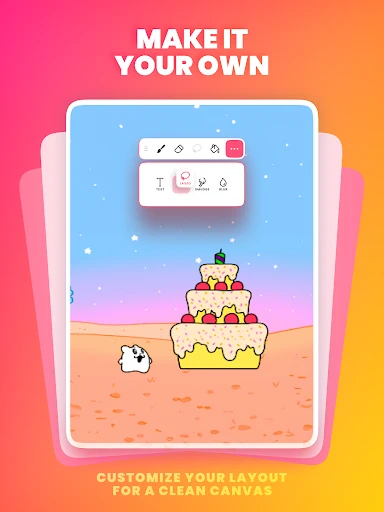
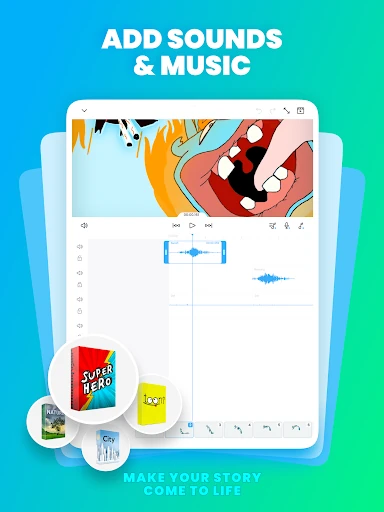
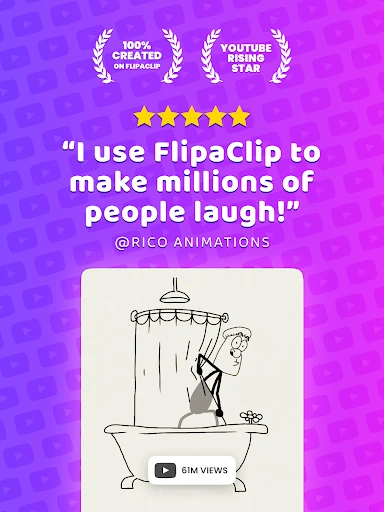
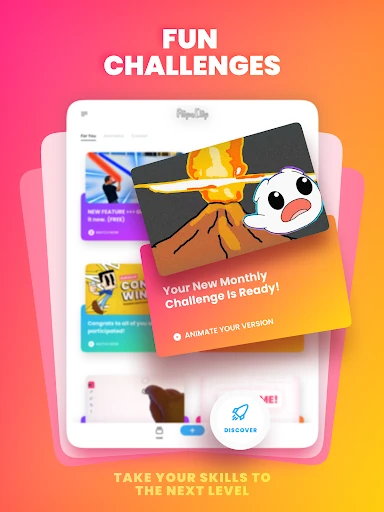
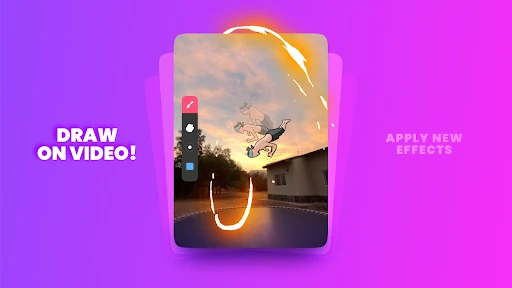
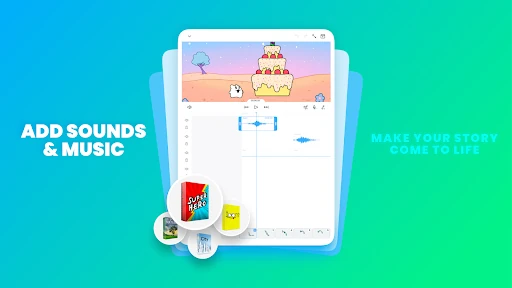
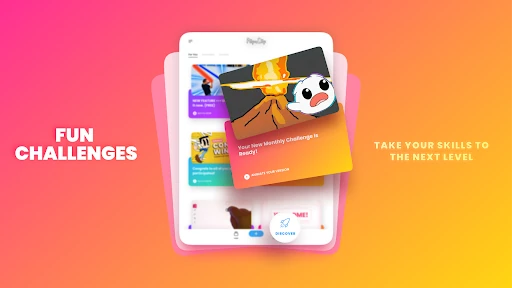
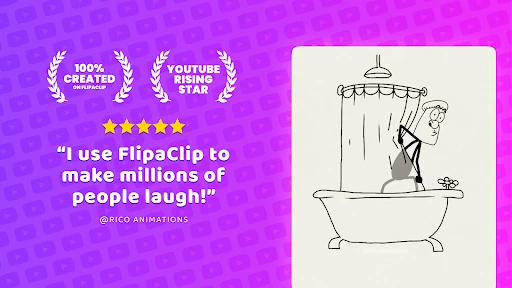
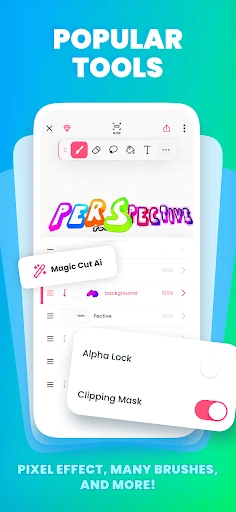
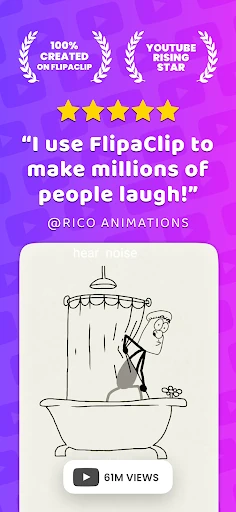
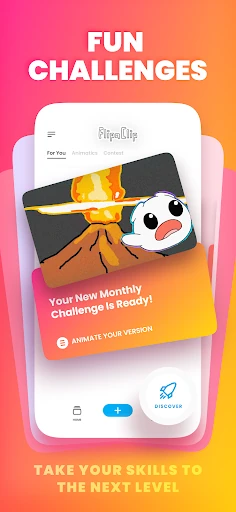
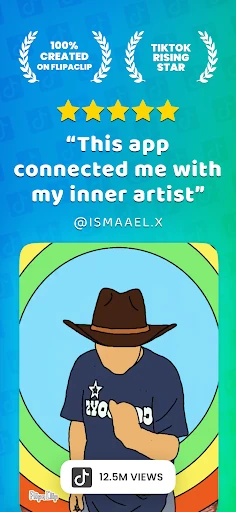
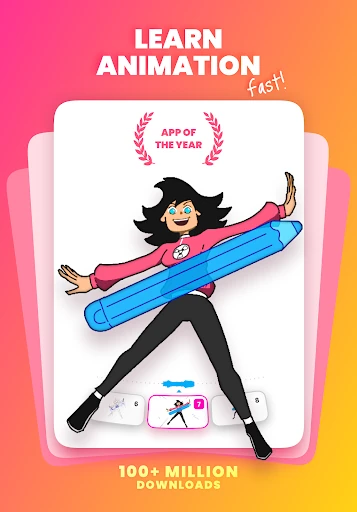
Click to download now, finish the installation quickly, and directly unlock the "all-round experience"
FlipaClip: Create 2D Animation stands as a titan within the Art & Design landscape, masterfully democratizing the traditionally complex world of frame-by-frame animation. By blending the tactile nostalgia of flipbook sketching with modern digital efficiencies, it offers a powerful yet accessible entry point for creators across all skill levels. As a multi-award-winning application, it effectively bridges the gap between casual doodling and professional-grade digital storytelling, making it a cornerstone tool for the modern mobile creator.
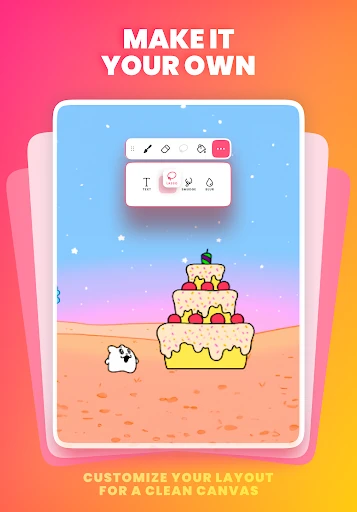
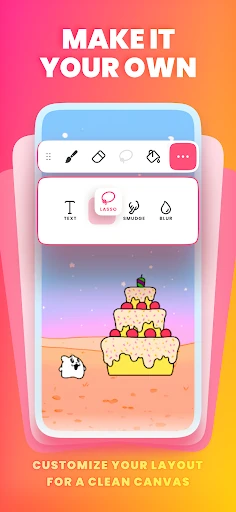
The interface of FlipaClip is a masterclass in minimalist mobile design, prioritizing the drawing canvas while keeping essential tools within a thumb's reach. The user experience is intentionally intuitive, mimicking the physical experience of a flipbook which drastically lowers the learning curve for beginners. For power users, the inclusion of pressure-sensitive stylus support and customizable canvas sizes ensures that the mobile environment feels like a legitimate workstation rather than a simplified toy.
While the app is highly polished, the next evolution should focus on implementing basic "tweening" capabilities to automate movement between keyframes, which would save creators significant time. Additionally, expanding the free layer limit from three to five would allow hobbyists to explore more sophisticated storytelling techniques before committing to a premium subscription.
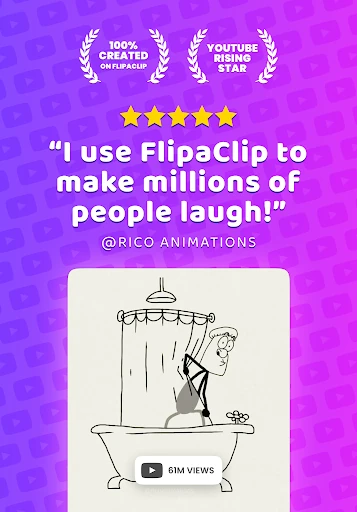
FlipaClip is the definitive recommendation for anyone looking to break into the world of 2D animation, from students learning the principles of motion to TikTok and YouTube influencers seeking to produce viral content. It is a versatile, portable studio that scales with the user's talent. If you have a story to tell and a stylus in hand, this is the most capable 2D animation tool currently available on the Google Play Store.