Advertisement
Click to download now, finish the installation quickly, and directly unlock the "all-round experience"
Advertisement
Screenshots
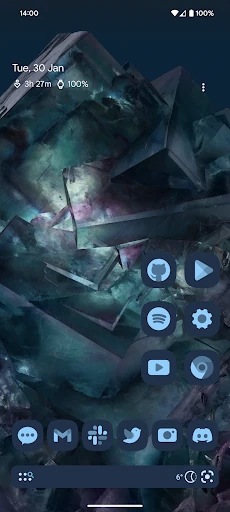
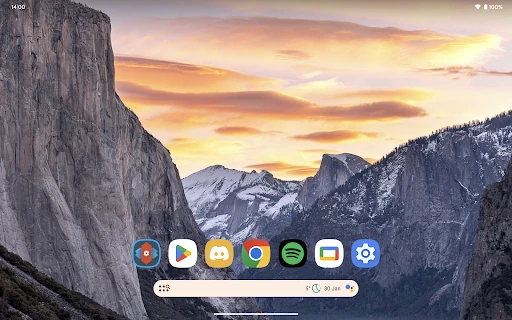
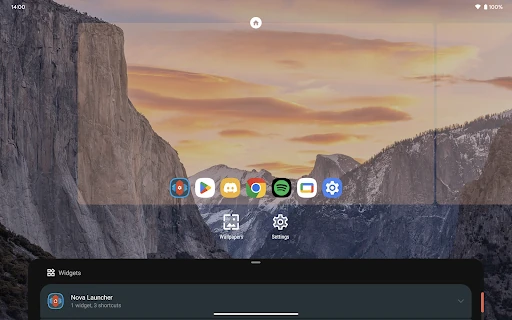
Click to download now, finish the installation quickly, and directly unlock the "all-round experience"
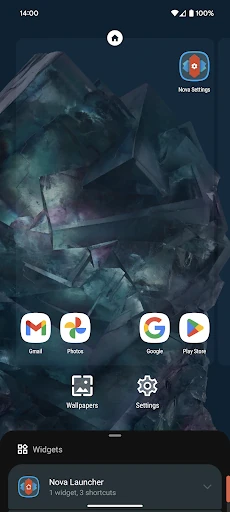
Nova Launcher stands as the definitive benchmark in the Android Personalization landscape, a position it has held for over a decade. While many launchers trade functionality for simplicity or vice versa, Nova strikes a rare balance by offering a high-performance home screen replacement that caters to both casual users seeking a cleaner aesthetic and power users demanding granular control. In a market crowded with fleeting trends, Nova Launcher remains the gold standard for its stability, speed, and uncompromising commitment to the core Android philosophy of choice.
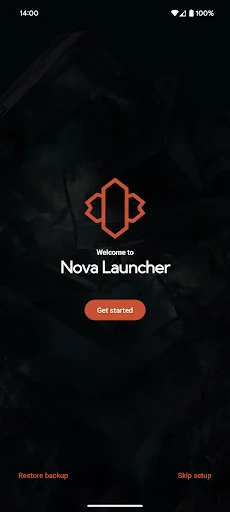
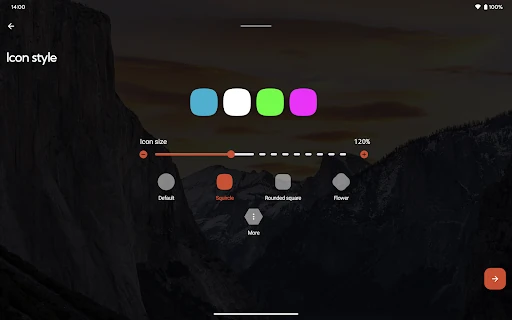
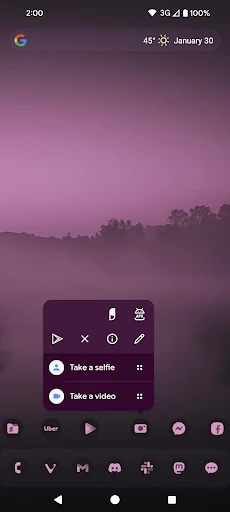
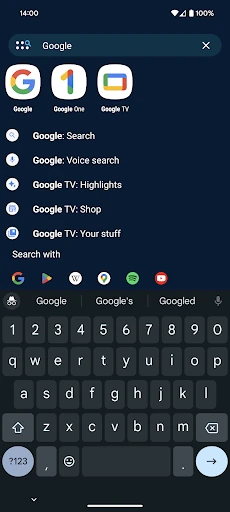
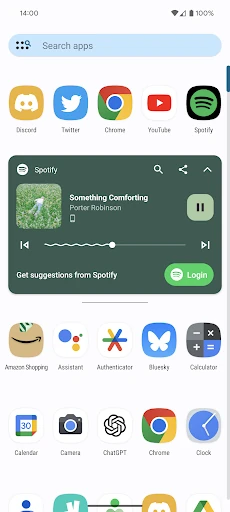
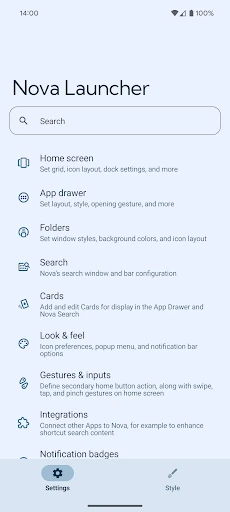
The user experience of Nova Launcher is built on the principle of "familiarity plus power." To a new user, the interface feels like a polished, faster version of stock Android, adhering to Material You design standards for a native look. However, the depth of the UX is found in its settings menu, which is logically categorized but incredibly dense. The UI is exceptionally fluid, with transition speeds that often exceed factory-installed launchers, providing a "snappier" feel to the entire operating system. While the sheer volume of options can be overwhelming for some, the inclusion of a search bar within the settings helps mitigate the complexity.
While Nova Launcher is feature-rich, the settings menu could benefit from a "Basic vs. Advanced" toggle to help streamline the experience for newcomers. Additionally, incorporating more modern widget-stacking capabilities—similar to those found in recent iOS and specialized Android iterations—would further enhance the subgrid positioning system. Finally, more interactive onboarding tutorials for the "Prime" features could help users better understand the value proposition of the upgrade.
Nova Launcher is designed for the "Power User" and the "Aesthete"—anyone who views their smartphone as a personal tool that should adapt to them, rather than the other way around. It is the essential app for those who find their manufacturer's default skin too restrictive. For anyone looking to modernize an old phone or maximize the potential of a new one, Nova Launcher is a mandatory installation that remains the most reliable and versatile home screen replacement on the Google Play Store.