Advertisement
Click to download now, finish the installation quickly, and directly unlock the "all-round experience"
Advertisement
Screenshots
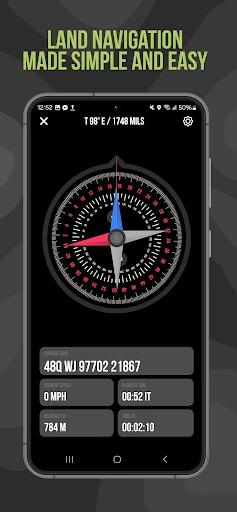
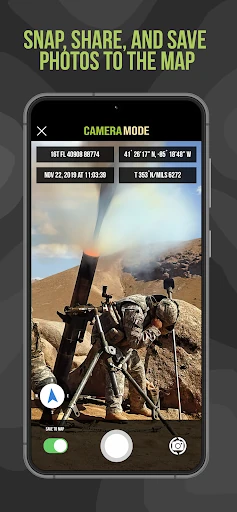
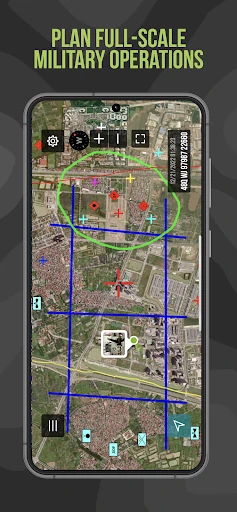
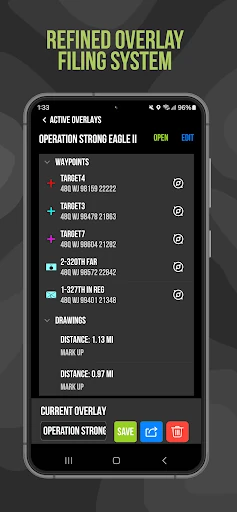
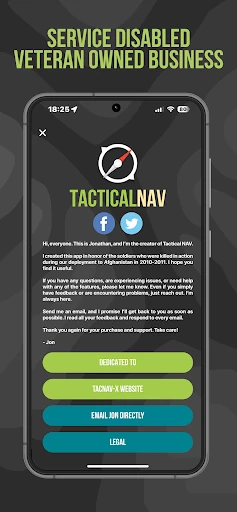
Click to download now, finish the installation quickly, and directly unlock the "all-round experience"
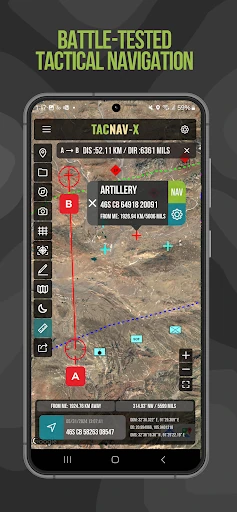
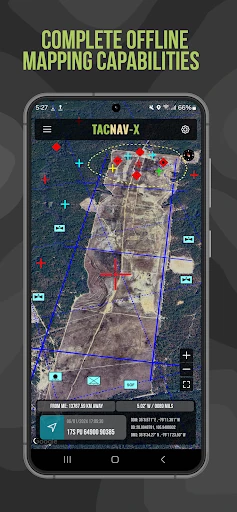
Tactical NAV is a specialized powerhouse in the Maps & Navigation landscape, representing a rare instance where mobile software is forged in active combat environments. Developed by a U.S. Army Field Artillery officer, it bridges the critical gap between commercial smartphone convenience and the hyper-accurate requirements of military-grade hardware like the DAGR. In an ecosystem dominated by consumer-focused turn-by-turn apps, Tactical NAV stands out as a mission-critical utility that prioritizes grid precision (MGRS/UTM) and situational awareness over casual points of interest. It is an authoritative tool for professionals who operate where standard maps fail.
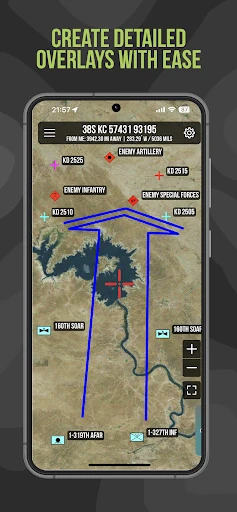
The UI/UX of Tactical NAV is built with a "function-first" philosophy, eschewing the aesthetic fluff of modern consumer apps for a high-utility, high-contrast interface. Native Android code ensures the app remains responsive in austere conditions where system resources might be limited. The design logic follows military land navigation principles, making it intuitive for service members and veterans. While it lacks the minimalist "sheen" of a Google Maps, its layout is optimized for high-stress scenarios where finding a grid coordinate or locking a compass heading must be done with minimal taps and zero ambiguity.
The next iteration of Tactical NAV could benefit from integrating peer-to-peer location sharing via Bluetooth or local Wi-Fi meshes to allow team tracking without a cellular footprint. Furthermore, transitioning the "Tactical Drawing" feature from a one-time purchase to a core feature could lower the barrier for training use, while a more modern icon library for non-military first responders (fire/SAR) would broaden its professional appeal without compromising its tactical roots.
Tactical NAV is a must-have for military personnel, first responders, and elite outdoor enthusiasts who require precision that exceeds civilian standards. It is a rugged, reliable, and battle-tested alternative to traditional GPS units. While the subscription model for offline data may be a point of friction for some, the app’s proven accuracy and specialized toolset make it an indispensable asset for anyone operating in environments where "close enough" isn't good enough.