Advertisement
Click to download now, finish the installation quickly, and directly unlock the "all-round experience"
Advertisement
Screenshots
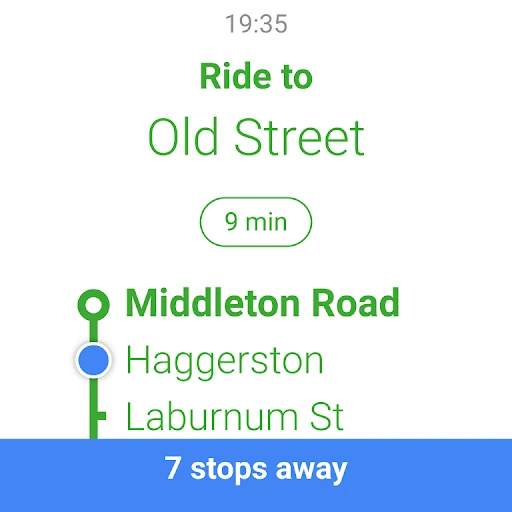
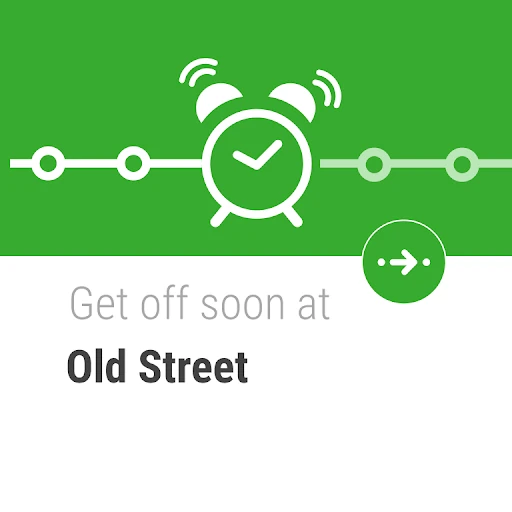
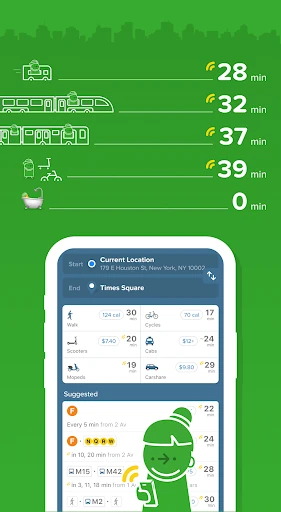
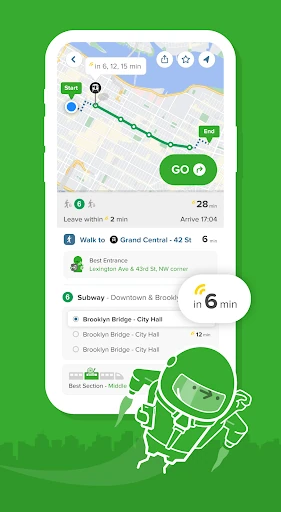
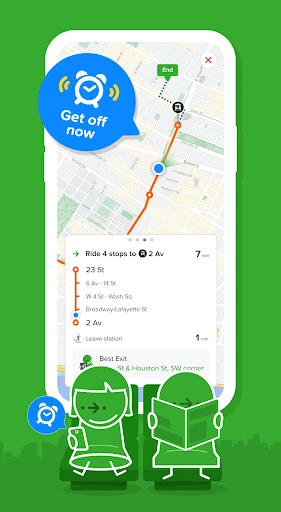
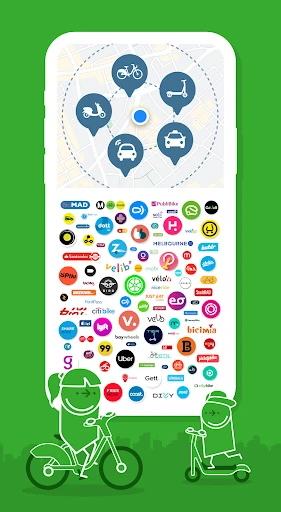
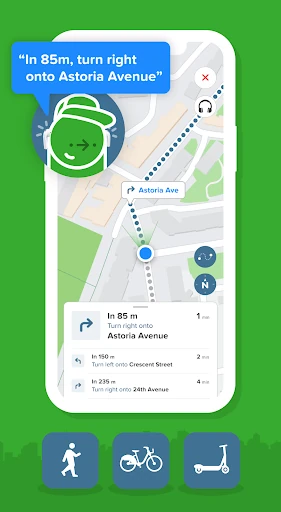


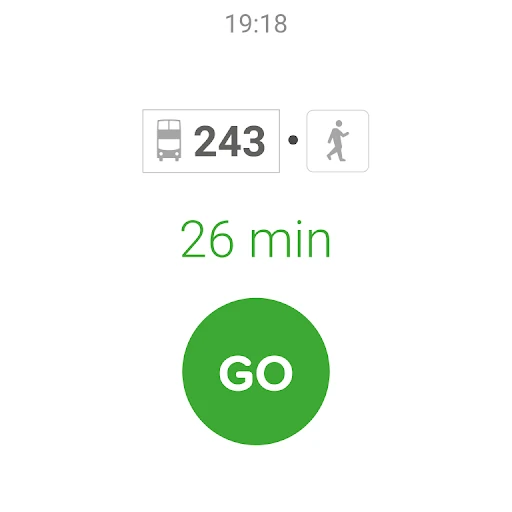
Click to download now, finish the installation quickly, and directly unlock the "all-round experience"
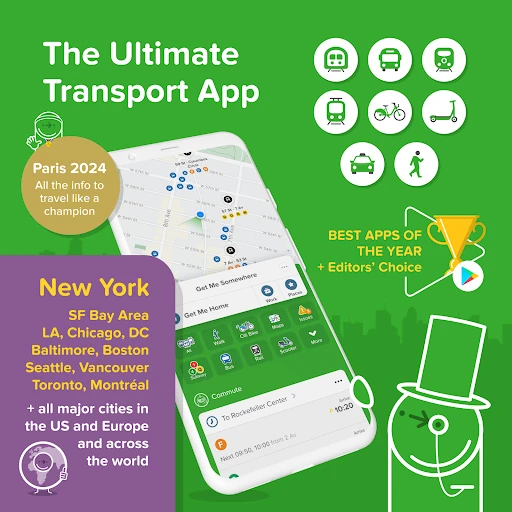
Citymapper stands as a pinnacle of urban engineering within the Maps & Navigation category. While Google Maps offers a horizontal approach to global mapping, Citymapper provides a vertical, deep-dive solution specifically tailored for the complexities of metropolitan life. It is not merely a GPS tool; it is a comprehensive mobility orchestrator that synthesizes public transit, micro-mobility, and ride-sharing into a singular, actionable interface. For the modern commuter, it transforms the chaotic "last mile" into a predictable science, positioning itself as an essential utility for anyone navigating the world’s major transit hubs.
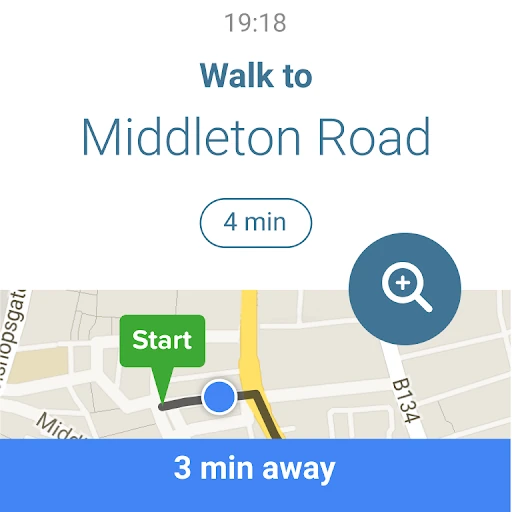
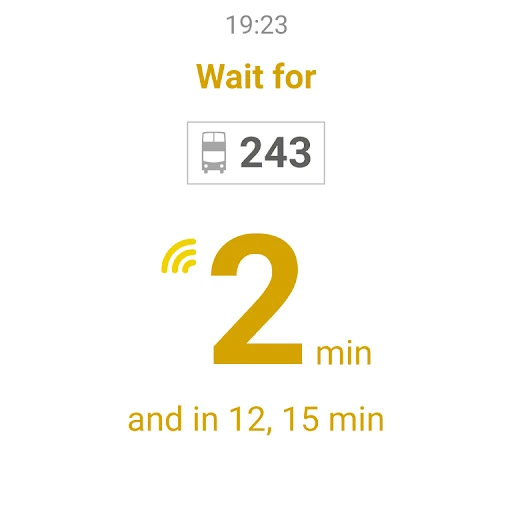
The UI of Citymapper is a masterclass in information density management. Navigation apps often struggle with clutter, but Citymapper utilizes a vibrant, color-coded system that mirrors the actual iconography of city transit authorities (like the NYC MTA or London’s TfL). The UX is built around the "Go" philosophy—reducing the number of taps required to start a journey. While the interface is significantly more packed than its competitors, the hierarchy of information is intuitive, placing real-time alerts and "Home/Work" shortcuts in prominent positions to cater to the repetitive nature of daily commuting.
The next iteration of Citymapper could benefit from an "Inter-City" expansion, bridging the gap between its urban hubs for users who commute between different supported cities. Additionally, optimizing background battery usage during active navigation would enhance the user experience for long-distance urban travelers. Finally, a more streamlined "lite" version of the UI could be offered for older devices or users who find the current density of data overwhelming.
Citymapper is the definitive tool for the daily urban commuter and the savvy city traveler. It is specifically designed for those who prioritize efficiency and real-time accuracy over simple point-to-point directions. If you live in or are visiting a supported major city, it is a superior alternative to generic mapping apps, providing a level of detail that makes city navigation feel less like a chore and more like a solved puzzle. Highly recommended for power users of public infrastructure.