
Reimagine: Scan & Enhance Pics
MyHeritage.com
Downloads
100,000+
Version
Latest
Advertisement
Click to download now, finish the installation quickly, and directly unlock the "all-round experience"
Advertisement
Screenshots

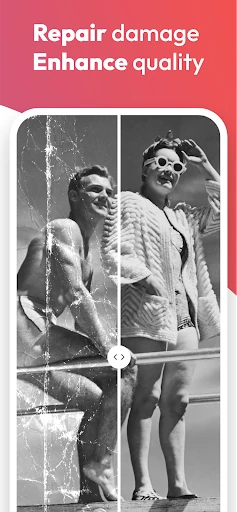


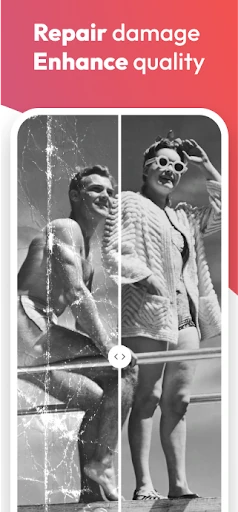



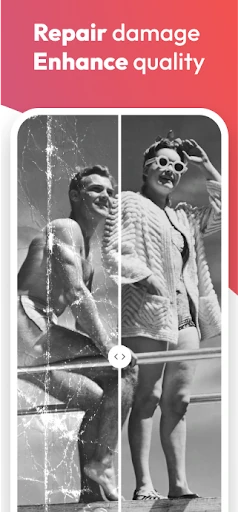



Click to download now, finish the installation quickly, and directly unlock the "all-round experience"
Reimagine: Scan & Enhance Pics, developed by the genealogy experts at MyHeritage, is a specialized powerhouse in the photography category. While many apps offer basic filters, Reimagine carves out a niche by focusing on the restoration and animation of historical family archives. It transforms the smartphone into a sophisticated restoration suite, effectively bridging the gap between physical albums and digital legacies through the use of high-end AI processing and a streamlined workflow designed for preservation.
The UI design of Reimagine prioritizes utility and emotional resonance. Given that its target demographic often includes genealogy enthusiasts, the interface is remarkably clean with high-contrast elements and intuitive navigation icons. The UX flow—from the initial scan to the final AI enhancement—is streamlined to minimize technical friction. The app manages complex AI operations behind the scenes, presenting the user with simple "one-tap" solutions that feel polished and professional, aligning perfectly with the high standards expected in the photography and utility sectors.
To further dominate the niche, the developers could implement batch-processing for the colorization and enhancement features to save time for users with large archives. Additionally, providing more granular manual adjustment sliders—allowing users to choose the intensity of the "unblur" or "repair" effects—would satisfy power users who want more creative control over their historical assets.
Reimagine is the premier choice for family historians, genealogists, and anyone tasked with digitizing a family's physical photo collection. It is not a standard "selfie" editor; it is a sophisticated digital preservation tool. We recommend this app specifically for users who value sentimental history and want professional-grade photo restoration without the steep learning curve of complex desktop software.