Advertisement
Click to download now, finish the installation quickly, and directly unlock the "all-round experience"
Advertisement
Screenshots
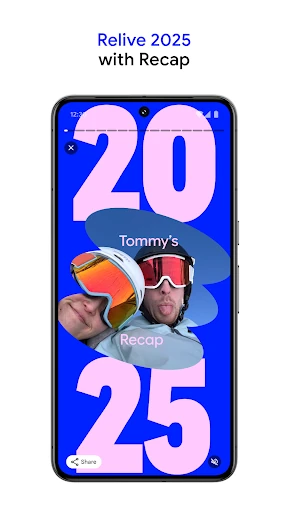

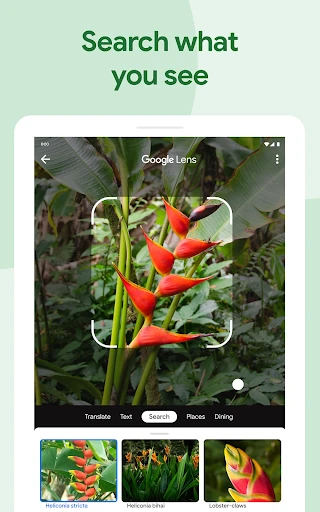
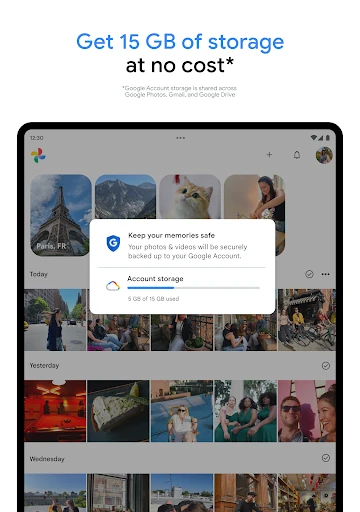
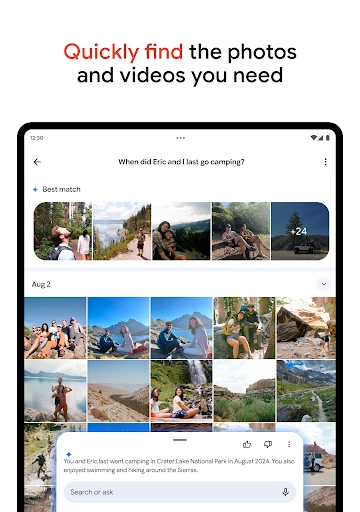

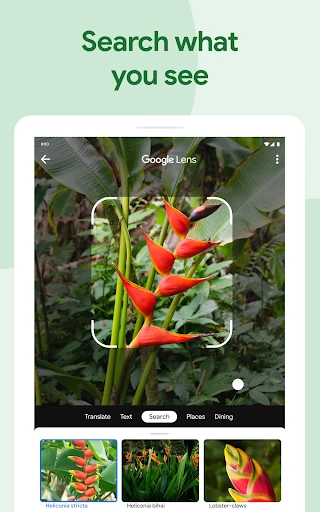
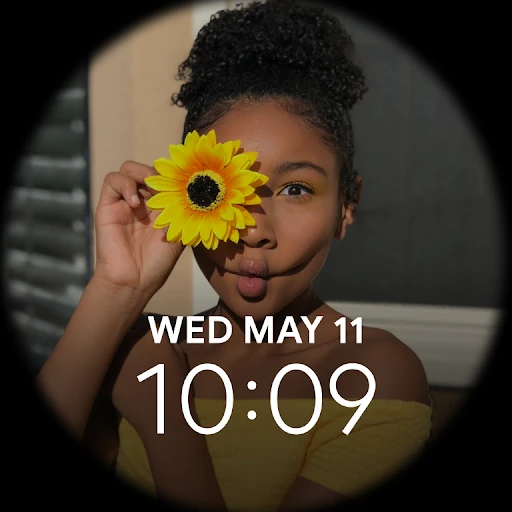

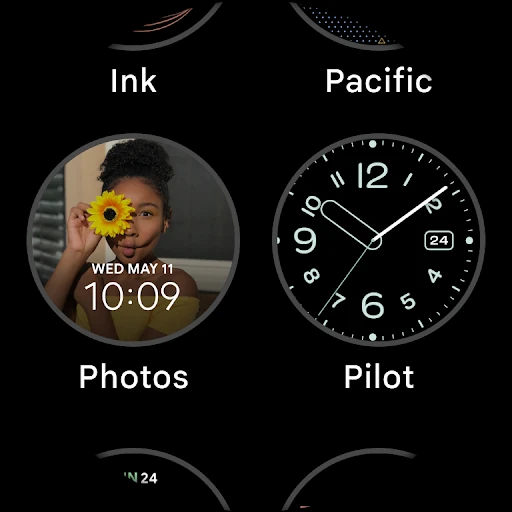
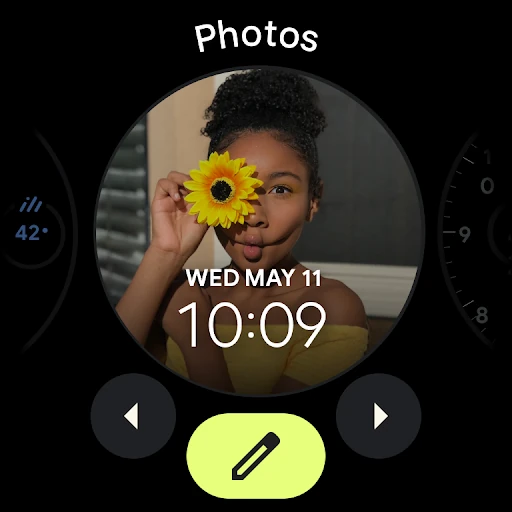
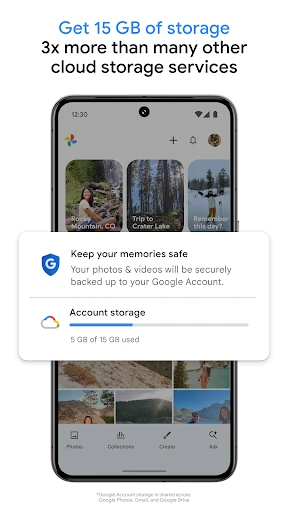
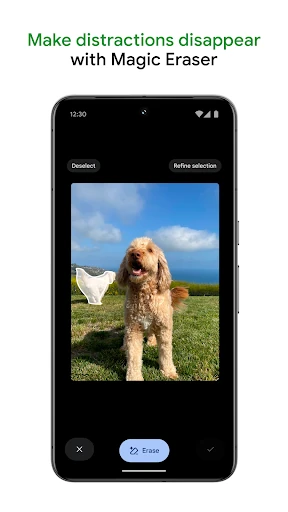
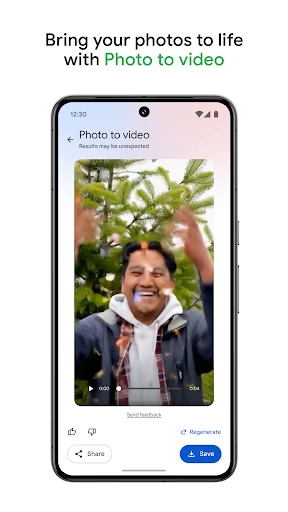
Click to download now, finish the installation quickly, and directly unlock the "all-round experience"
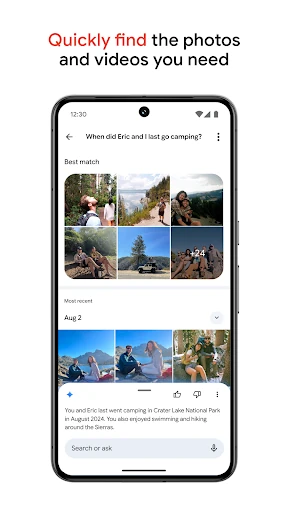
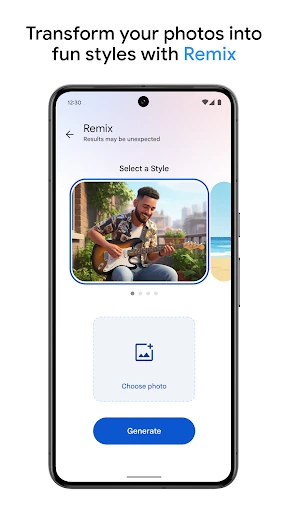
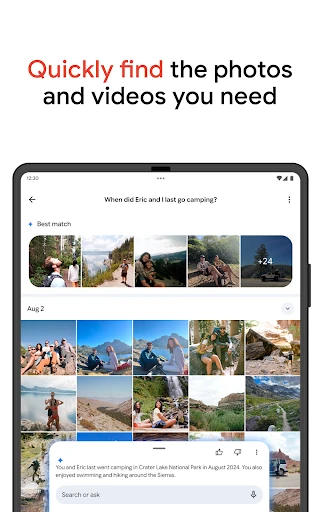
Google Photos has evolved from a simple cloud storage solution into the definitive AI-powered media hub for the modern smartphone era. By leveraging Google's industry-leading machine learning, it transcends the traditional "gallery app" category, offering a seamless integration of backup, intelligent organization, and professional-grade editing tools. In the broader Photography landscape, it sets the benchmark for how users interact with their visual history, making it an indispensable tool for both casual shooters and power users who require more than just a chronological list of images.
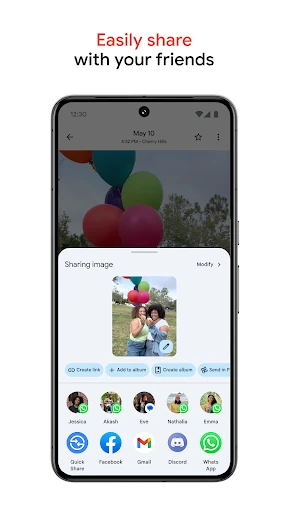
The interface of Google Photos is a masterclass in minimalist design, prioritizing the user's content over the application's chrome. The navigation is highly intuitive, utilizing a clean bottom-bar layout that places the library, search, and sharing tools within easy reach. Gestural controls, such as pinching to adjust the gallery grid size or swiping to dismiss photos, make managing a library of thousands of assets feel fluid and responsive. As expected in the Photography category, the app utilizes high-quality transitions and "Memories" carousels to ensure that the experience of browsing photos is emotionally engaging rather than purely functional.
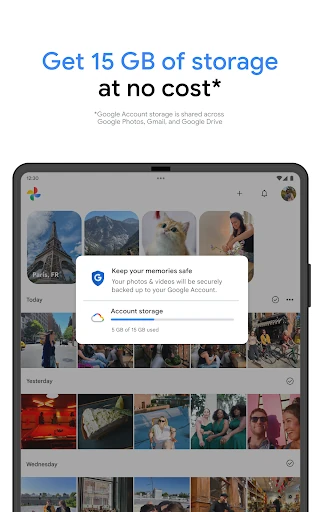
While the automated organization is impressive, providing more granular manual tagging controls would benefit power users who want to curate specific metadata for professional use. Additionally, the app could benefit from a more transparent storage management dashboard that clearly breaks down which media types are consuming the most space, helping users make better decisions before reaching their storage cap.
Google Photos is the gold standard for anyone who captures digital memories. It is the ideal solution for families, travelers, and casual photographers who want a "set it and forget it" backup system paired with cutting-edge creative tools. For anyone within the Google ecosystem, it is an essential download that offers the best balance of utility, security, and innovation currently available in the mobile photography space.