Advertisement
Click to download now, finish the installation quickly, and directly unlock the "all-round experience"
Advertisement
Screenshots
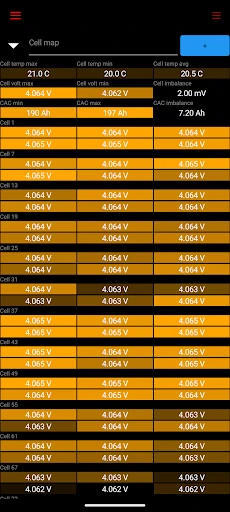
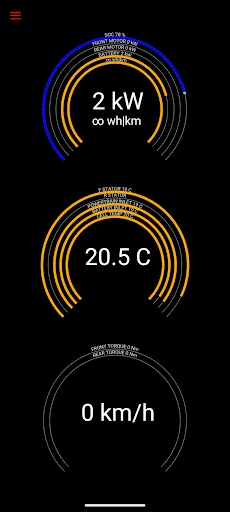
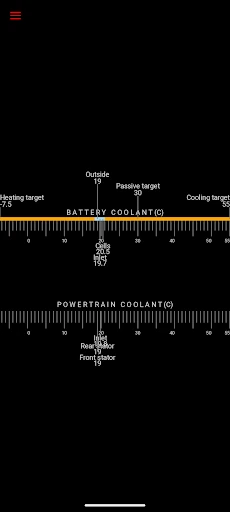
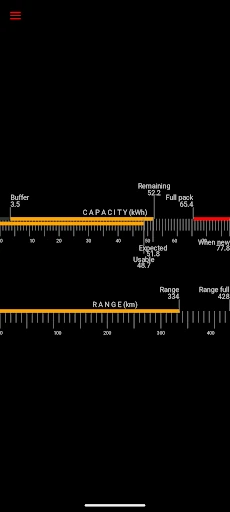
Click to download now, finish the installation quickly, and directly unlock the "all-round experience"
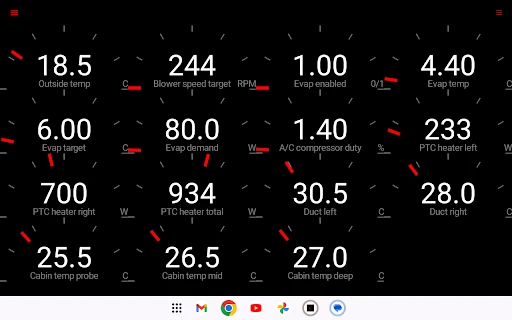
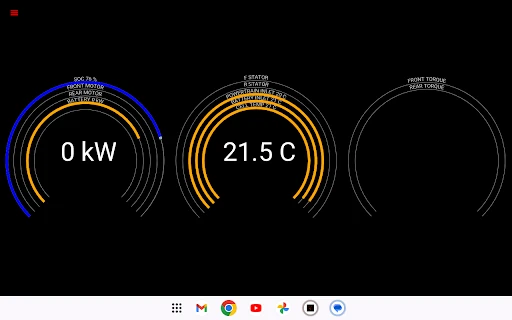
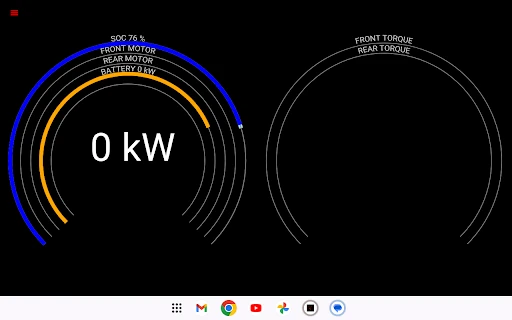
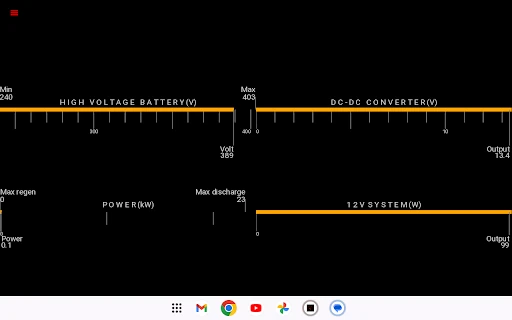
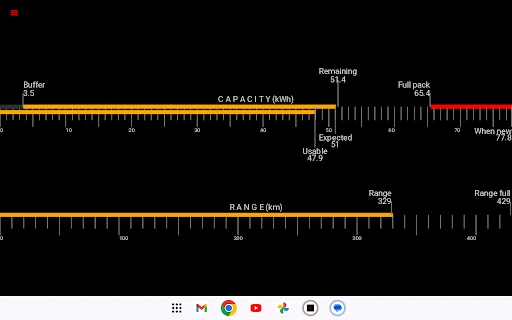
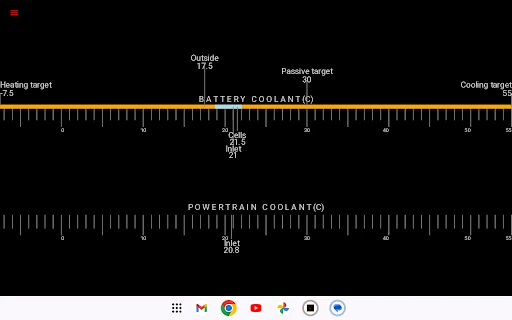
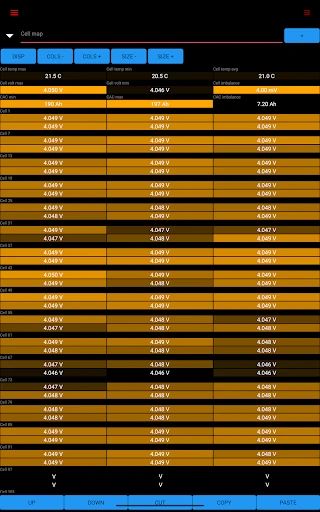
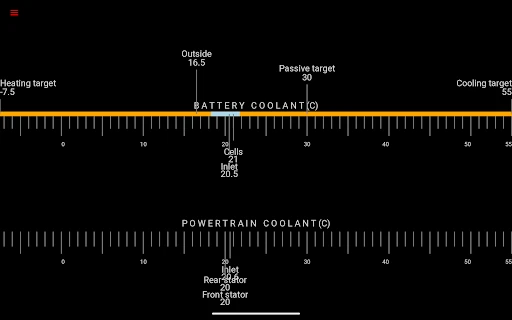
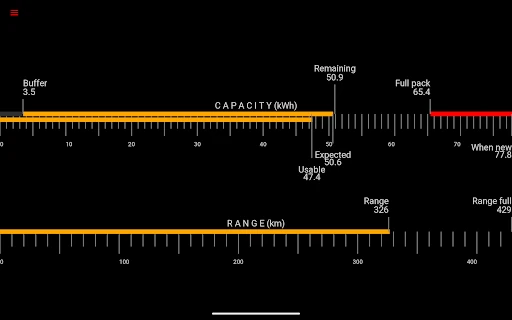
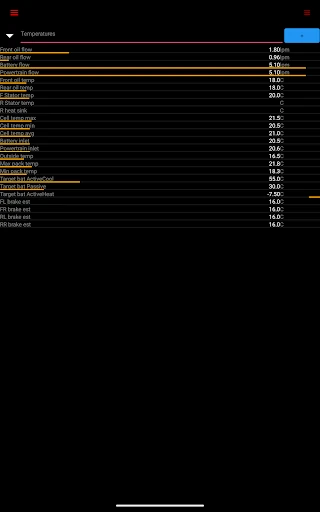
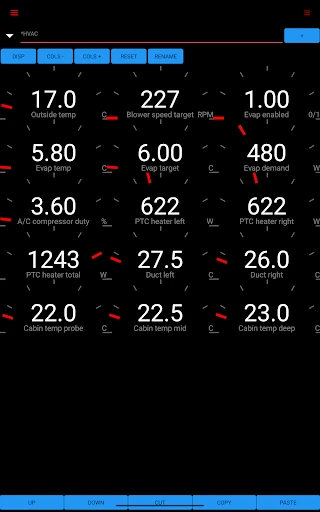
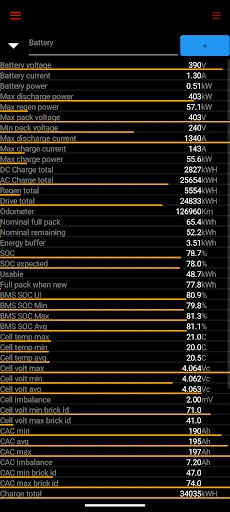
Scan My Tesla stands as a definitive powerhouse in the Auto & Vehicles category, specifically tailored for the Tesla enthusiast who demands more than what the official mobile app offers. Unlike standard consumer tools, scan my tesla acts as a window into the vehicle's "brain," providing granular, real-time CANBUS data that is usually reserved for service technicians. By bridging the gap between raw hardware signals and user-friendly visualizations, it transforms a smartphone into a professional-grade diagnostic suite. While it requires a modest hardware investment in the form of an OBD2 adapter and cable, the depth of insight—ranging from battery cell health to drive unit temperatures—is unparalleled in the third-party EV ecosystem.
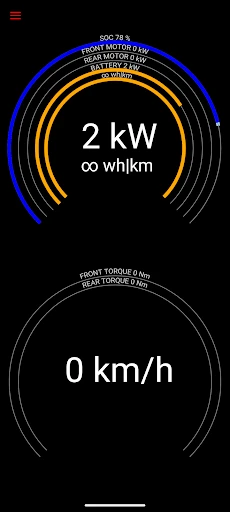
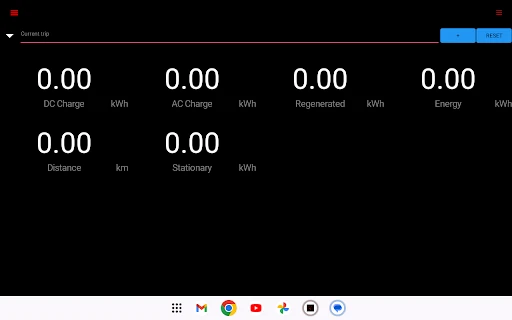
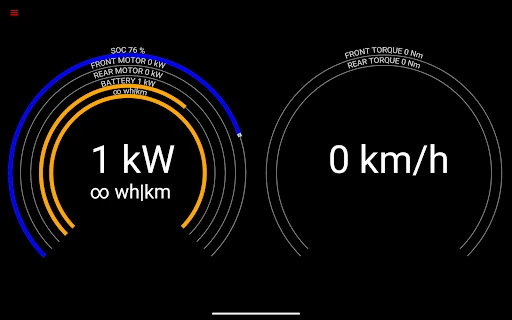
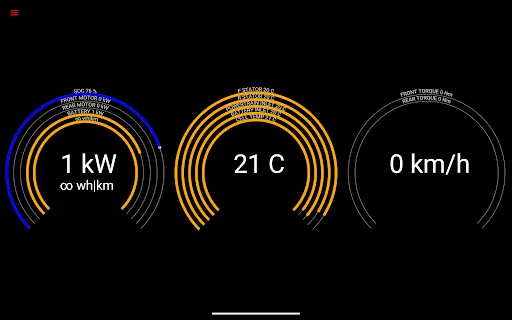
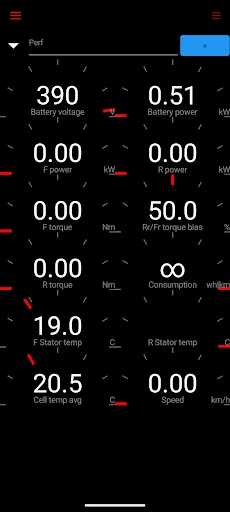
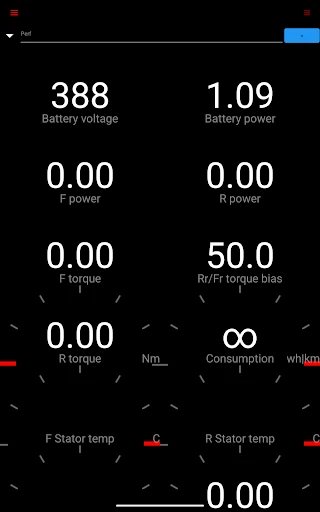
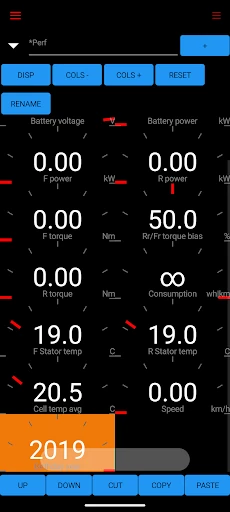
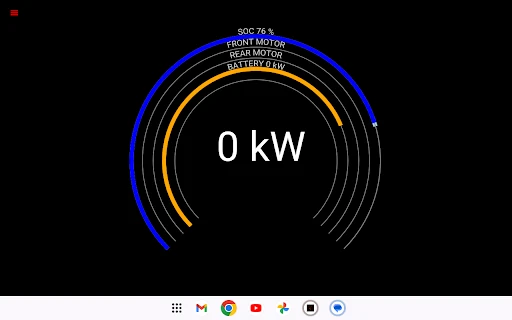
The user interface of scan my tesla prioritizes function over form, which is standard for high-level diagnostic tools in the automotive sector. The design is data-dense, utilizing gauges and lists that provide a wealth of information at a glance. While it may feel intimidating to a casual user, the layout is logical for those familiar with telemetry. The experience is heavily dependent on the quality of the Bluetooth or Wi-Fi OBD2 adapter used; however, once connected, the app delivers a high-frequency data stream with minimal latency, which is essential for accurate real-time monitoring.
To further elevate the user experience, the developers could integrate a more intuitive setup wizard or "hardware compatibility checker" directly within the app to assist newcomers in selecting the correct adapters. Additionally, modernizing the UI with more contemporary Material Design elements and offering customizable dashboards would make the data more digestible for the average owner without sacrificing the depth of information provided.
Scan My Tesla is an essential tool for the "prosumer" Tesla owner, EV enthusiast, or independent mechanic. It is not intended for the casual driver who simply wants to check their range, but rather for those who want to perform their own health checks or analyze performance metrics in a track or long-distance setting. If you are willing to invest in the necessary hardware, this app provides the most comprehensive data profile available for the Tesla platform today. It is highly recommended for anyone serious about vehicle maintenance and performance optimization.