Advertisement
Click to download now, finish the installation quickly, and directly unlock the "all-round experience"
Advertisement
Screenshots
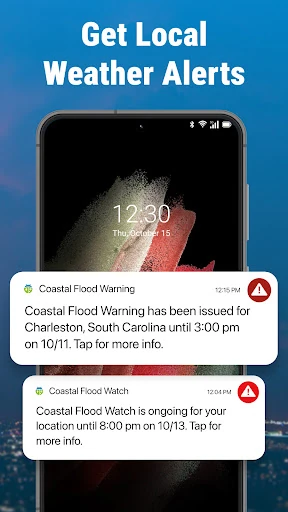
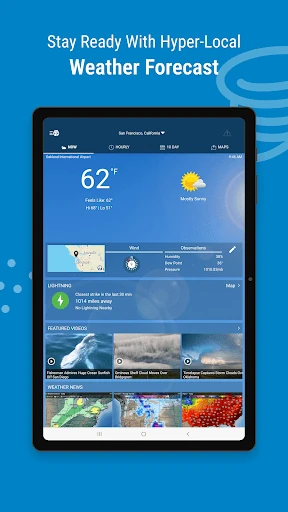
Click to download now, finish the installation quickly, and directly unlock the "all-round experience"
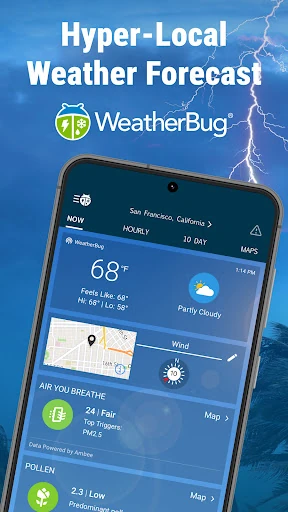
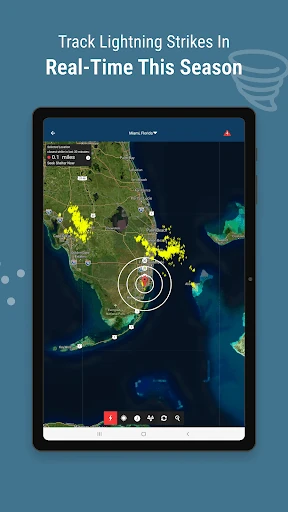
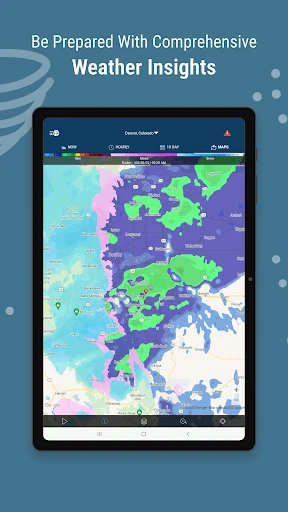
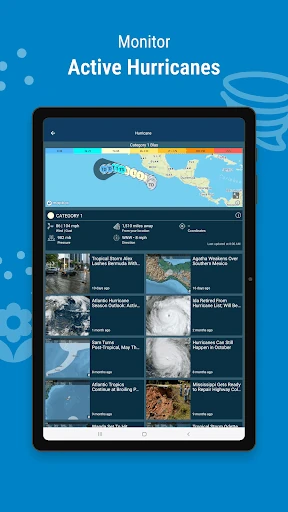
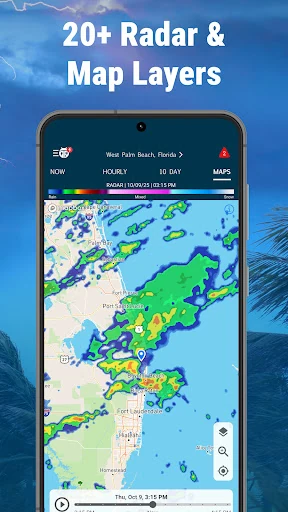
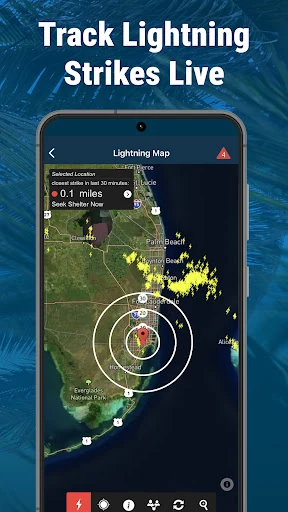
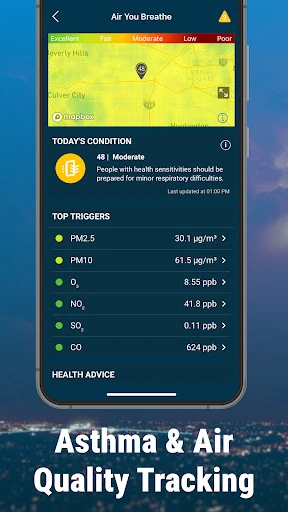
WeatherBug: Weather Forecast stands as a veteran pillar in the meteorological app space, maintaining a reputation for precision and depth since its inception in 2000. In a landscape often divided between overly simplistic interfaces and professional-grade tools, WeatherBug carves out a significant niche by offering an expansive suite of over 20 interactive map layers and hyper-local data. It is a robust utility designed for users who demand more than just a basic temperature reading, prioritizing safety through advanced lightning detection and severe storm tracking. Its "Know Before" philosophy makes it a top-tier contender for those living in high-risk weather zones.
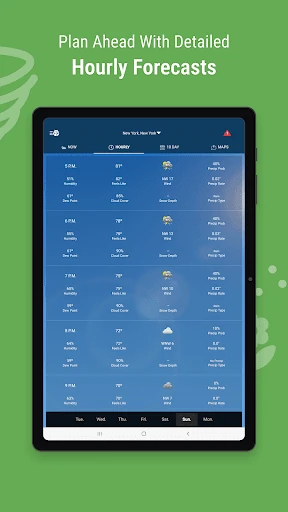
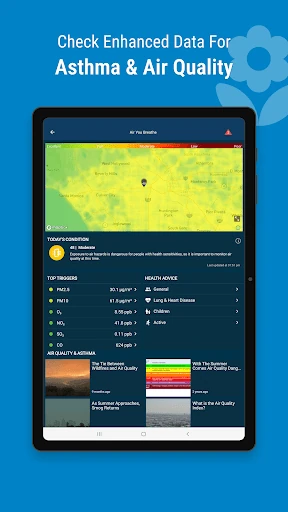
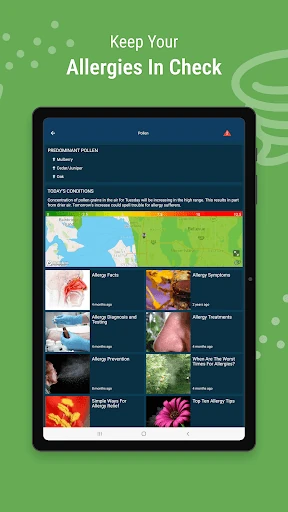
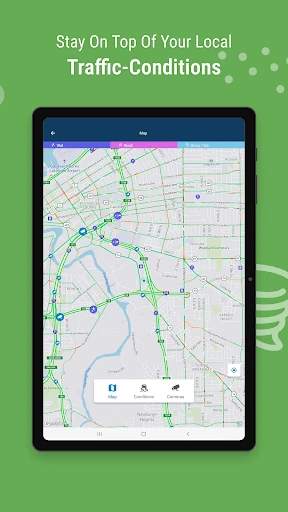
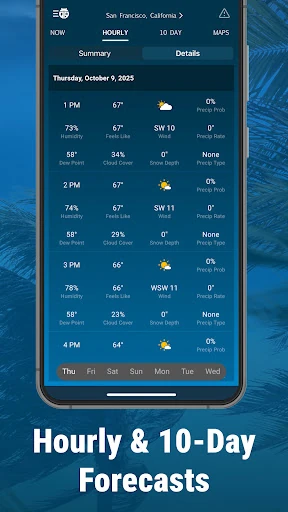
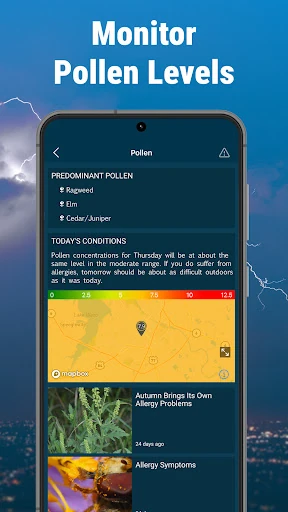
The interface of WeatherBug is built around high data density, prioritizing information over aesthetic minimalism. This approach aligns with the expectations of the Weather category, where utility is paramount. While the app offers extensive customization—including temperature, wind, and pressure units—the sheer volume of available layers and settings can lead to a slightly crowded UI. However, the inclusion of robust home-screen widgets bridges the gap between the complex internal data and quick-glance usability, ensuring that the most critical alerts are always front and center.
To further enhance the user experience, WeatherBug could benefit from a "Simplified Mode" for casual users who find the 20+ map layers daunting. Additionally, streamlining the ad integration to be less intrusive to the main navigation flow would significantly improve the overall aesthetic and focus of the app during active weather monitoring sessions.
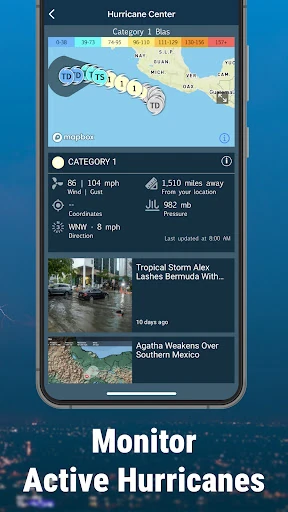
WeatherBug is the definitive choice for outdoor professionals, commuters, and families who live in regions prone to volatile weather. Its specialized tracking for lightning and hurricanes sets it apart from generic system weather apps. While the free version is ad-heavy, the depth of free meteorological data provided is virtually unparalleled, making it a highly recommended install for anyone who prioritizes safety and preparedness over simple aesthetics.