
Advertisement
Click to download now, finish the installation quickly, and directly unlock the "all-round experience"
Advertisement
Screenshots
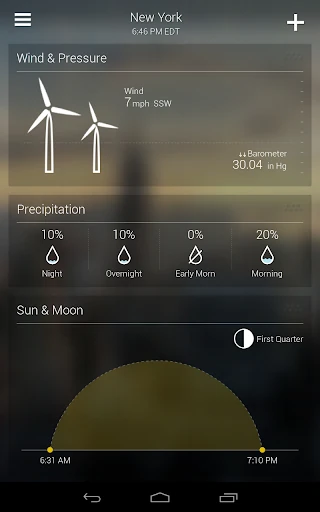
Click to download now, finish the installation quickly, and directly unlock the "all-round experience"
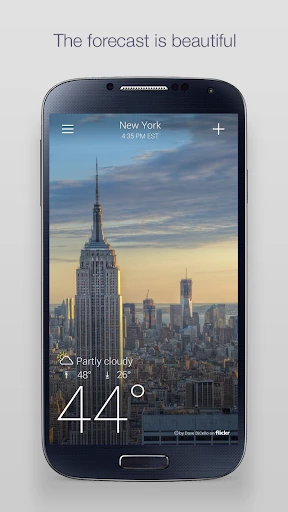
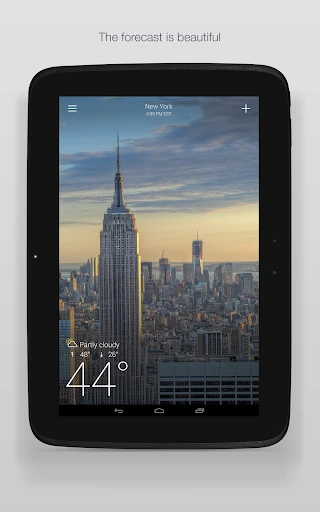
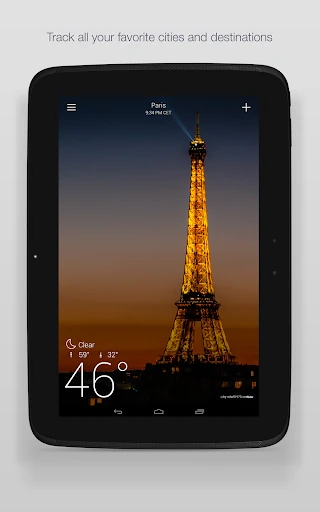
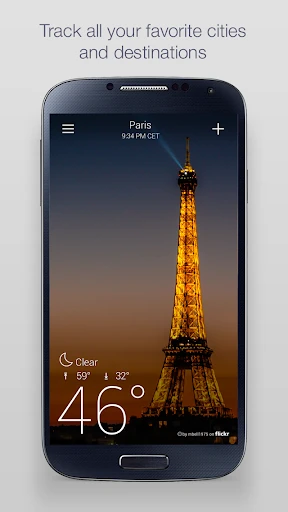
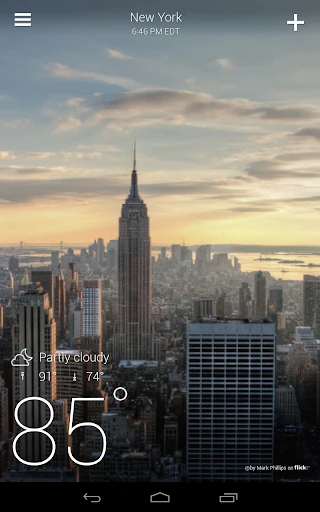
Yahoo Weather: Forecast & Maps remains a premier example of how utility can coexist with high-end aesthetic design. In a crowded market of functional but often cluttered meteorological tools, Yahoo Weather distinguishes itself by prioritizing visual storytelling through its integration of high-quality, location-specific photography. It is more than just a data provider; it is an immersive experience that contextualizes the forecast within the user's actual environment, making it a staple for those who value both form and function in their daily digital toolkit.
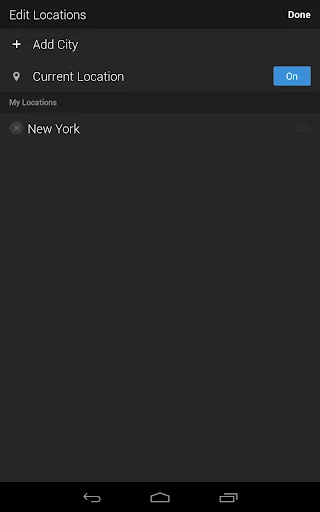
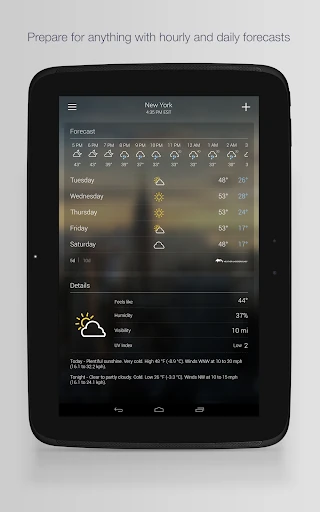
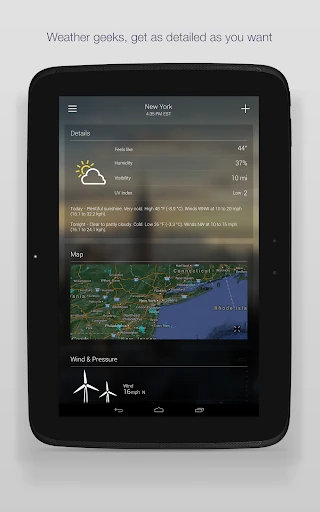
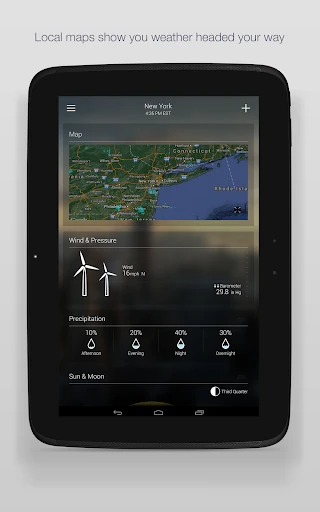
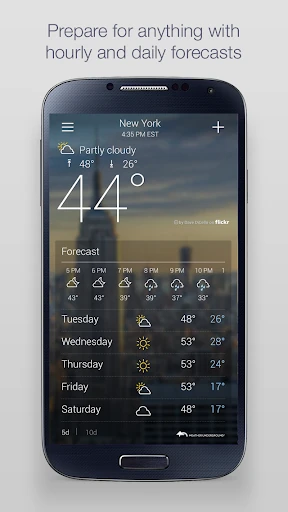
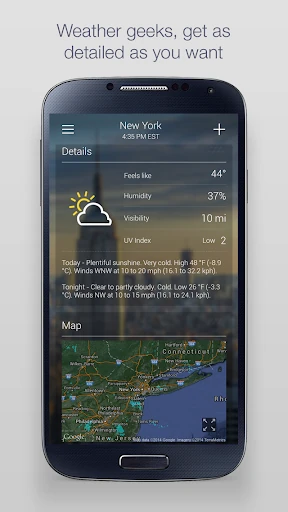
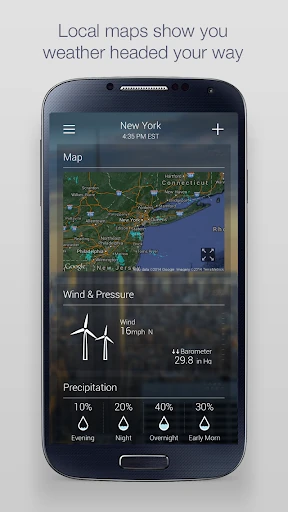
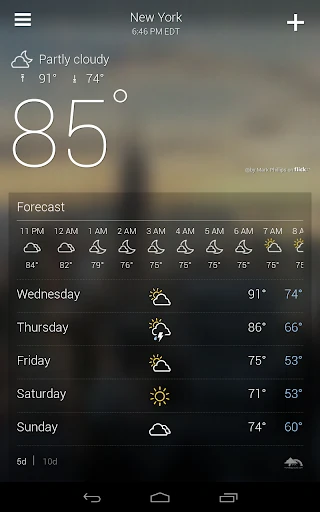
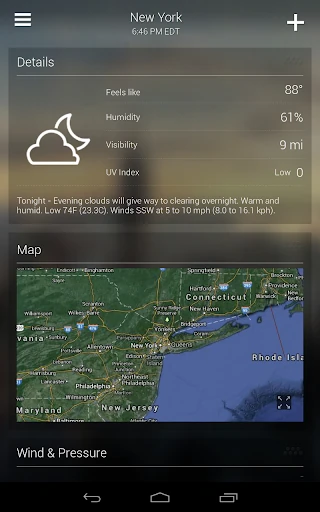
The user interface of Yahoo Weather is a masterclass in minimalism and gesture-based navigation. The "clutter-free" philosophy is evident in the layout: essential data is visible at a glance, while deeper technical details—such as barometric pressure and sunrise/sunset times—are neatly tucked away in animated modules accessible via a simple vertical scroll. The reliance on horizontal swiping to switch between cities feels natural and responsive, adhering to modern mobile UX standards. It successfully avoids the "data fatigue" common in other weather apps by using typography and white space effectively against its photographic backdrops.
To further elevate the platform, Yahoo Weather could benefit from more customizable home-screen widgets that allow users to select specific modules—like AQI or Wind Speed—for at-a-glance viewing without opening the app. Additionally, integrating more granular, street-level precipitation alerts would help it compete with hyper-local weather services that specialize in exact rain-start times.
Yahoo Weather: Forecast & Maps is the ideal companion for the "visually-oriented planner"—users who want reliable, daily weather data delivered in a beautiful, easy-to-digest format. While it may not replace specialized tools for professional meteorologists, it is a top-tier recommendation for general consumers, travelers, and design enthusiasts. It strikes a rare balance between deep data and elegant simplicity.