Advertisement
Click to download now, finish the installation quickly, and directly unlock the "all-round experience"
Advertisement
Screenshots
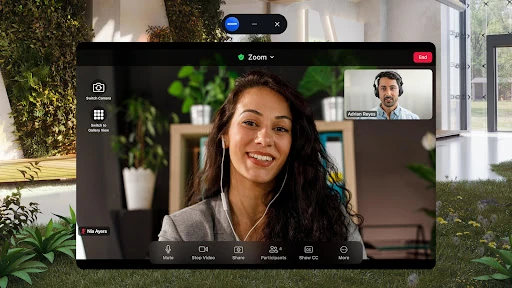
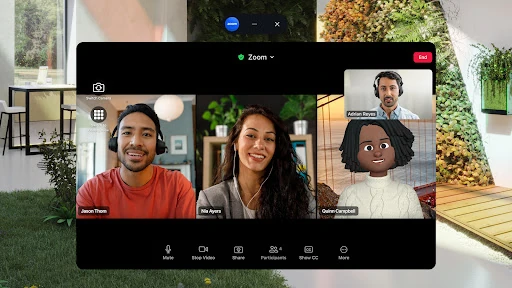

Click to download now, finish the installation quickly, and directly unlock the "all-round experience"
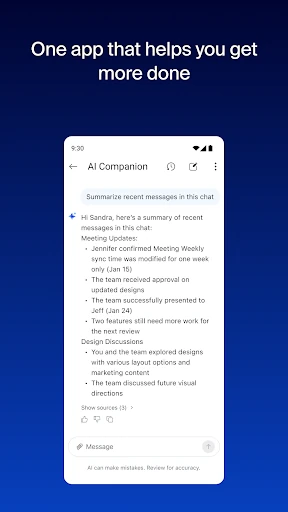
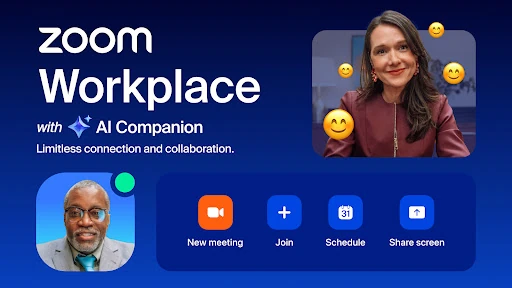
Zoom Workplace represents a strategic evolution from a pure video conferencing utility into a comprehensive, AI-first collaboration hub. By integrating team chat, mail, docs, and whiteboarding into a single interface, it directly challenges established players in the Business category like Microsoft Teams and Google Workspace. The platform’s standout value proposition is its "AI Companion," which shifts the app from being a passive communication tool to an active productivity assistant that summarizes conversations and drafts content. For the modern enterprise, it offers a streamlined, "single-pane-of-glass" experience that effectively reduces the friction of app-switching.
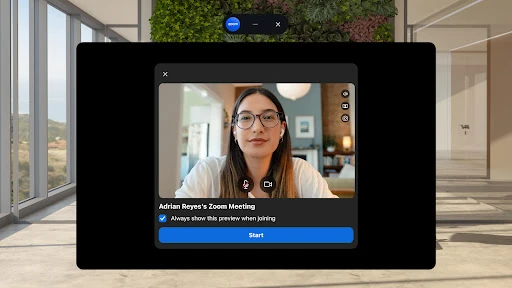
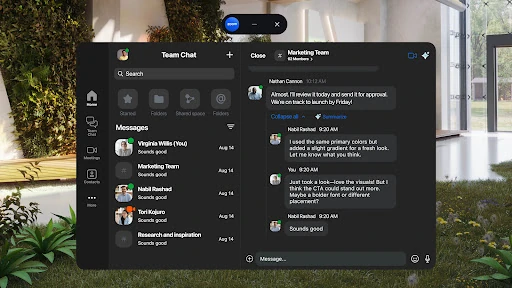
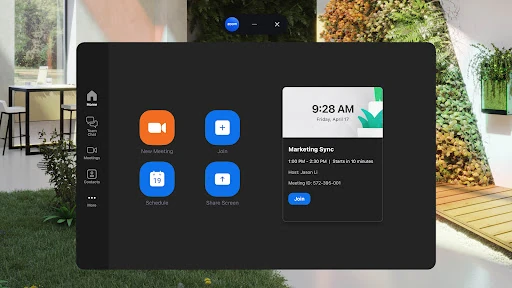
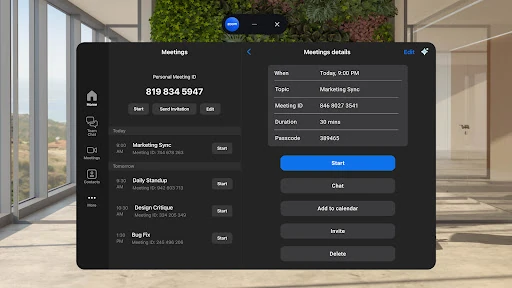
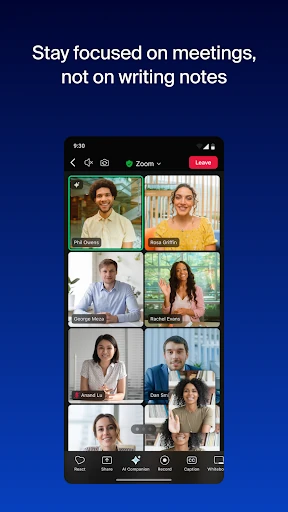
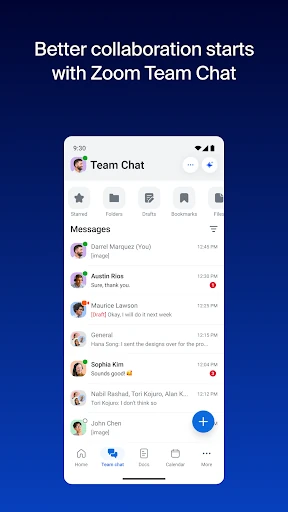
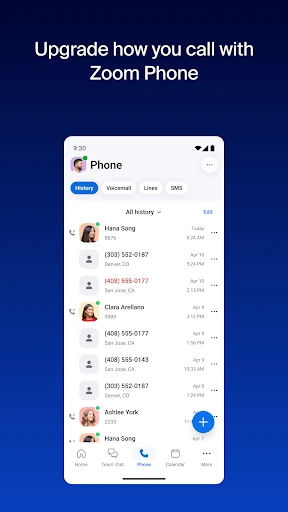
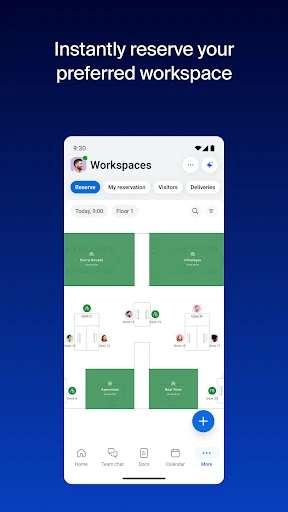
The UI of Zoom Workplace on Android is impressively organized despite the massive influx of new features. It utilizes a clean, bottom-navigation architecture that makes switching between chats, meetings, and phone functions intuitive. For power users, the support for Split Screen on tablets and Picture-in-Picture on phones is a critical UX win, allowing for multitasking during long presentations. The interface adheres to modern Business category standards, prioritizing clarity and stability, though the density of features may present a slight learning curve for users accustomed to the legacy "Zoom Meetings" simplified layout.
While the feature set is robust, the mobile experience could benefit from better offline support for Zoom Docs, allowing users to draft content in transit without a stable connection. Additionally, the navigation menu could be made more customizable, allowing users to hide modules like "Mail" or "Calendar" if they are already committed to other ecosystem providers, thereby reducing interface clutter.
Zoom Workplace is designed for medium-to-large enterprises and remote-heavy teams that require a centralized digital headquarters. It is no longer just a "meeting app"; it is a full-scale productivity engine. We highly recommend this app for professional users who are already within the Zoom ecosystem and want to leverage AI to minimize administrative overhead. It is the definitive choice for businesses looking to consolidate their communication stack into a single, secure mobile platform.