Libby, the Library App
OverDrive, Inc.
Downloads
10,000,000+
Version
Latest
Advertisement
Click to download now, finish the installation quickly, and directly unlock the "all-round experience"
Advertisement
Screenshots
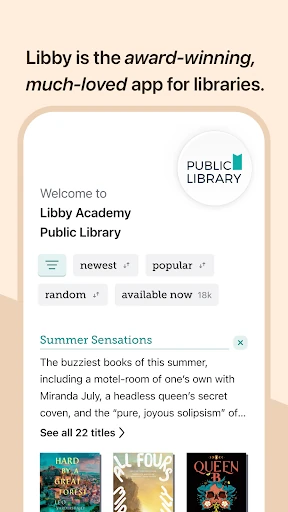
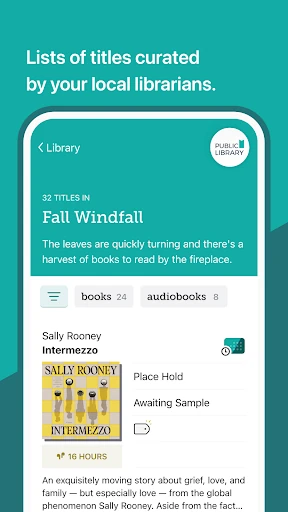
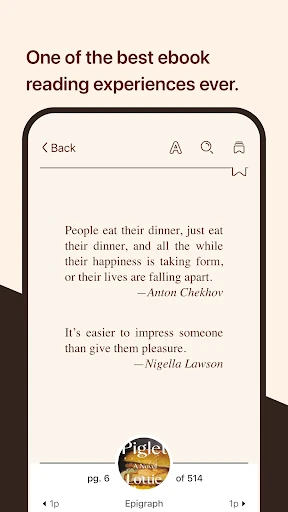
Click to download now, finish the installation quickly, and directly unlock the "all-round experience"
Libby, the Library App, represents the gold standard for digital lending in the Books & Reference landscape. Developed by OverDrive, it serves as a sophisticated bridge between public libraries and modern readers, offering a premium, ad-free experience that rivals paid subscription services like Audible or Kindle Unlimited. By modernizing the library card, Libby has effectively democratized access to high-quality literature, making it an indispensable tool for anyone with a thirst for knowledge and a local library membership.
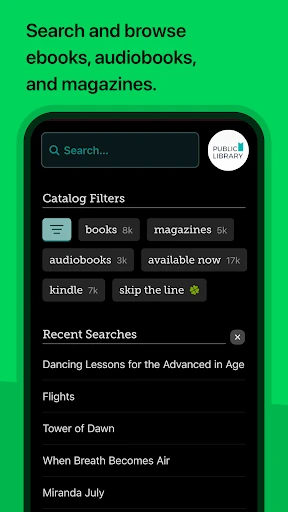
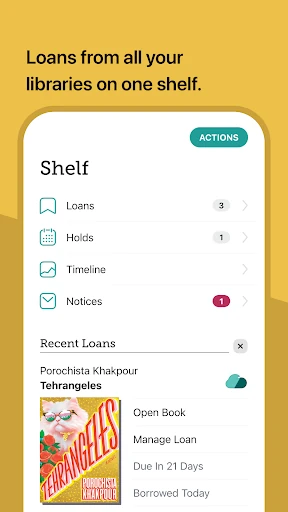
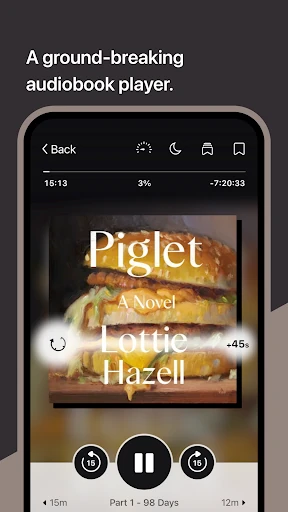
The UI of Libby is a masterclass in modern, intuitive design within the Books & Reference category. Unlike its predecessor, OverDrive Media Console, Libby utilizes a "Shelf" and "Library" navigation system that mirrors the real-world experience of visiting a physical library. The interface is visually clean, prioritizing book cover art and typography. UX touches, such as the seamless transition between the internal reader and the audio player, ensure that the learning curve is virtually non-existent for new users. It manages to feel like a high-end commercial app rather than a utilitarian public service tool.
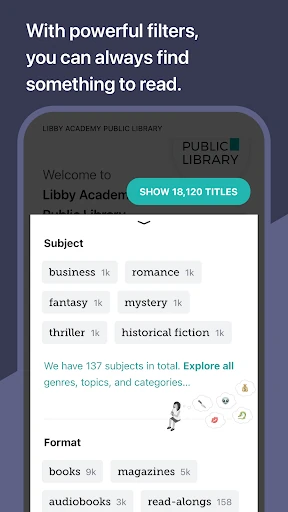
While Libby is nearly flawless in its primary function, the discovery engine could benefit from more robust AI-driven recommendations based on "Hold" history. Additionally, expanding the Kindle "Send to" feature to international library systems would greatly benefit global users. Finally, integrating a native "Book Club" feature or a community discussion board for specific titles could enhance the social aspect of library-based reading.
Libby, the Library App, is a mandatory installation for avid readers, students, and budget-conscious bibliophiles. It transforms a simple library card into a powerhouse of digital media. For anyone looking to reduce their monthly subscription fatigue while maintaining access to New York Times best-sellers and niche classics, Libby is the definitive recommendation in the digital book space.