Advertisement
Click to download now, finish the installation quickly, and directly unlock the "all-round experience"
Advertisement
Screenshots
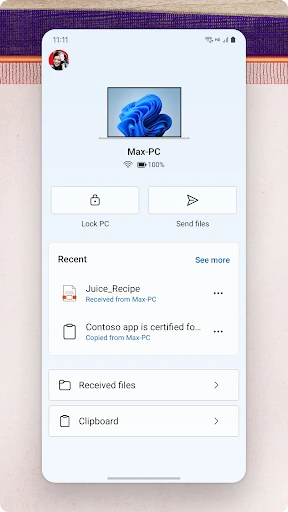
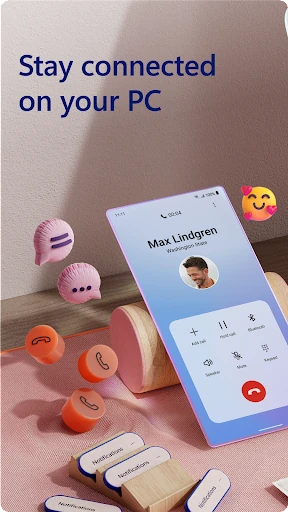
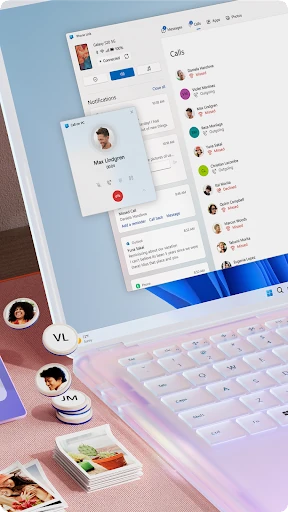
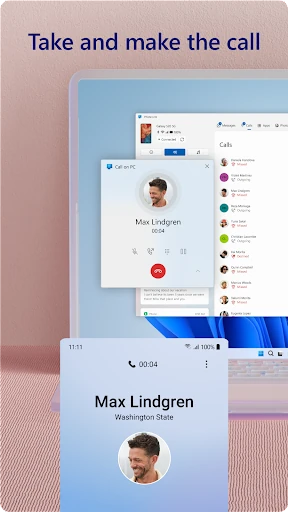
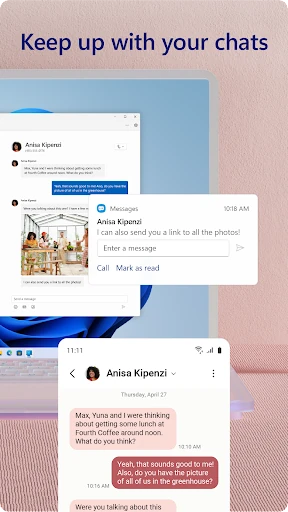
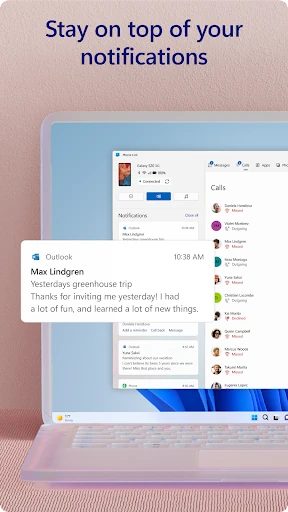
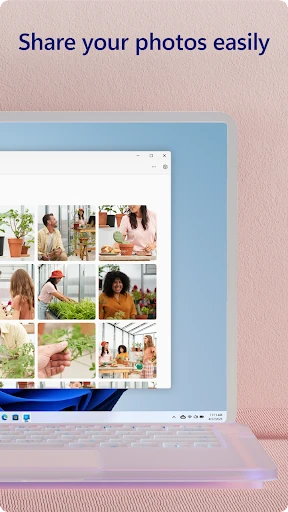
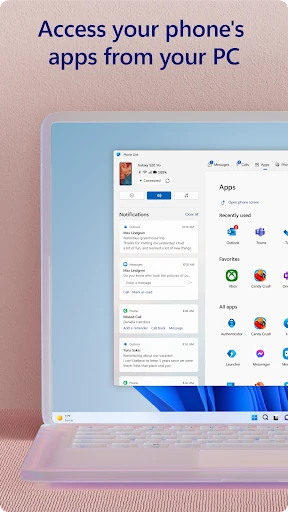
Click to download now, finish the installation quickly, and directly unlock the "all-round experience"
Link to Windows stands as a pivotal bridge in the modern productivity landscape, effectively dissolving the barrier between mobile and desktop ecosystems. By integrating the Android experience directly into the Windows environment, Microsoft has created a tool that minimizes cognitive switching and maximizes workflow efficiency. It is an authoritative solution for users who require seamless continuity, positioning itself as a cornerstone for anyone deeply embedded in the Windows ecosystem who seeks to maintain focus without being tethered to their physical handset.
The interface of Link to Windows is built upon Microsoft’s Fluent Design principles, ensuring a visual language that feels native to Windows 10 and 11. The UX is intentionally minimalist; once the initial handshake is established, the app operates quietly in the background. On the mobile side, the integration into the "Quick Access" tray allows for effortless toggling. For productivity power users, the design succeeds by emphasizing utility over flair, providing a clean, tabbed interface that mirrors the logic of modern web browsers and file explorers.
The primary area for growth lies in democratizing the feature set. Currently, there is a stark divide between the experience of a standard Android user and a Samsung/HONOR user; bringing the "Apps" and "Universal Clipboard" features to the wider Android ecosystem would significantly broaden the app's appeal. Additionally, improving the robustness of the Wi-Fi-based screen mirroring to reduce lag on lower-bandwidth connections would enhance the experience for remote workers.
Link to Windows is a definitive recommendation for any professional, student, or power user who spends significant time on a PC. It is particularly indispensable for those using Samsung or HONOR devices, where the integration is most profound. If your goal is to reclaim the time lost to checking your phone every few minutes, this app is the premier solution for creating a unified, high-performance digital workspace.