Advertisement
Click to download now, finish the installation quickly, and directly unlock the "all-round experience"
Advertisement
Screenshots
Click to download now, finish the installation quickly, and directly unlock the "all-round experience"
Canvas Student stands as a cornerstone of the modern educational technology stack, serving as the primary mobile gateway for the world’s leading Learning Management System (LMS). In an era where hybrid and remote learning have become the standard, Canvas offers a robust, authoritative platform that bridges the gap between desktop-based coursework and the necessity of mobile accessibility. It is not merely a companion app but a critical productivity tool that centralizes academic life, ensuring that students remain synchronized with their curricula regardless of their physical location.
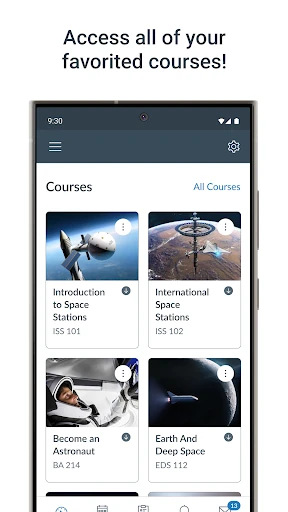
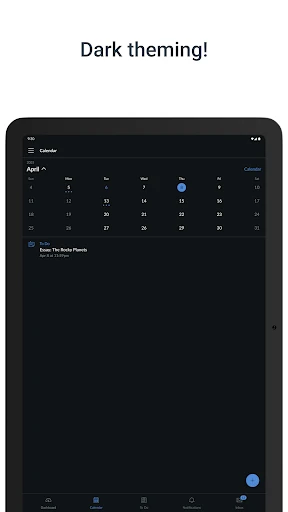
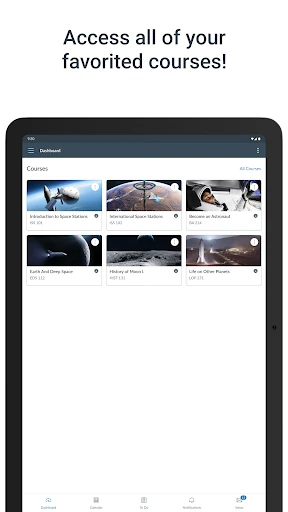
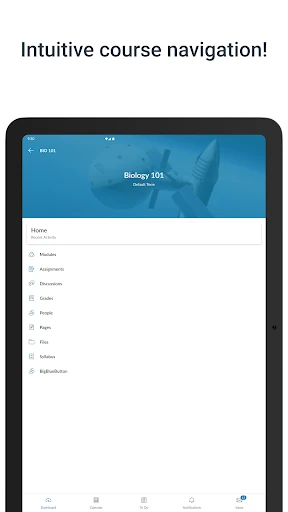
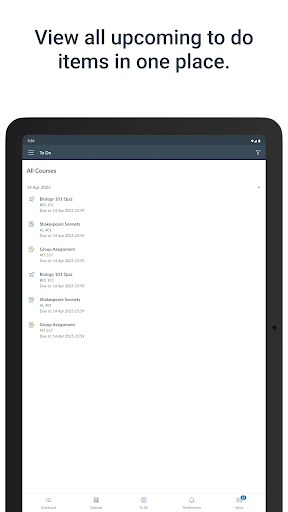
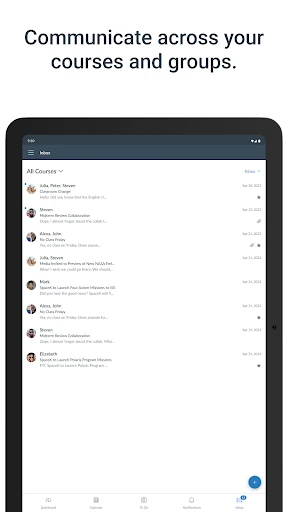
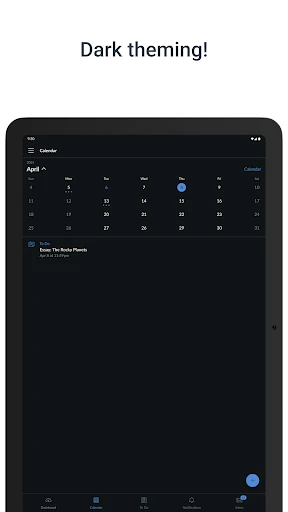
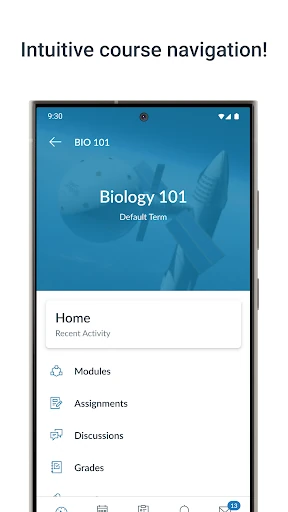
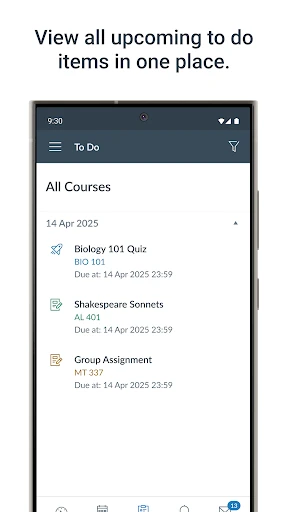
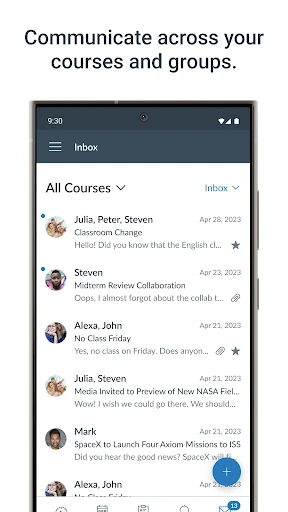
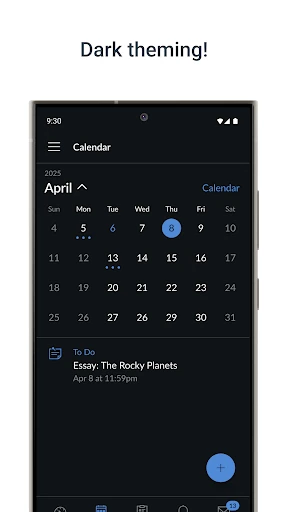
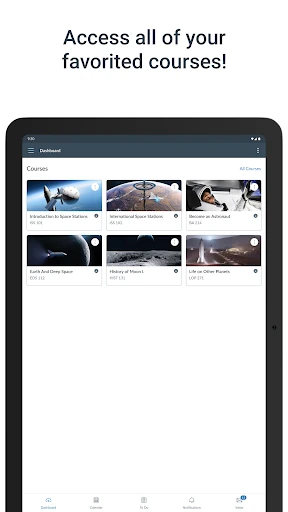
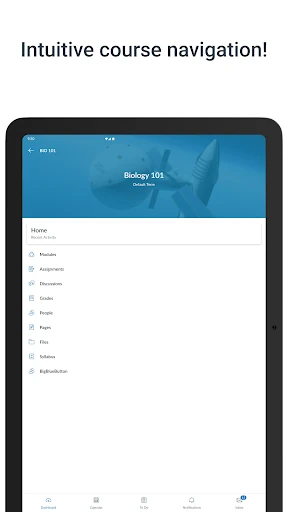
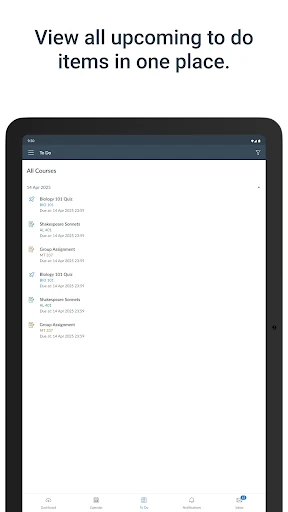
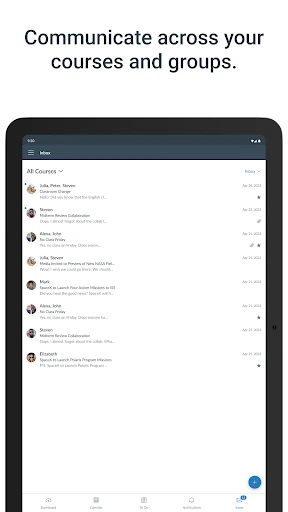
The UI of the Canvas app is designed with a "utility-first" philosophy, prioritizing legibility and ease of navigation. The dashboard-centric layout allows for a high-level view of current courses, while the bottom navigation bar provides quick access to the most vital tools: the Calendar, To-Do list, and Inbox. From a UX perspective, the app excels at condensing complex academic modules into a mobile-friendly vertical flow. While the density of information can be high, the clean use of whitespace and standardized iconography ensures that even first-time users can find their course materials without a steep learning curve.
To further elevate the mobile experience, the developers should focus on enhancing the offline capabilities of the app, allowing students to download entire modules or reading materials for use without an active internet connection. Additionally, improving the native annotation tools for PDF submissions would significantly benefit students who use tablets for their coursework, reducing the need for third-party document editors.
Canvas is an essential download for any student enrolled in an institution utilizing the Canvas LMS. It is specifically tailored for K-12 and Higher Education students who require constant access to their academic data and communication channels. While it doesn't replace the full desktop experience for heavy writing tasks, it is an unbeatable tool for organization, communication, and on-the-go study. It is a gold standard in the Education category.