Advertisement
Click to download now, finish the installation quickly, and directly unlock the "all-round experience"
Advertisement
Screenshots
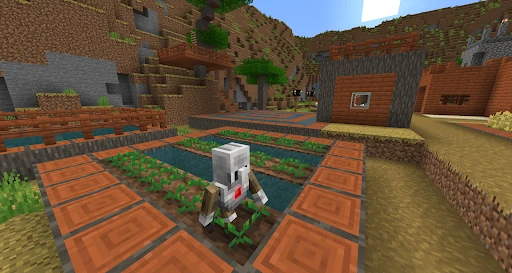
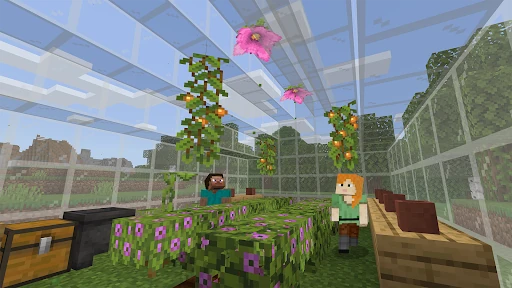
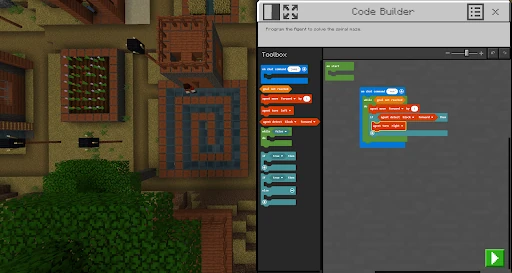
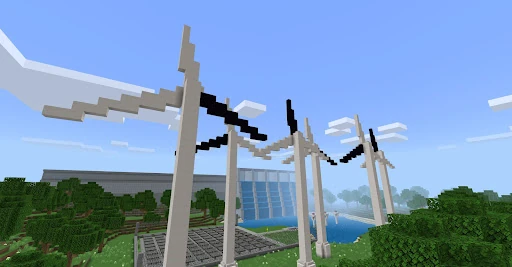
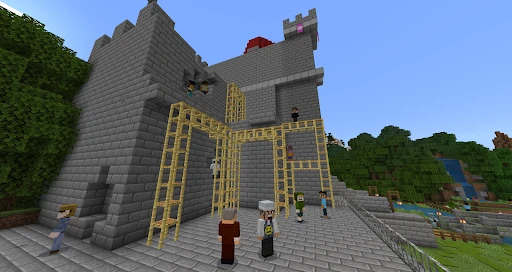
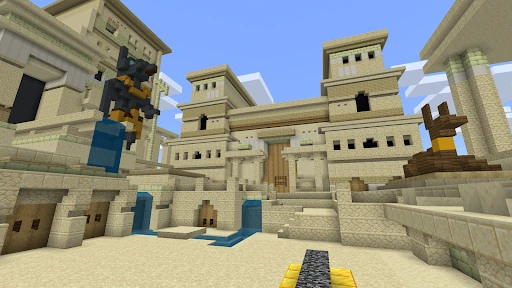
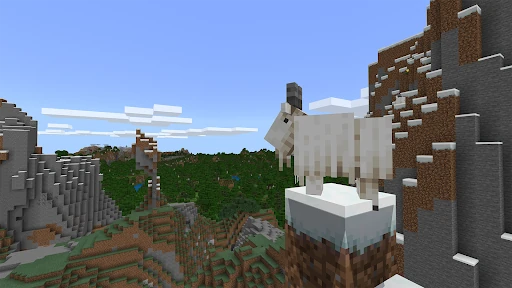
Click to download now, finish the installation quickly, and directly unlock the "all-round experience"
Minecraft Education stands as a transformative pillar in the modern pedagogical landscape, successfully pivoting one of the world's most popular games into a robust educational tool. It is not merely a game; it is a collaborative platform that leverages game-based learning to engage students in ways traditional curricula often fail to. By integrating standardized lesson plans with the limitless creativity of a sandbox environment, it provides a versatile solution for schools and organizations seeking to foster critical thinking and STEM literacy in a digitally native generation. Within the Education category, it represents the gold standard for immersive, interactive learning.
The interface of Minecraft Education maintains the iconic, intuitive voxel design of its commercial counterpart while adding critical UI elements tailored for the classroom. The user experience is optimized for discovery, allowing students to navigate complex worlds without steep learning curves. From a teacher's perspective, the integration with Microsoft Teams and Flipgrid creates a seamless flow between the game environment and administrative oversight, ensuring that the sandbox nature of the game remains focused on educational objectives. The design successfully balances freedom with the structure required for a formal learning environment.
Future updates should focus on streamlining the initial onboarding process for non-technical educators, perhaps through an automated "setup wizard" that bypasses some of the complexity of the Microsoft 365 Admin Center. Additionally, expanding the library of built-in tutorials for teachers who have never played a video game would help bridge the digital divide and ensure more educators feel confident leading a Minecraft-based lesson.
Minecraft Education is an essential asset for K-12 educators, STEM coaches, and forward-thinking educational organizations. It is specifically designed for institutional use, making it the perfect fit for classrooms that value collaborative, project-based learning. While it requires a specific technical ecosystem to run, the pedagogical benefits of its immersive content—created with partners like NASA and the BBC—are unparalleled. It is highly recommended for any school looking to prepare its students for the future workplace through creative and inclusive play.