Advertisement
Click to download now, finish the installation quickly, and directly unlock the "all-round experience"
Advertisement
Screenshots
Click to download now, finish the installation quickly, and directly unlock the "all-round experience"
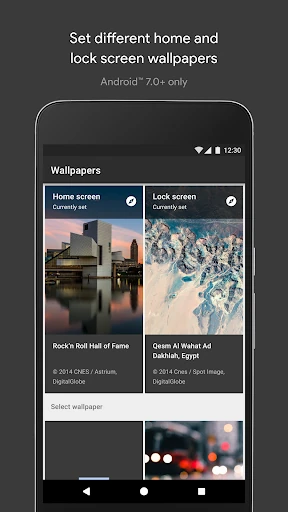
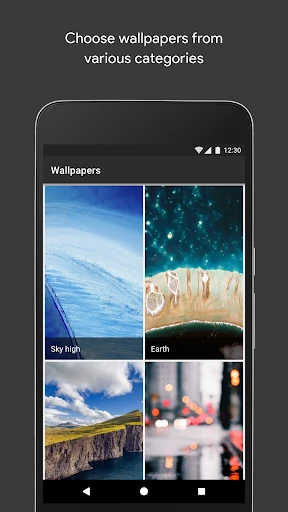
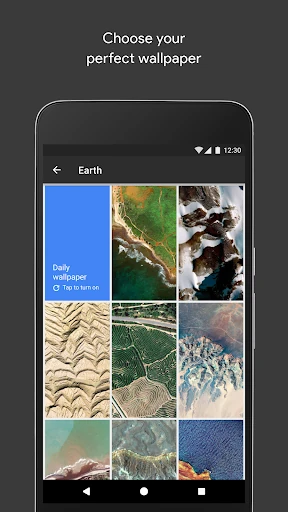
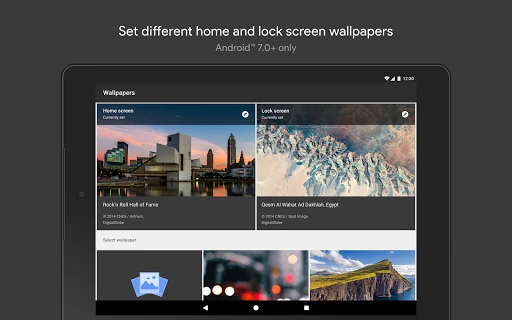
Google’s Wallpapers app serves as the gold standard for minimalist personalization on the Android platform. By focusing on high-quality curation over sheer volume, it provides a sophisticated way for users to refresh their device’s aesthetic without the clutter of competing apps. As a first-party utility, it integrates seamlessly into the Android ecosystem, offering a premium, "stock-plus" feel that fits perfectly into the modern personalization landscape for users who value quality and reliability.
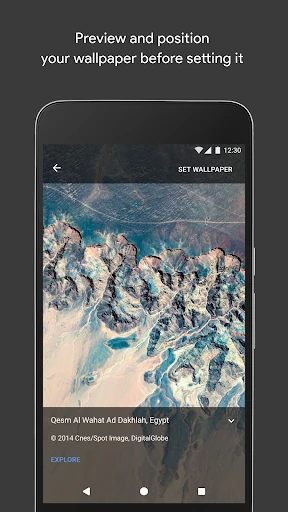
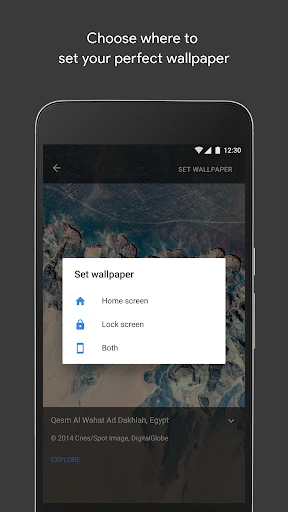
The interface is a masterclass in Material Design, prioritizing whitespace and intuitive navigation. Unlike many third-party personalization tools that are bogged down by intrusive advertisements and complex menus, Wallpapers offers a frictionless experience. The UX is designed for efficiency; users can transition from opening the app to applying a new look in just a few taps, adhering to the high standards expected of a core system-adjacent utility.
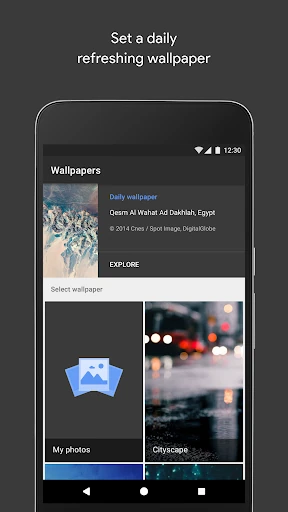
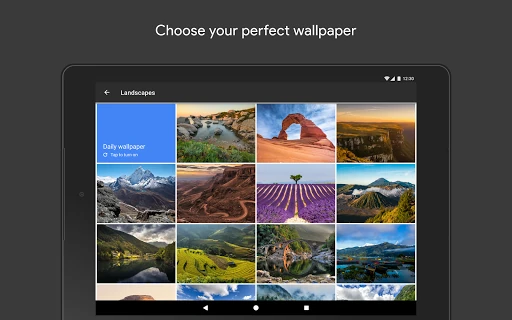
To further evolve, the app should introduce a more robust search and tagging system to help users navigate the growing collection. Additionally, integrating a "Favorite" folder would allow users to curate their own sub-collections for the daily rotation feature, rather than being limited to a single broad category.
Wallpapers is the definitive choice for Android purists, professionals, and minimalists. It is designed for users who want a beautiful, high-quality display without the "noise" of typical wallpaper apps. We highly recommend this app as a "set-it-and-forget-it" tool for anyone looking to maintain a modern and tasteful device aesthetic.