Click to download now, finish the installation quickly, and directly unlock the "all-round experience"
About This App
🏆 Expert Verdict & Overview
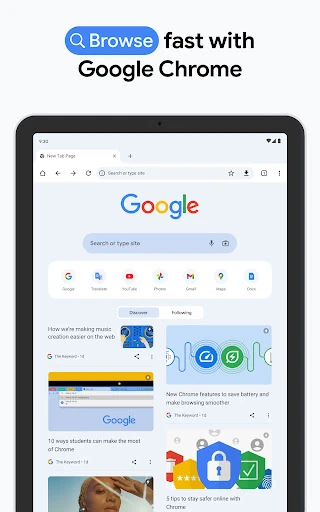
Google Chrome remains the cornerstone of the mobile web experience, acting as a primary conduit for digital communication and information retrieval. In the modern communication landscape, a browser is no longer just a viewer but a bridge between platforms. Chrome excels by leveraging Google's massive infrastructure to provide a fast, secure, and highly personalized environment that syncs flawlessly across the mobile and desktop divide, making it an indispensable tool for staying connected.
🔍 Key Features Breakdown
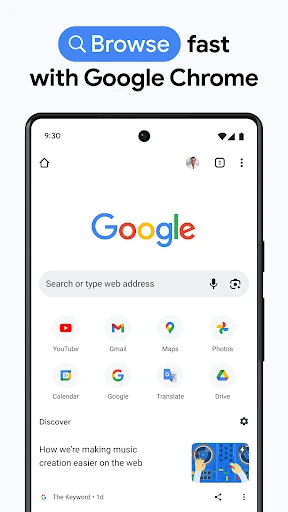
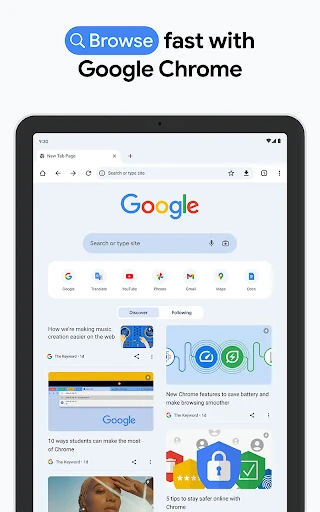
- Integrated Google Search & Voice: Minimizes friction in information gathering by allowing users to query the web instantly via text or voice, facilitating rapid communication of ideas.
- Google Lens Integration: Solves the problem of identifying the unknown by allowing users to search via their camera, bridging the gap between physical objects and digital data.
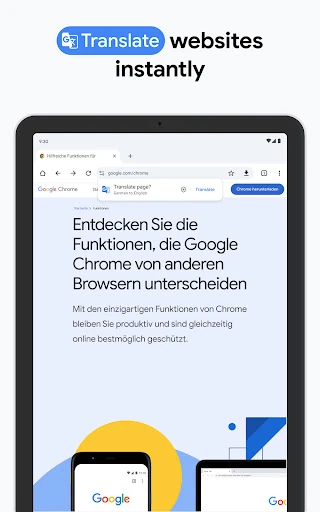
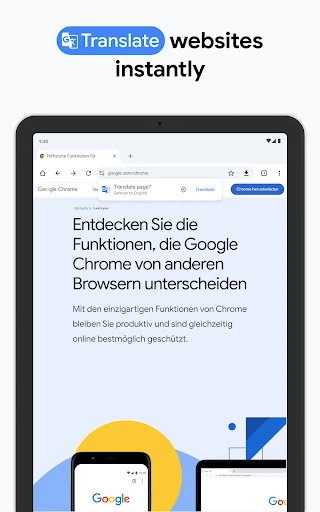
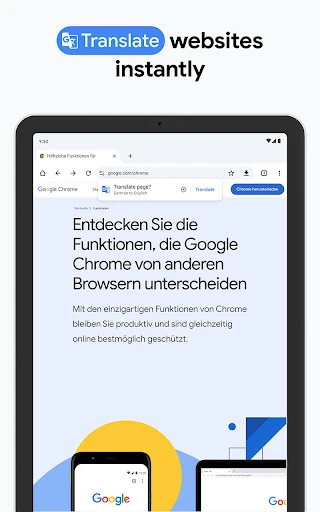
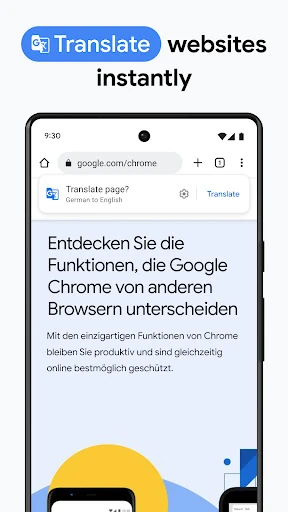
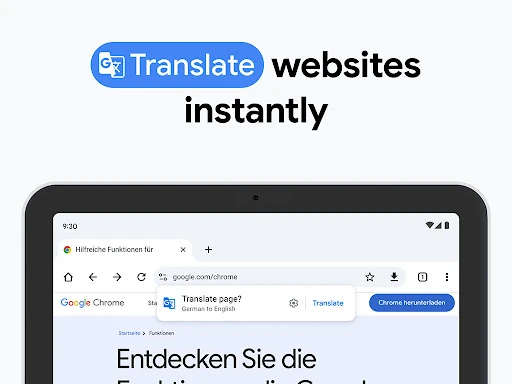
- One-Click Translation: Enables global communication by instantly translating websites in over 130 languages, removing linguistic barriers for international browsing.
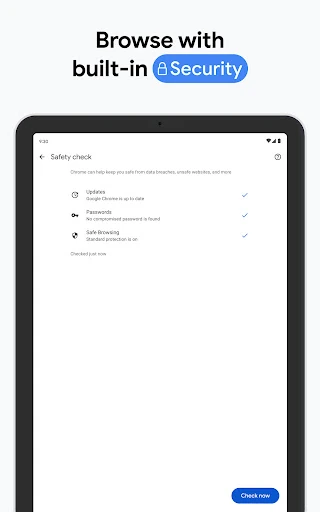
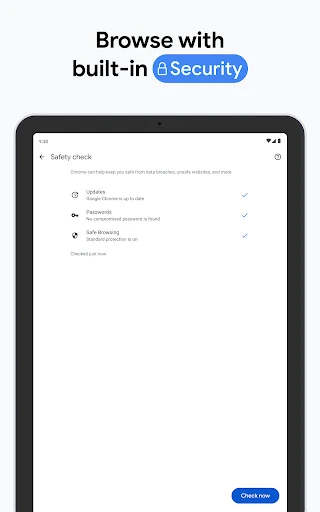
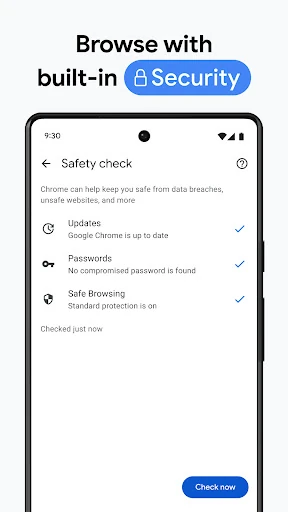
- Enhanced Protection Mode: Proactively shields users from phishing and malicious sites, ensuring that private communication and data remain secure.
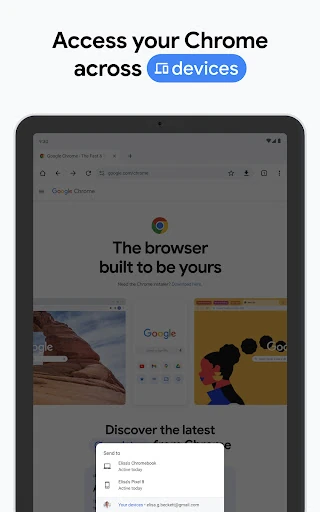
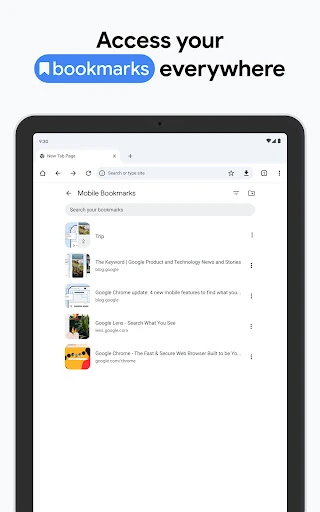
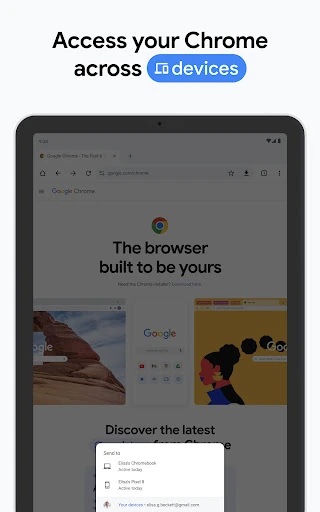
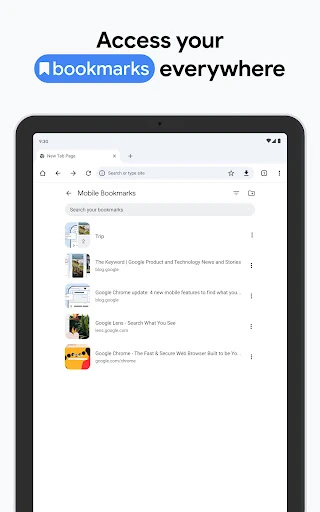
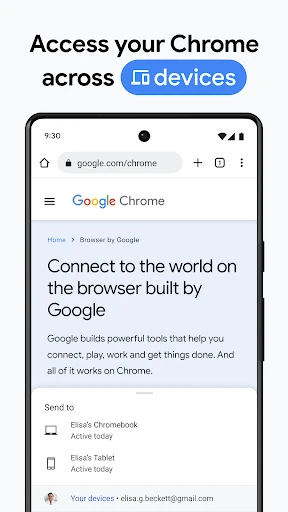
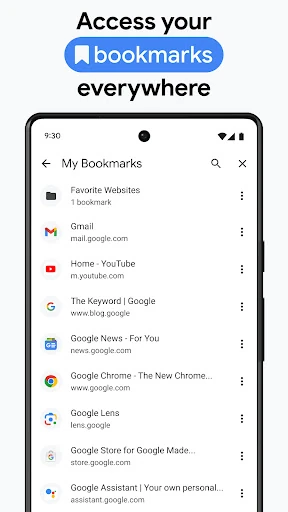
- Cross-Device Synchronization: Allows for a continuous workflow where tabs, bookmarks, and passwords move with the user, solving the problem of fragmented sessions across hardware.
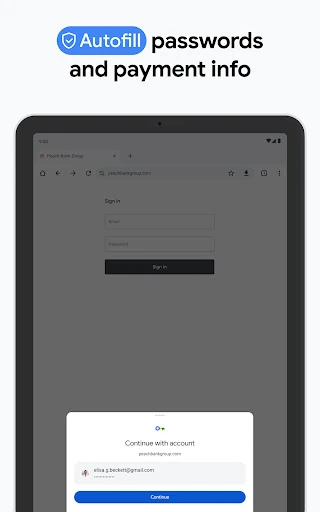
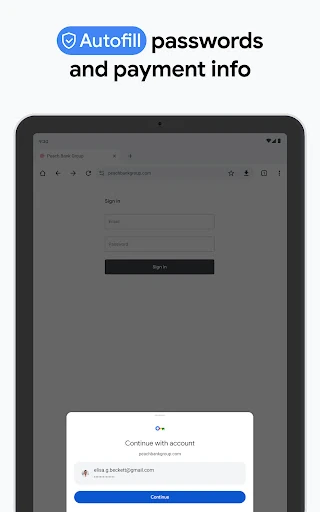
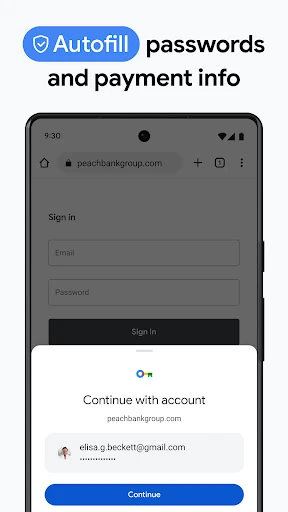
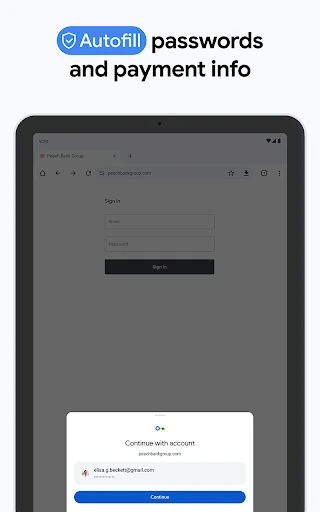
- Google Password Manager: Solves the issue of "password fatigue" by securely generating and storing complex credentials, ensuring users never lose access to their communication accounts.
🎨 User Experience & Design
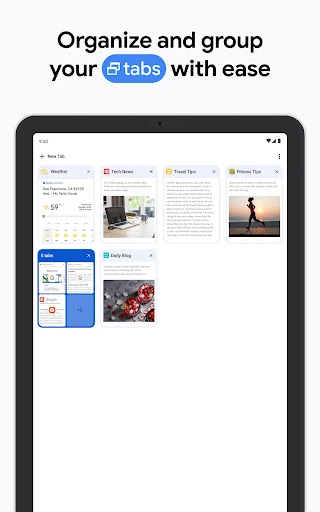
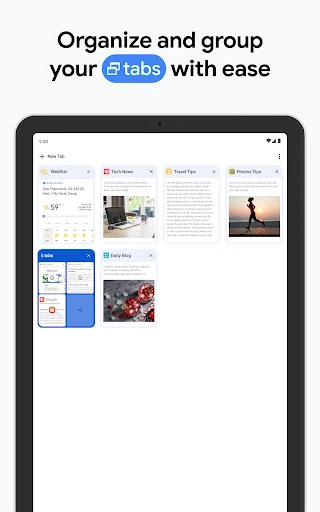
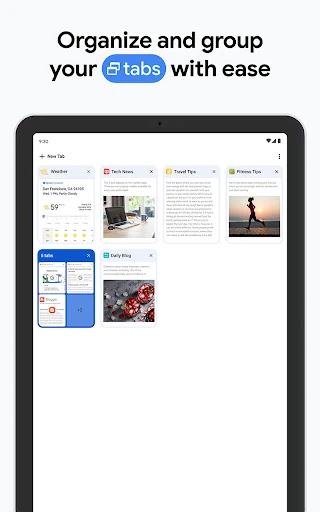
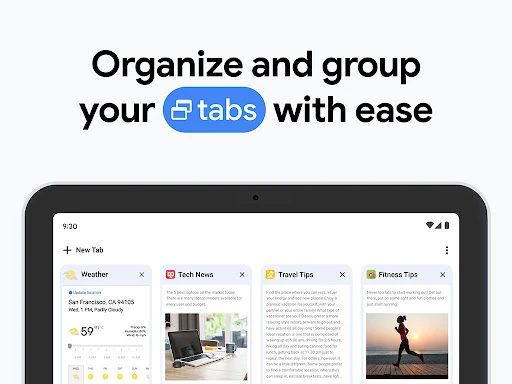
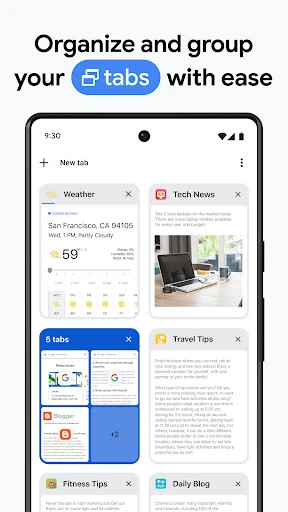
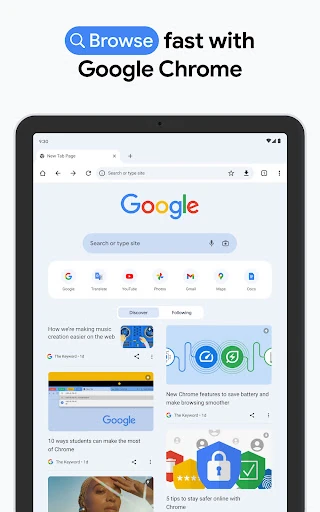
The UI of Google Chrome is a masterclass in functional minimalism. Adhering to refined design principles, the interface is clean, uncluttered, and prioritizes content over the browser's own framing. For the Communication category, the ease of access to the address bar, the intuitive tab switcher, and the streamlined autofill system significantly reduce cognitive load. The "Tab Groups" feature specifically addresses the clutter of modern browsing, allowing users to categorize their communication channels, social feeds, and research tasks with fluid gestures and visual clarity.
⚖️ Pros & Cons Analysis
- ✅ The Good: Unparalleled ecosystem integration that ensures a seamless transition between mobile and desktop devices for a unified user experience.
- ✅ The Good: Industry-leading security features, including proactive safety checks and a robust built-in password manager that alerts users of risks.
- ❌ The Bad: Significant system resource consumption, which can impact battery life and performance on devices with limited RAM.
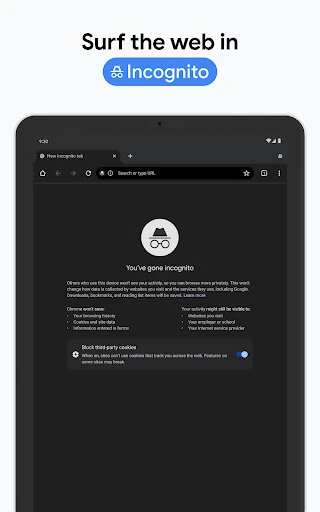
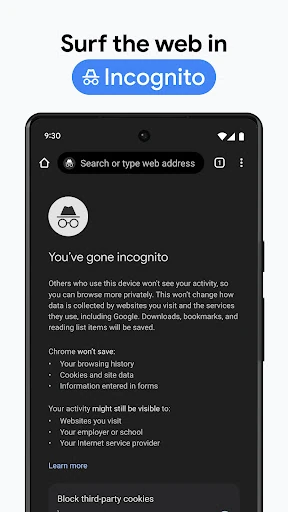
- ❌ The Bad: Privacy trade-offs are inherent, as the deep integration with Google services involves extensive data telemetry for personalization.
🛠️ Room for Improvement
Future updates should focus on further optimizing memory usage to prevent background tab suspension on mid-range devices. Additionally, introducing more granular privacy controls that allow users to opt-out of specific tracking while maintaining the benefits of sync would be a welcome addition. Improving the native "Lite" or "Data Saver" mode would also benefit users in regions with unstable communication infrastructure.
🏁 Final Conclusion & Recommendation
Google Chrome is the definitive choice for any user already invested in the Google ecosystem. Its robust feature set and top-tier security make it an essential tool for professional and personal communication alike. This app is highly recommended for power users, students, and professionals who require a reliable, high-speed bridge to the global web. While resource-heavy, it remains the most capable and secure all-around browser available for the Android platform.