🏆 Expert Verdict & Overview
AI Video Editor - VivaCut represents a sophisticated bridge between casual social media editing and professional-grade desktop post-production. Positioned as a heavyweight in the Video Players & Editors landscape, it transcends basic filter applications by offering a robust, non-linear editing environment. Its integration of AI-driven templates alongside manual precision tools like keyframe animation and chroma keying makes it a versatile powerhouse for creators who demand high-fidelity output on the go. In an era of content saturation, VivaCut provides the technical depth necessary for users to produce "cinematic" content that stands out on platforms like TikTok, YouTube, and Instagram.
🔍 Key Features Breakdown
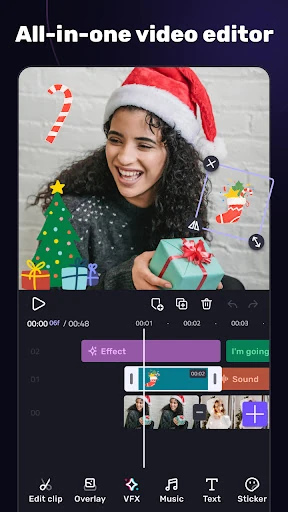
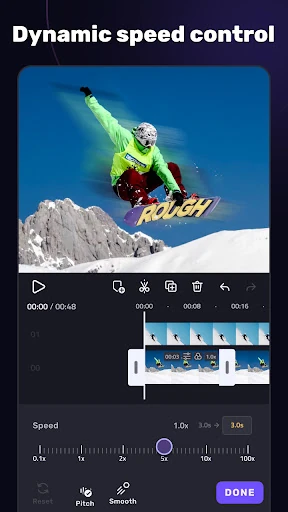
- Multi-layer Timeline: This feature solves the limitation of linear editing by allowing users to stack video, audio, and effects layers with frame-by-frame precision, essential for complex storytelling.
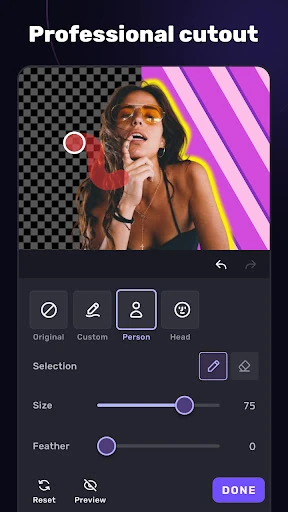
- Chroma Key & Green Screen: Enables users to remove backgrounds and composite different environments, effectively bringing Hollywood-style special effects to a mobile interface.
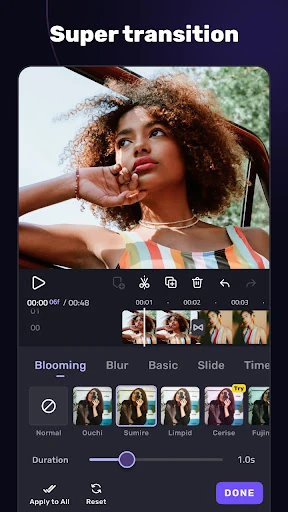
- Keyframe Animation: Solves the problem of static overlays; by applying keyframes to masks, text, and stickers, creators can produce custom motion graphics and dynamic transitions.
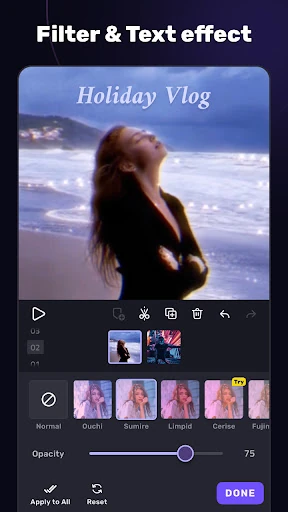
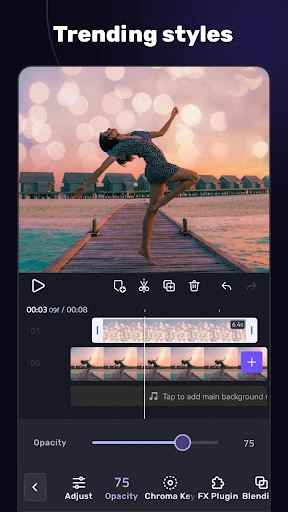
- Advanced Blending Modes: Offers tools like Color Burn and Screen to mix video layers creatively, allowing for double exposures and professional-grade artistic textures.
- Music Marker & Audio Extraction: Streamlines the editing workflow by allowing users to sync visual cuts to the beat of a track or pull high-quality audio directly from existing video files.
🎨 User Experience & Design
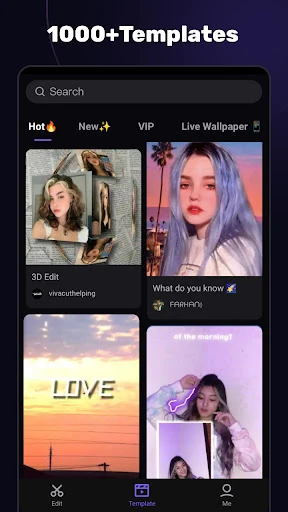
VivaCut employs a "pro-black" aesthetic that mirrors professional software like Adobe Premiere or DaVinci Resolve. The interface is remarkably intuitive despite its complexity, utilizing a landscape-oriented workflow that maximizes screen real estate. The zoomable timeline is a standout UI element, providing the tactile feedback necessary for precise trimming and splitting. While the feature density is high, the categorization of tools into "Basic" and "Advanced" menus ensures that the UX remains accessible for beginners while providing deep-dive capabilities for veteran editors. The inclusion of one-click templates balances the "labor-intensive" side of professional editing with immediate gratification for casual users.
⚖️ Pros & Cons Analysis
- ✅ The Good: Support for 4K resolution export ensures professional clarity for high-end displays.
- ✅ The Good: Extensive library of blending modes and masks provides creative freedom rarely seen in mobile apps.
- ❌ The Bad: The subscription-based model may be a barrier for hobbyists who only edit occasionally.
- ❌ The Bad: High-end features like 4K rendering and multi-layer blending require significant hardware resources, potentially leading to lag on older devices.
🛠️ Room for Improvement
While VivaCut is feature-rich, the next logical step would be the implementation of more advanced AI-driven automation, such as "Auto-Reframe" for varying social media aspect ratios or AI voice-to-text for automatic captioning. Additionally, expanding the asset library with more royalty-free sound effects and diversifying the transition templates would further reduce the need for external third-party resources. A cloud-sync feature for projects would also be a significant upgrade for creators moving between multiple mobile devices.
🏁 Final Conclusion & Recommendation
AI Video Editor - VivaCut is best suited for serious content creators, aspiring filmmakers, and social media influencers who have outgrown basic editors. It is not just a tool for "cutting" video, but a comprehensive suite for "crafting" it. If you require precision, layer management, and cinematic effects without the need for a PC, VivaCut is one of the most capable tools currently available on the Google Play Store. It is a highly recommended download for anyone looking to elevate their digital presence with professional-quality video production.