Advertisement
Click to download now, finish the installation quickly, and directly unlock the "all-round experience"
Advertisement
Screenshots
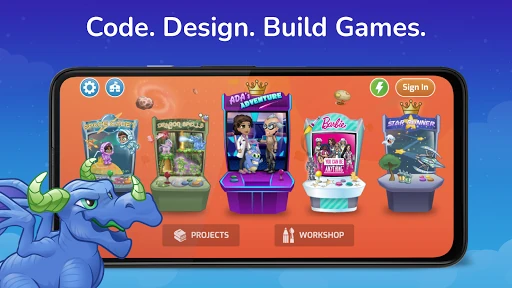
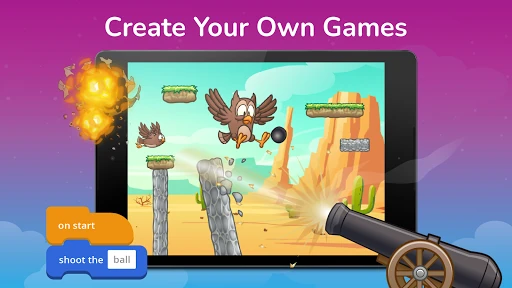
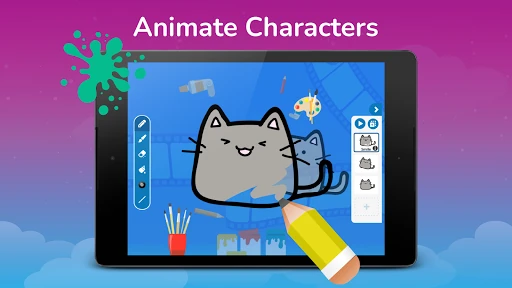
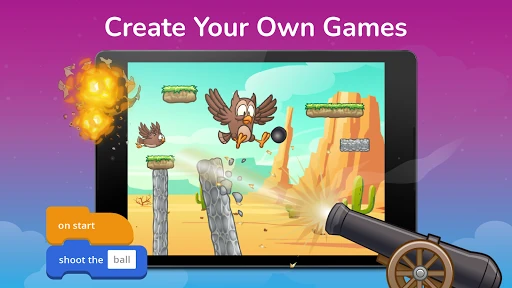
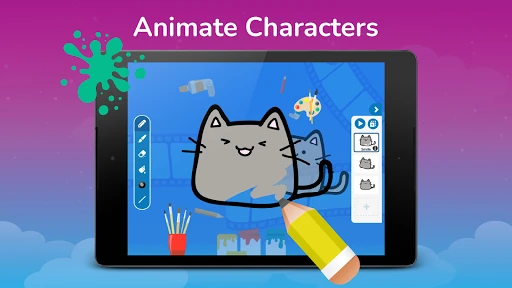
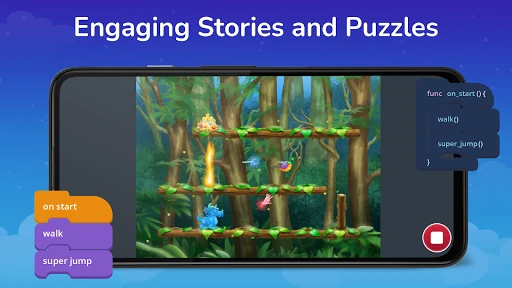
Click to download now, finish the installation quickly, and directly unlock the "all-round experience"
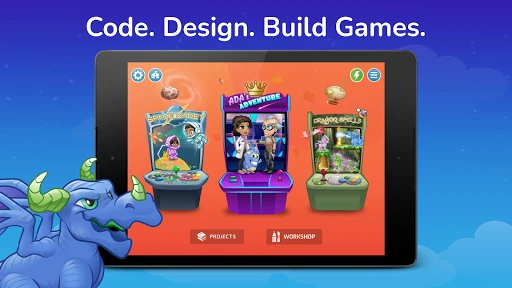
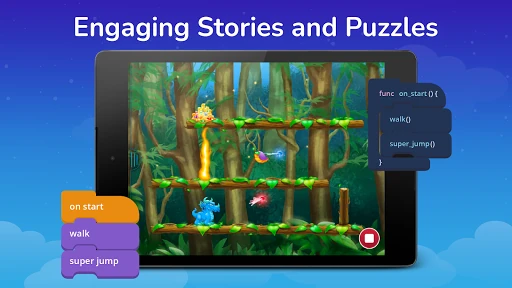
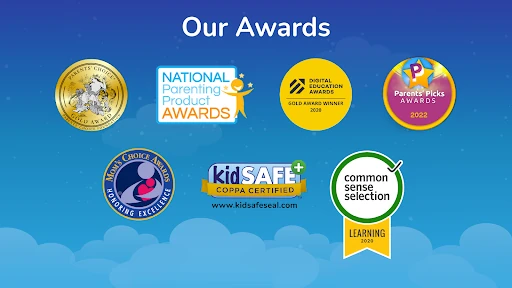
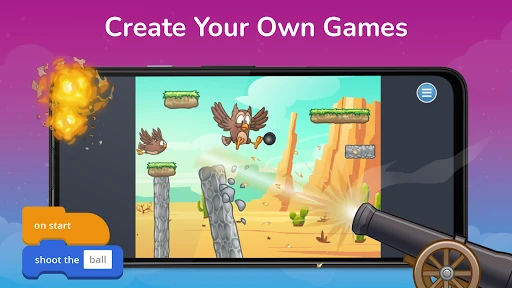
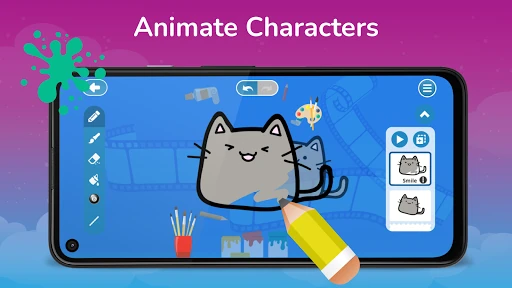
Tynker - Learn to Code stands as a titan in the Educational technology sector, providing a comprehensive and highly polished gateway into the world of computer science for children. By bridging the gap between passive consumption and active creation, the app leverages a gamified curriculum that has been adopted by over 60 million users and thousands of schools worldwide. Its primary strength lies in its scaffolded approach, moving students from basic logic puzzles to professional-grade languages like Swift and Python. In the current educational landscape, Tynker distinguishes itself by offering a structured, award-winning environment that balances play with rigorous computational thinking.
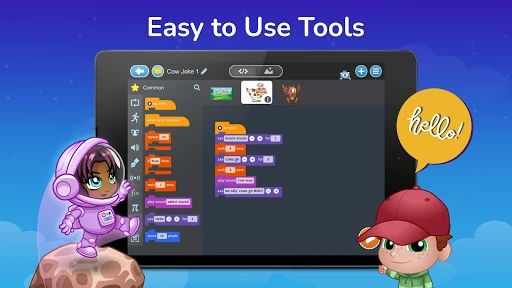
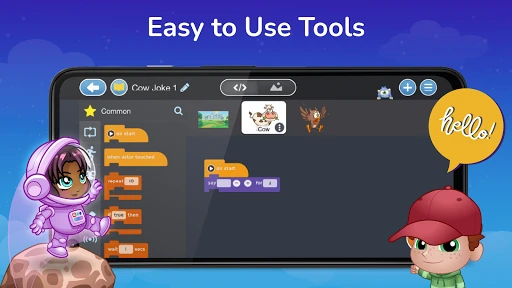
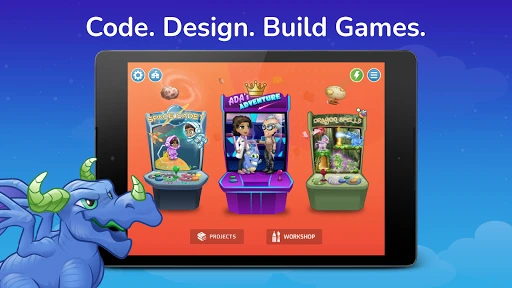
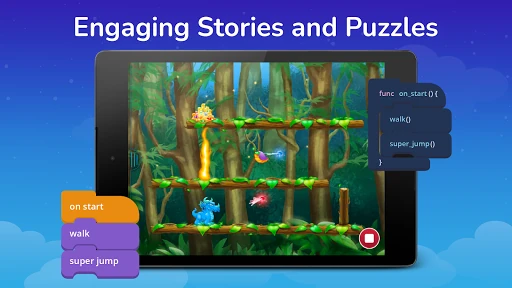
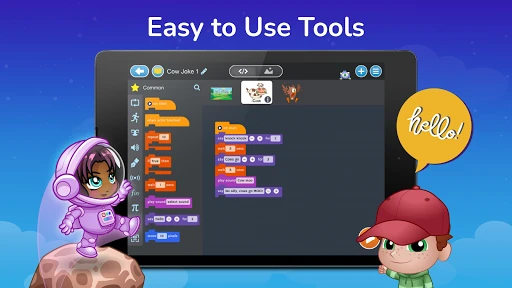
The UI of Tynker - Learn to Code is vibrantly designed to cater to its core demographic of ages 8 to 14. The interface utilizes high-contrast elements and intuitive drag-and-drop mechanics that align perfectly with modern touch-screen standards. From a UX perspective, the progression is logically mapped out; the "pathway" system ensures that users are never overwhelmed by advanced concepts before mastering the fundamentals. The feedback loops—such as immediate visual results when running code—are excellent for maintaining a child's focus and encouraging experimentation, which is critical in an educational context.
While the app is feature-rich, the developers could enhance the experience by expanding the variety of branded partnerships beyond the Barbie™ ecosystem to appeal to a wider range of interests. Additionally, providing more robust offline capabilities for the tutorials would be a major benefit for students in areas with inconsistent internet access. Improving the parent dashboard to include more granular progress reports—specifically highlighting which computational concepts (like variables or loops) a child has mastered—would further solidify its value as a home learning tool.
Tynker - Learn to Code is an essential tool for parents and educators looking to equip children with 21st-century skills. It is best suited for children aged 5 to 14 who show an interest in gaming, puzzles, or creation. While the subscription model requires a financial commitment, the sheer volume of high-quality, pedagogically sound content makes it one of the most effective investments in the Educational app category. It is a premier recommendation for anyone seeking to turn screen time into a productive, skill-building experience.