Advertisement
Click to download now, finish the installation quickly, and directly unlock the "all-round experience"
Advertisement
Screenshots
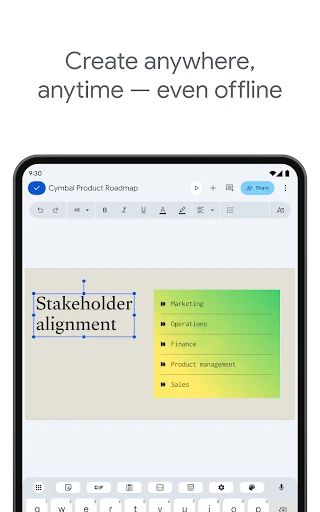
Click to download now, finish the installation quickly, and directly unlock the "all-round experience"
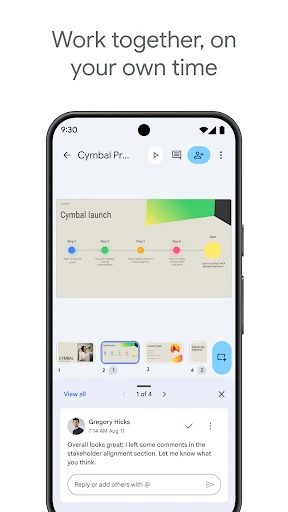
Google Slides stands as a titan in the productivity landscape, serving as a cornerstone of the Google Workspace ecosystem. It transitions seamlessly from a collaborative web-based tool to a highly functional mobile application, empowering users to move beyond the constraints of a traditional office. For professionals and students alike, it represents the gold standard for cloud-native presentation software, prioritizing accessibility, real-time synchronization, and cross-platform compatibility over the heavy, localized processing of legacy software.
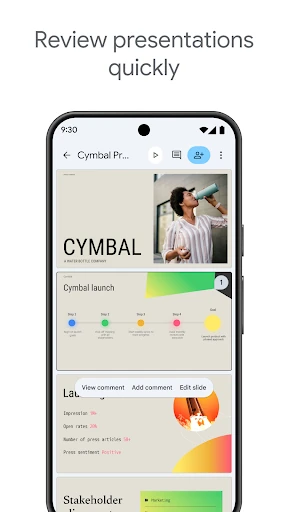
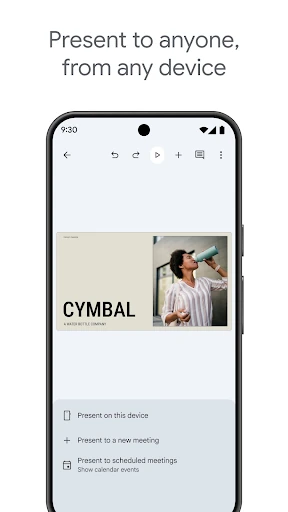
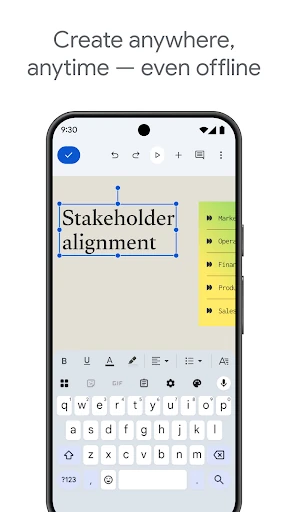
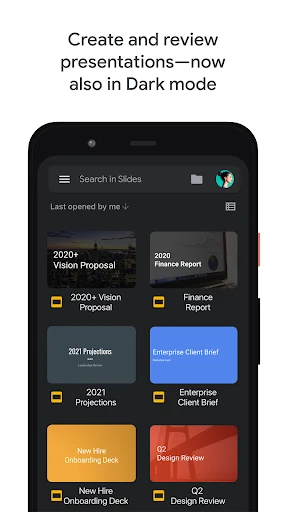
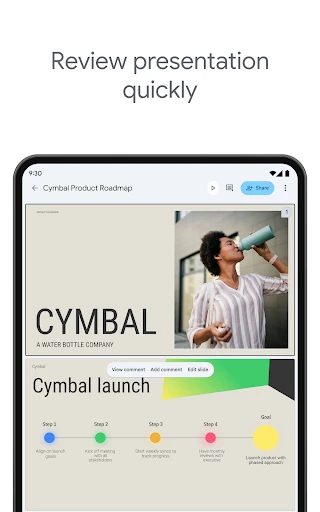
The UI of Google Slides on Android adheres strictly to Material Design principles, offering a clean, uncluttered workspace that prioritizes content. The UX is characterized by its intuitive gesture controls, such as drag-and-drop slide reordering and a simplified ribbon for text formatting. While presenting on a smaller screen is inherently challenging, Google has optimized the interface to ensure that essential tools remain accessible without obscuring the canvas. The seamless transition between phone, tablet, and desktop ensures a consistent mental model for the user, regardless of the hardware they are using.
To further solidify its lead, the mobile app would benefit from enhanced stylus support, particularly for the Google Pixel Tablet and Samsung Galaxy Tab series, allowing for more precise handwriting and annotation. Additionally, expanding the local asset library to include more robust stock icons and higher-fidelity transitions would help mobile users produce "desktop-quality" results without needing to switch devices for final polishes.
Google Slides is an essential utility for students, educators, and corporate professionals who operate in a fast-paced, collaborative environment. It is the ideal solution for anyone who needs to maintain productivity while in transit. For teams already embedded in the Google ecosystem, it is an unbeatable tool that balances simplicity with powerful, cloud-based functionality.