
Advertisement
Click to download now, finish the installation quickly, and directly unlock the "all-round experience"
Advertisement
Screenshots

Click to download now, finish the installation quickly, and directly unlock the "all-round experience"
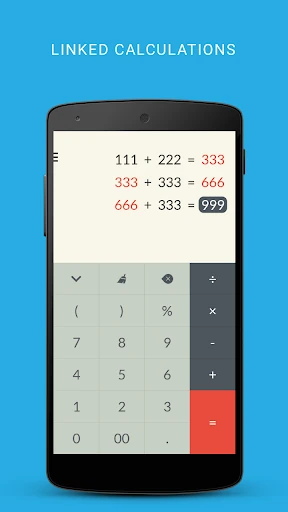
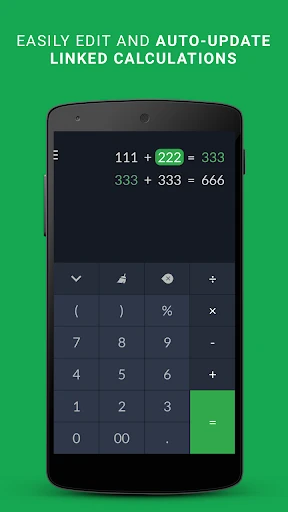
FlexCalc: Linked Calculations represents a sophisticated evolution in the Android Tools category, moving away from the "static input" model of traditional calculators toward a dynamic, spreadsheet-inspired workflow. In a market saturated with basic clones of physical hardware, FlexCalc carves out a niche by prioritizing the "what-if" nature of real-world mathematics. It is an authoritative solution for users who need to see the relationship between their numbers, offering a non-destructive editing environment that encourages experimentation and precision without the frustration of manual re-entry.
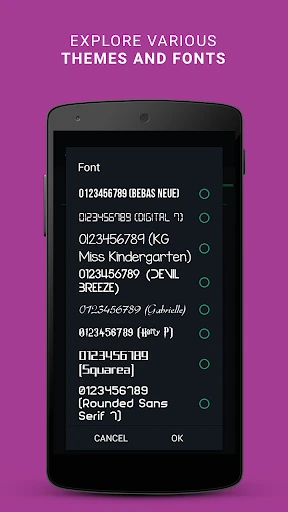
The UI of FlexCalc is remarkably clean, successfully balancing a high-functionality feature set with a minimal aesthetic that doesn't overwhelm the user. The UX design logic leans heavily on the "vertical scroll" concept, which is native to mobile behavior, making the transition from a standard calculator feel natural. By visualizing the history of the calculation as an interactive thread rather than a static log, the app significantly reduces the cognitive load required to track multi-step math problems.
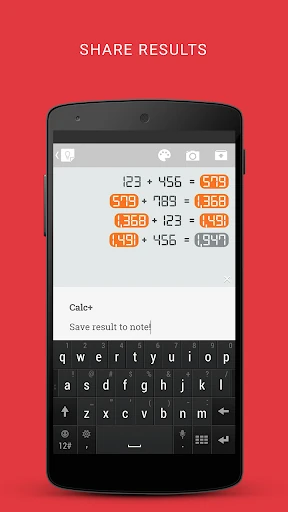
To further solidify its position as a pro-level tool, FlexCalc should consider adding an "Export to CSV" function, allowing users to move their linked data into Excel or Google Sheets for further analysis. Additionally, implementing a "Label" system—where users can name specific numbers (e.g., "Rent" or "Tax")—would transform the app from a powerful calculator into a comprehensive mini-ledger.
FlexCalc: Linked Calculations is a must-have for students, small business owners, and personal finance enthusiasts who have outgrown the limitations of the stock Android calculator. It is specifically designed for anyone who performs iterative math where one variable affects another. While it may not yet replace a dedicated scientific calculator for high-level calculus, its innovative approach to linked logic makes it one of the most efficient productivity tools currently available on the Play Store.