
Microsoft Authenticator
Microsoft Corporation
Downloads
100,000,000+
Version
Latest
Advertisement
Click to download now, finish the installation quickly, and directly unlock the "all-round experience"
Advertisement
Screenshots
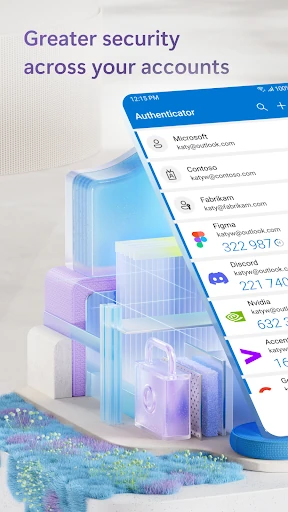
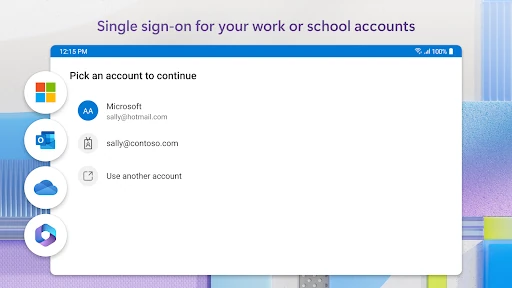
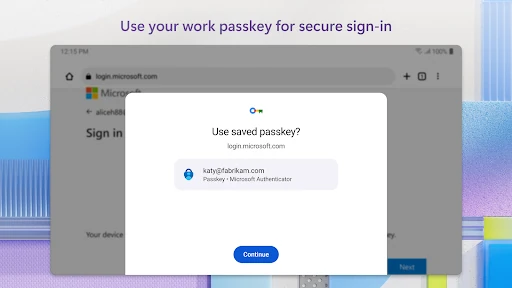
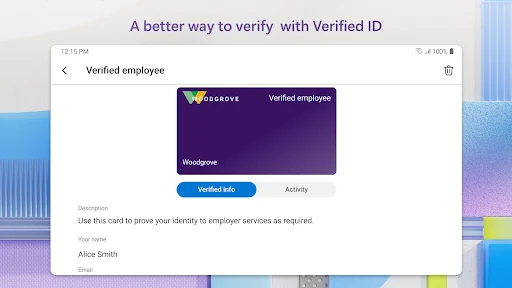
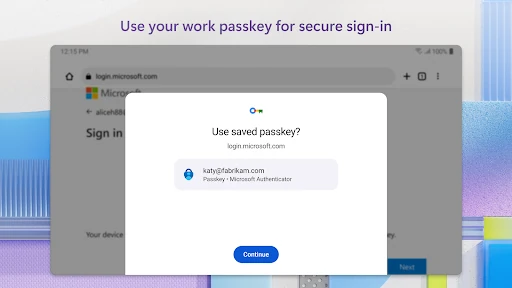
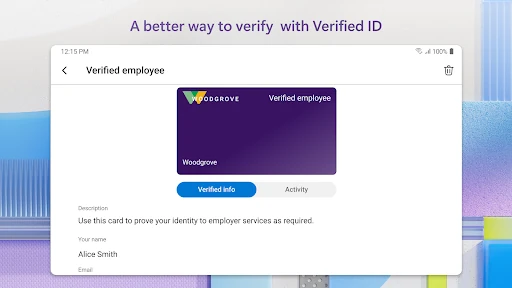
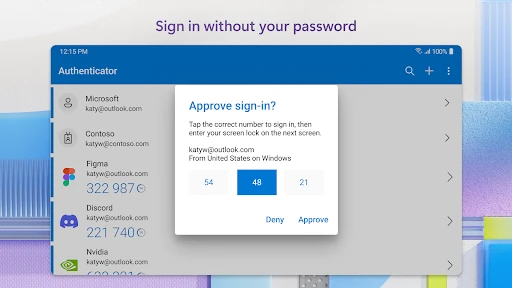
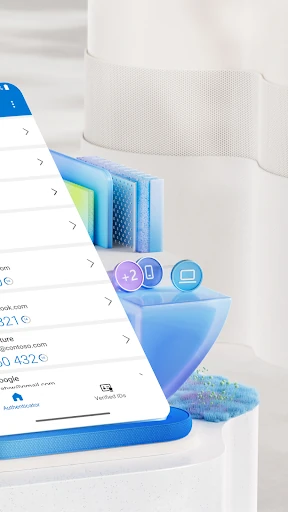
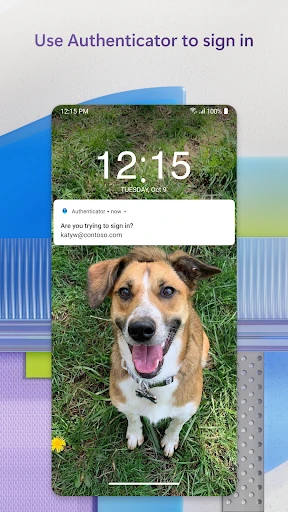
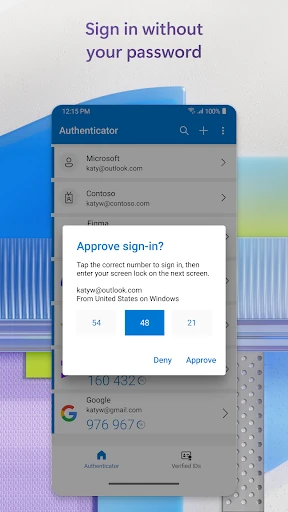
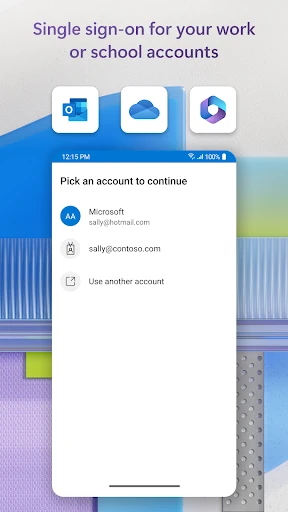
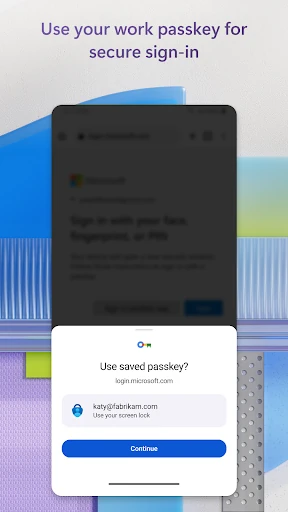
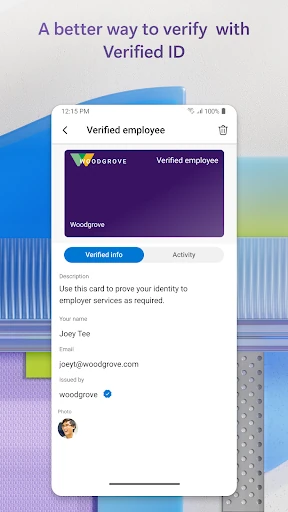
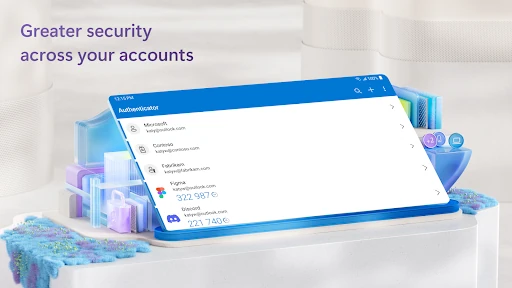
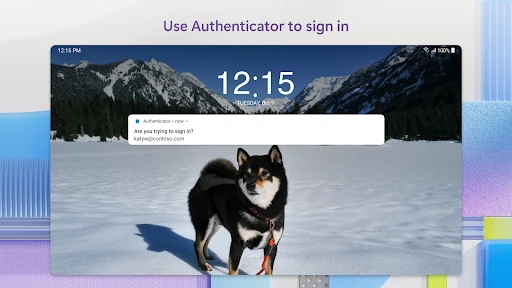
Click to download now, finish the installation quickly, and directly unlock the "all-round experience"
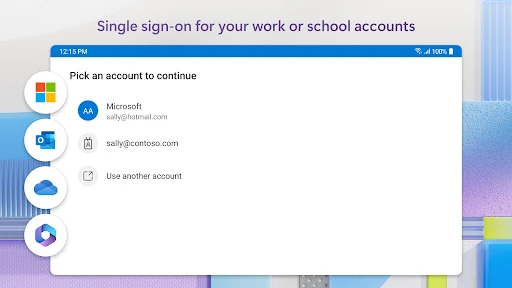
Microsoft Authenticator stands as a cornerstone of modern digital security, transitioning from a simple code generator to a comprehensive identity management hub. In the contemporary Business landscape, where data breaches and credential theft are persistent threats, this app provides an essential layer of defense for enterprise and personal accounts alike. It is more than just a utility; it is Microsoft's primary gateway for "passwordless" authentication, effectively streamlining security protocols for organizations that rely on the Microsoft 365 ecosystem while remaining versatile enough to manage third-party services like Google, Amazon, and GitHub.
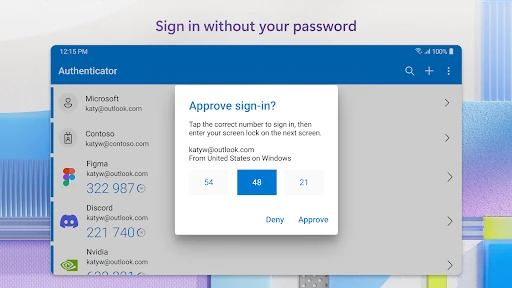
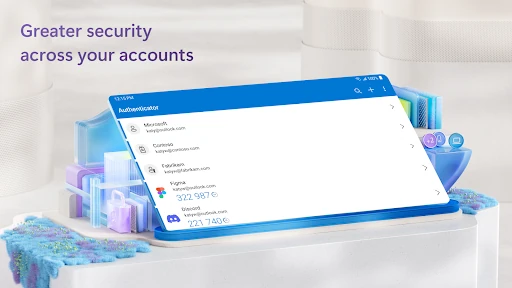
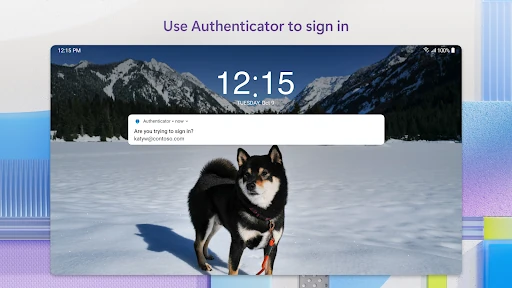
The interface of Microsoft Authenticator prioritizes utility and reliability over aesthetic flair, which is appropriate for a high-stakes security application. The UI is clean, adopting a modular list view that makes finding specific accounts intuitive. From a UX perspective, the "one-tap" approval system for push notifications is excellently executed, removing the friction typically associated with secondary authentication. However, the initial setup for work or school accounts can be slightly intimidating for non-technical users, as it often requires navigating organizational portals and scanning QR codes. Despite this, the app adheres to enterprise-grade standards, offering a stable and responsive environment that instills confidence.
While the app is functionally robust, Microsoft could improve the cross-platform cloud backup system to allow for easier migration between different mobile operating systems. Additionally, the inclusion of a more interactive onboarding tutorial for "Cert-based authentication" would help business users understand why certain permissions (like location or storage) are being requested by their organizations. A more modern "Dark Mode" implementation and refined iconography could also bring the UI more in line with the latest Fluent Design System updates seen in other Microsoft applications.
Microsoft Authenticator is a must-have tool for any professional operating within a corporate environment, as well as for students and individuals looking to harden their online security. Its ability to bridge the gap between enterprise-level security and consumer-friendly convenience makes it one of the best tools in the Business category. We highly recommend this app for anyone using Microsoft services, though it serves equally well as a primary 2FA manager for all major online platforms.