Advertisement
Click to download now, finish the installation quickly, and directly unlock the "all-round experience"
Advertisement
Screenshots
Click to download now, finish the installation quickly, and directly unlock the "all-round experience"
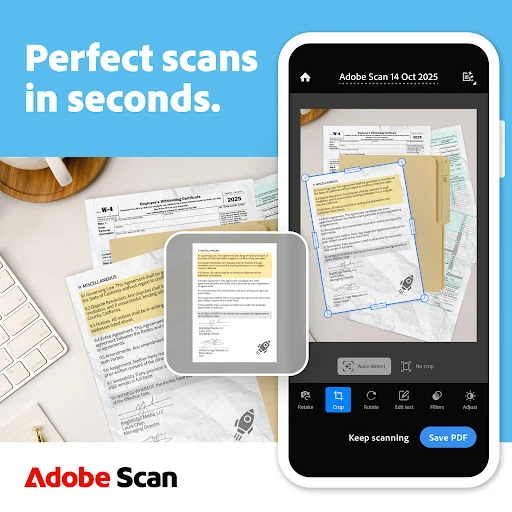
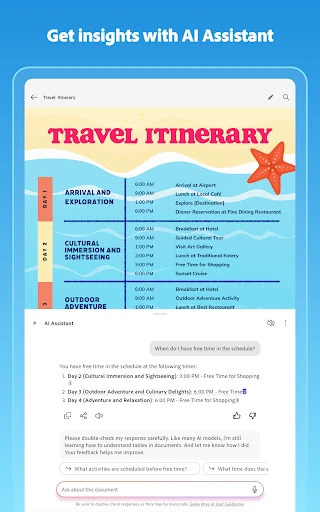
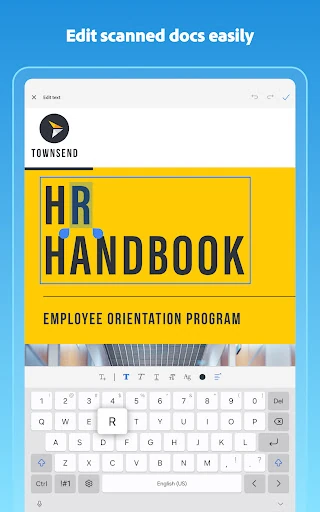
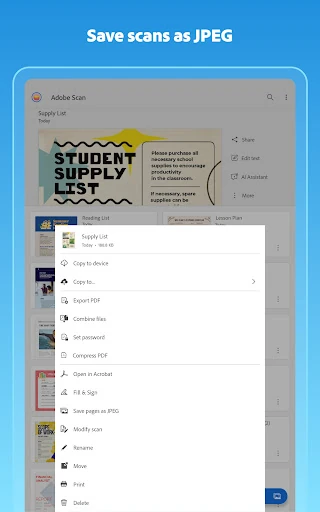
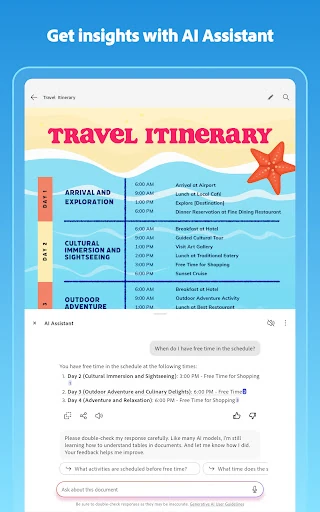
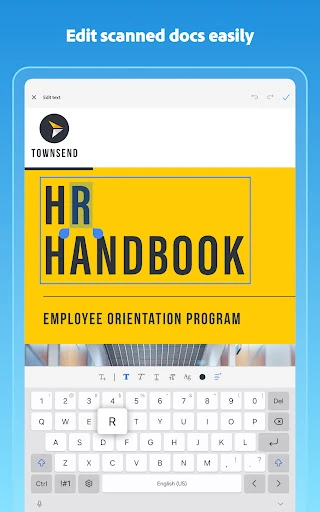
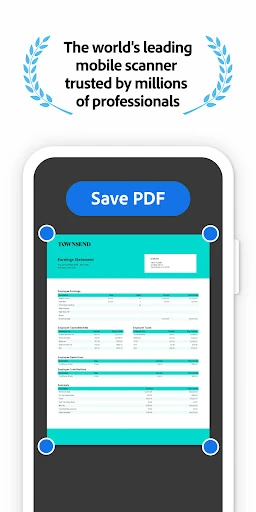
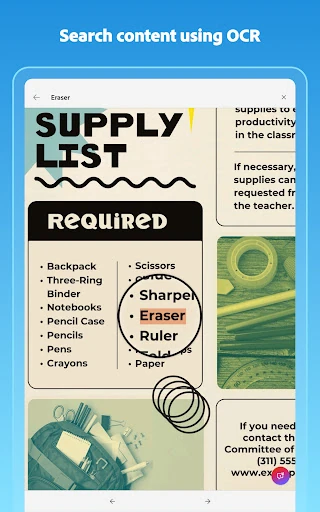
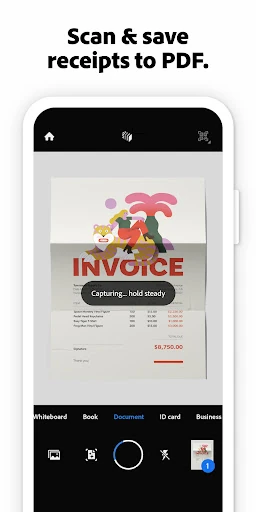
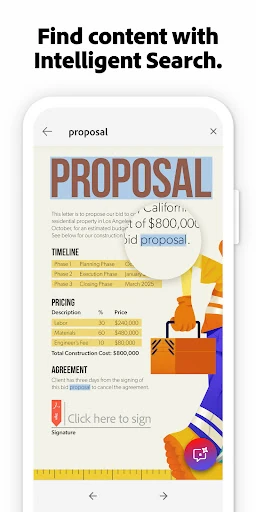
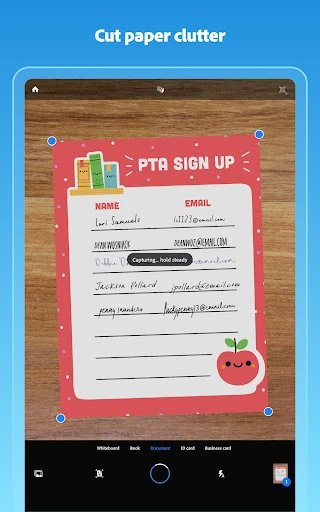
Adobe Scan AI PDF Scanner, OCR stands as a benchmark in the mobile productivity space, effectively bridging the gap between physical documentation and digital workflows. In the modern Business landscape, it is no longer just a utility but a comprehensive document management system. By integrating Adobe’s industry-leading imaging technology with cutting-edge AI capabilities, the app transforms the smartphone into a sophisticated tool capable of high-fidelity digitizing, intelligent summarization, and seamless cloud synchronization.
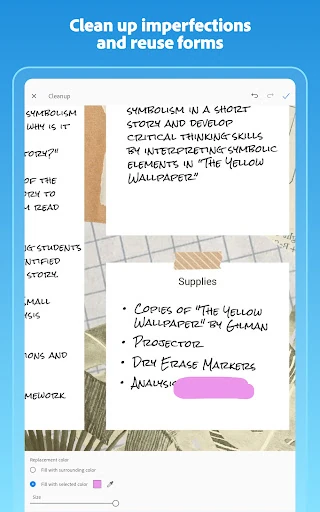
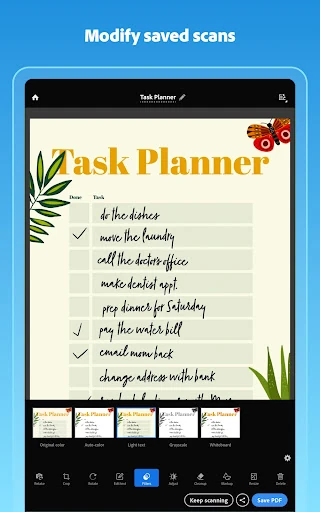
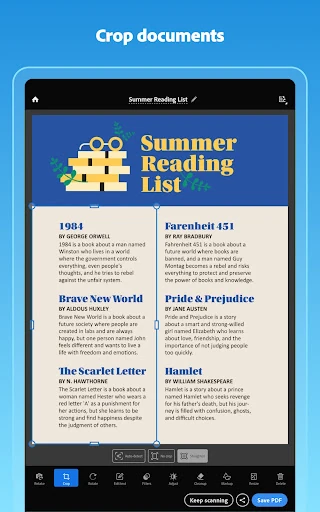
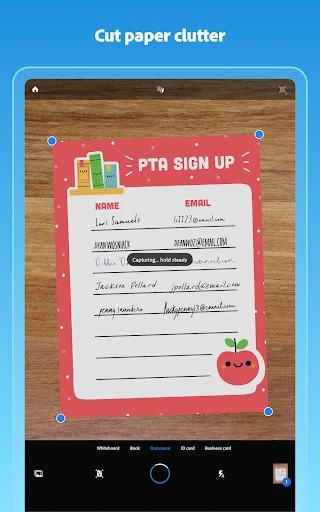
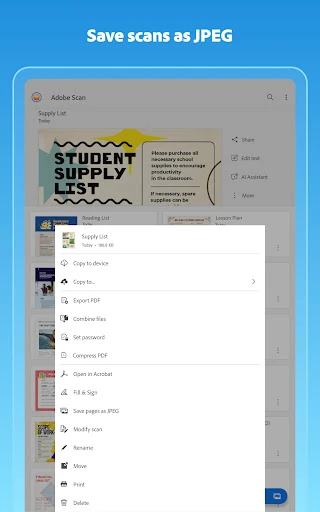
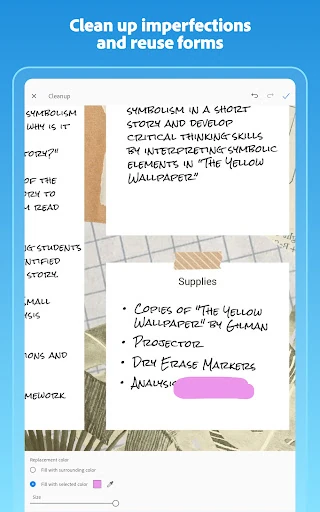
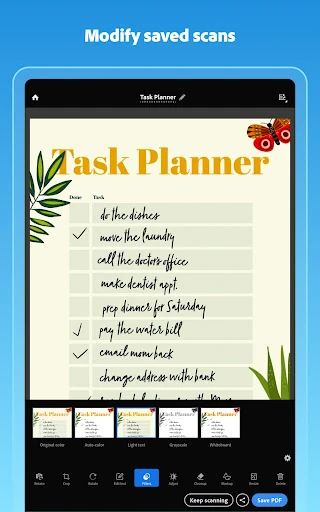
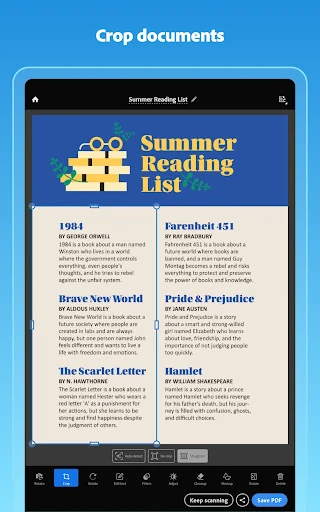
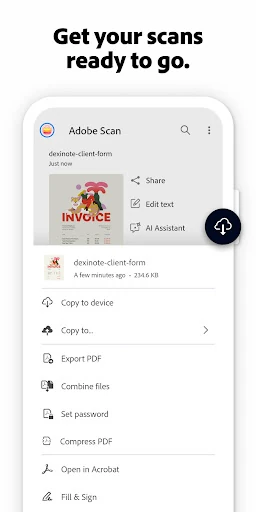
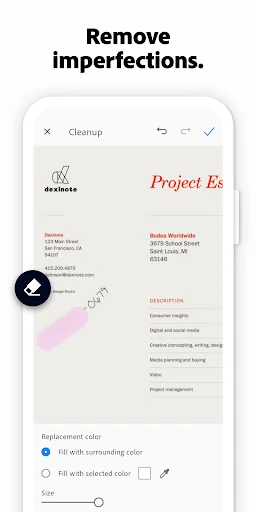
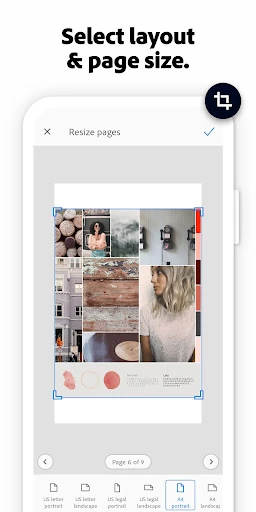
The UI of Adobe Scan is built with a "capture-first" philosophy, essential for the high-paced Business category. The interface is clean and uncluttered, prioritizing the viewfinder to allow for rapid, bulk scanning without menu fatigue. UX-wise, the automation is impressive; the app handles sharpening and color adjustment without user intervention, though it provides deep manual controls for those who need them. Integration with Adobe Document Cloud and Acrobat Reader creates a cohesive ecosystem that feels more like a desktop suite than a standalone mobile app.
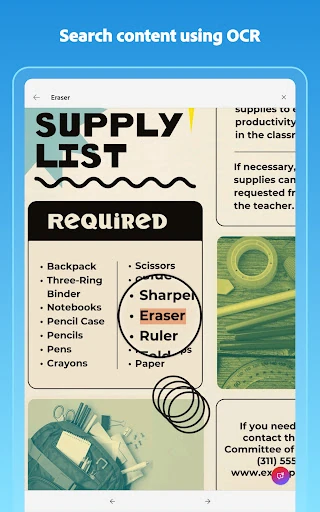
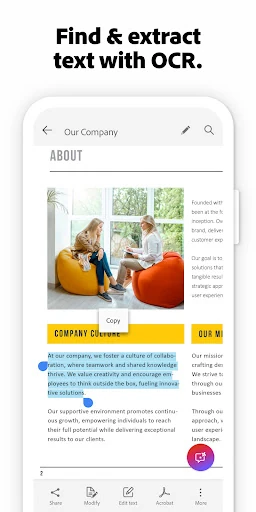
While the AI features are revolutionary, the limitation of the free OCR tier to just 5 pages can be restrictive for power users who aren't ready for a full subscription. Expanding the base OCR limit or offering a one-time "pro" purchase rather than a recurring subscription could increase user retention. Additionally, adding more localized offline processing for basic OCR tasks would be a major benefit for business travelers with inconsistent data access.
Adobe Scan is the premier choice for business professionals, educators, and administrative workers who require professional-grade digitization. While casual users can benefit from its basic scanning, it is specifically designed for those who need to convert physical data into actionable digital assets. If you are already within the Adobe ecosystem or require the highest level of OCR precision available on mobile, this is the definitive scanner to use.