Infinite Design

Infinite Design

Infinite Studio LLC
Advertisement
4.2
Art & Design
10,000,000+ Downloads

Click to download now, finish the installation quickly, and directly unlock the "all-round experience"

Advertisement

Screenshots
Screenshot
Screenshot
Screenshot
Screenshot
Screenshot
Screenshot
Screenshot

About This App

πŸ† Expert Verdict & Overview

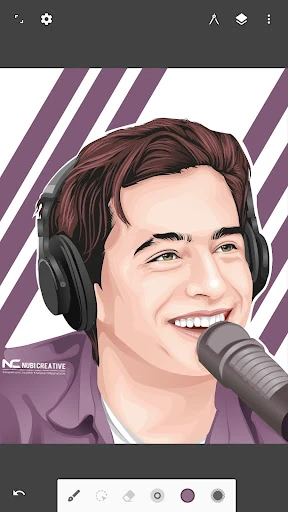
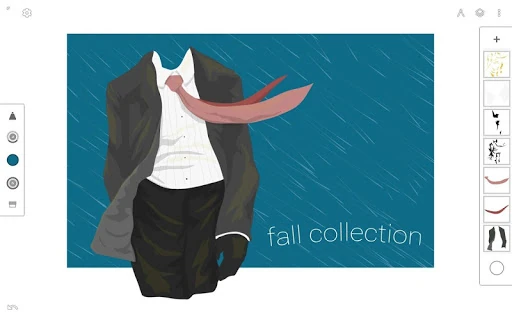
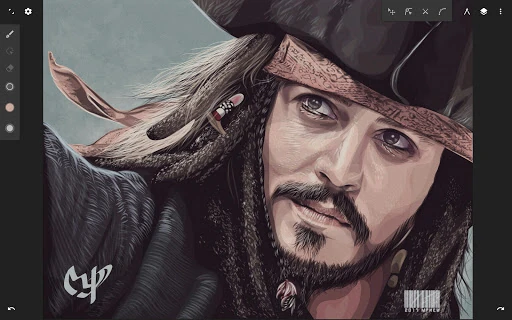
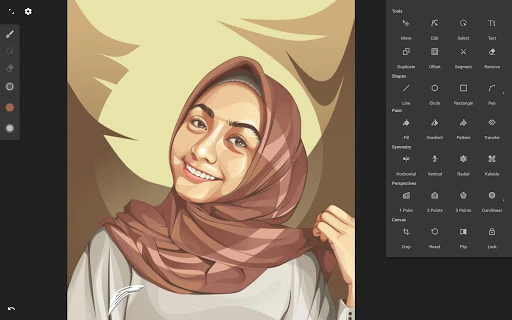
Infinite Design is a formidable contender in the Art & Design category, representing a professional-grade vector design suite rebuilt for modern Android. It positions itself not just as a drawing app, but as a comprehensive digital drafting table, targeting enthusiasts, illustrators, and potentially professional designers seeking mobile flexibility. The app's core promise of an "unparalleled experience" hinges on its combination of an infinite canvas and robust, desktop-level vector editing tools.

πŸ” Key Features Breakdown

  • Infinite Canvas with Pan/Zoom/Rotate: Solves the problem of creative constraint by removing artificial boundaries, allowing users to think and sketch on a grand scale or focus on minute details without being limited by a static frame.
  • Intuitive Path Editing & Boolean Operations: Addresses the need for precision and complex shape creation, moving beyond simple drawing to enable professional logo design, iconography, and clean vector artwork directly on a mobile device.
  • Unlimited Layers & History Slider: Mitigates the fear of making mistakes and the complexity of managing elements. Users can experiment freely and scrub through their entire edit history, offering a safety net and granular control over the creative process.
  • Vectorize & SVG Import/Export: Solves workflow friction by bridging raster and vector art. Users can turn sketches or images into editable paths and seamlessly move projects between mobile and desktop software (like Adobe Illustrator), making it a viable part of a professional pipeline.
  • Advanced Perspective Guides & 3D Cityscapes: Tackles the challenging problem of drawing complex environments with proper depth and scale, catering to architects, concept artists, and illustrators who need to construct believable spaces.

🎨 User Experience & Design

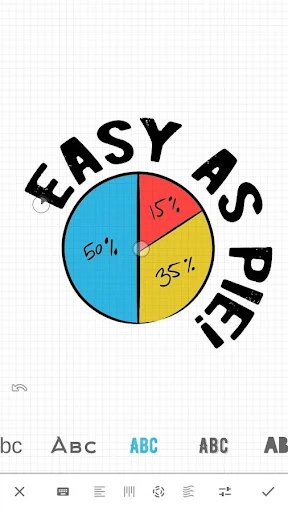
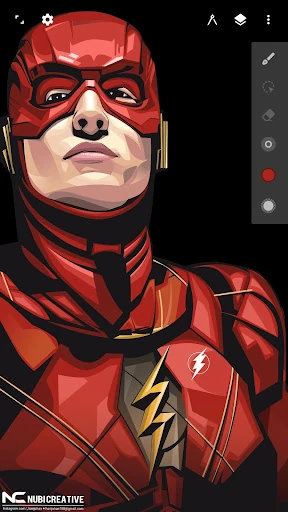
The interface philosophy of "simple, organized, and out of the way" is critical in the Art & Design category, where screen real estate is precious. The customizable top bar and gesture-based controls (like the two-finger color wheel) indicate a thoughtful UX designed for extended use, aiming to minimize menu diving. This approach reduces friction and allows the user's focus to remain on creation. The organization suggests a learning curve appropriate for its powerful toolset, but it is structured to become intuitive through repeated use, adhering to professional design software principles rather than casual app simplicity.

βš–οΈ Pros & Cons Analysis

  • βœ… The Good: Offers a desktop-level vector toolset (boolean ops, path editing) unmatched by most mobile apps.
  • βœ… The Good: The infinite canvas and unlimited layers/undo empower truly unbounded and non-destructive creativity.
  • βœ… The Good: Strong interoperability via SVG support and vectorization bridges the mobile-desktop gap effectively.
  • ❌ The Bad: The sheer depth of features may present a steep initial learning curve for casual users or beginners to vector art.
  • ❌ The Bad: While the UI is organized, the density of professional tools could feel overwhelming on smaller phone screens compared to tablets.

πŸ› οΈ Room for Improvement

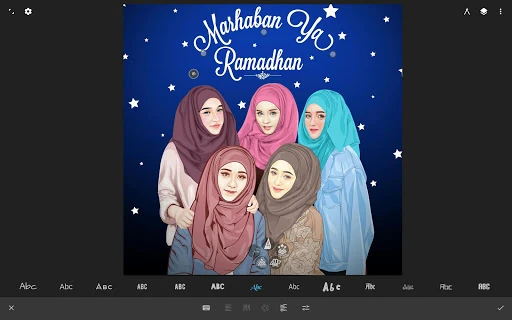
Future updates could focus on enhancing onboarding for new users with interactive tutorials for core workflows like boolean operations or perspective drawing. Adding cloud sync for projects and workspaces would be a significant upgrade for users who work across multiple devices. Furthermore, expanding the text tool with a wider selection of fonts (including custom font import) and more typographic controls (kerning, leading) would elevate its utility for graphic design work.

🏁 Final Conclusion & Recommendation

Infinite Design is highly recommended for serious hobbyists, illustrators, and designers who require powerful vector capabilities on the go. It is less suited for casual doodlers or those seeking simple, instant-results painting. The app successfully carves a niche as a professional tool in the mobile space, justifying its complexity with unparalleled control and precision. For anyone needing to do legitimate vector-based design work on Android, this app is a top-tier choice.