Advertisement
Click to download now, finish the installation quickly, and directly unlock the "all-round experience"
Advertisement
Screenshots

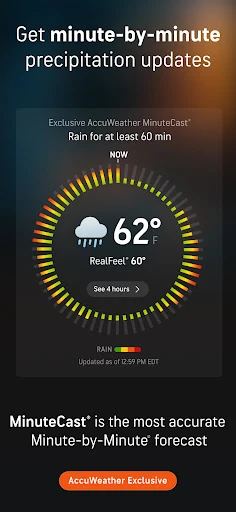
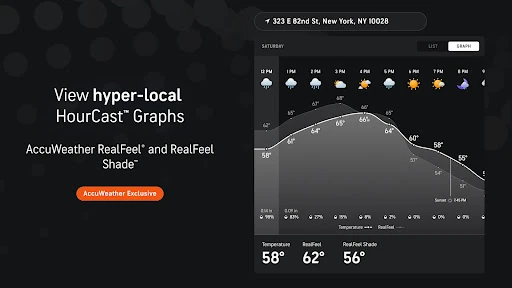
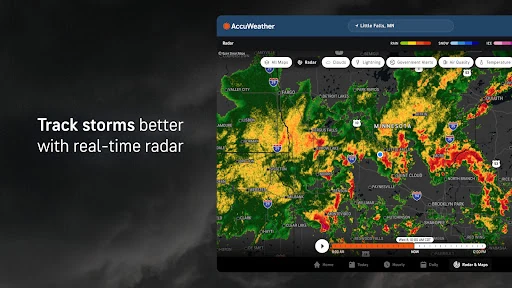
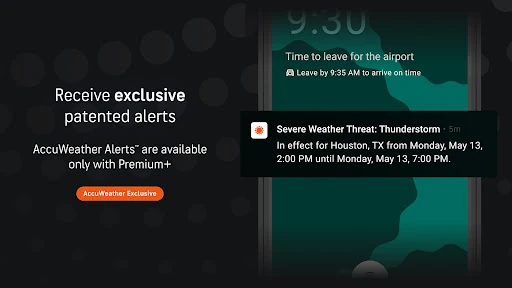
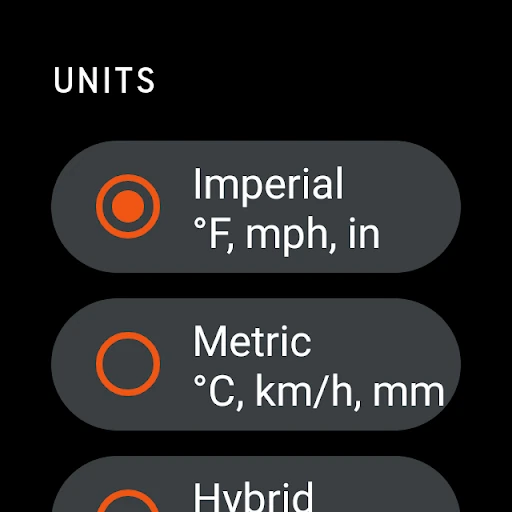
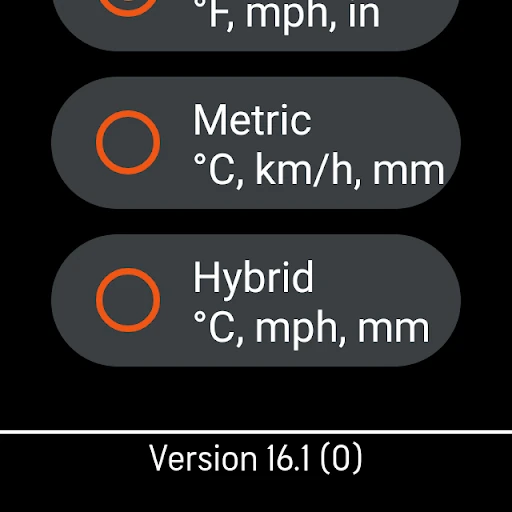
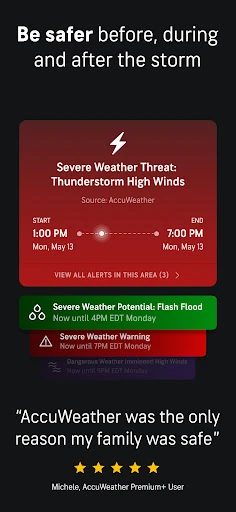
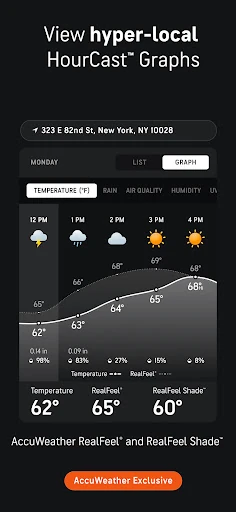
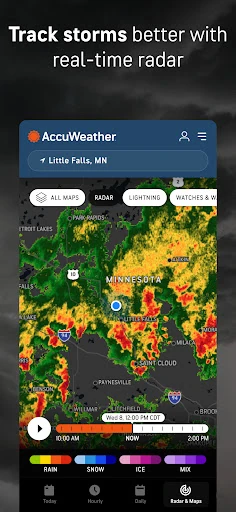
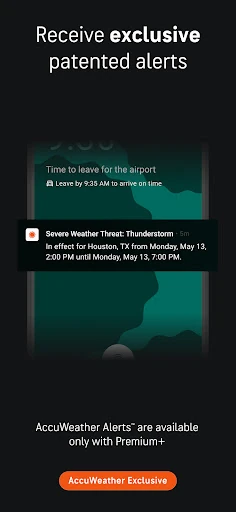
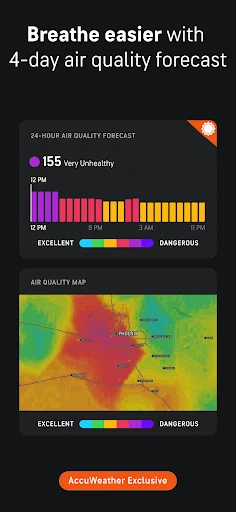
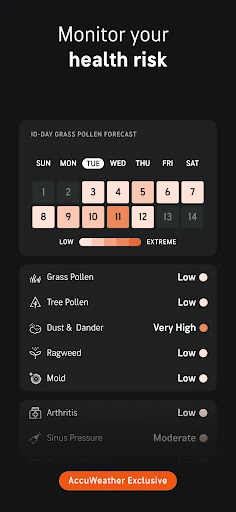
Click to download now, finish the installation quickly, and directly unlock the "all-round experience"
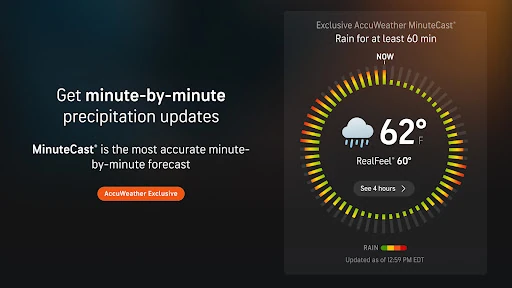
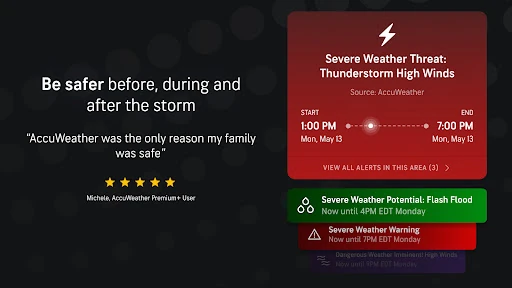
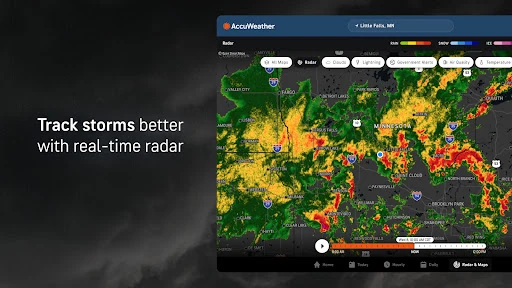
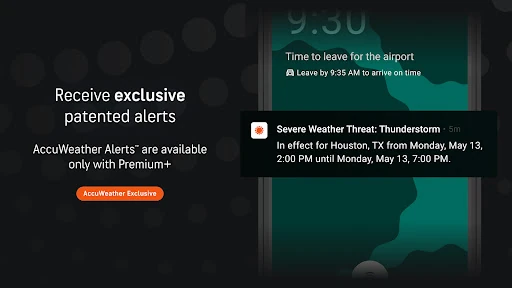
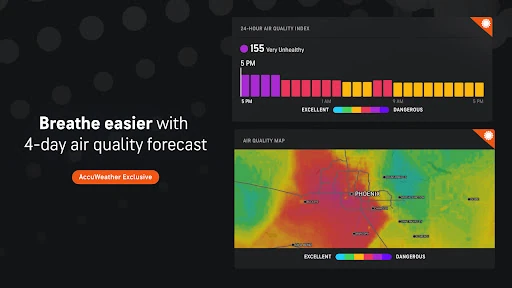
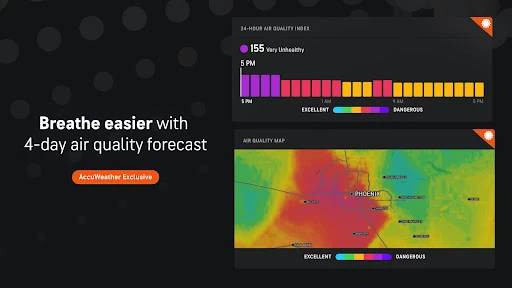
AccuWeather: Weather Radar remains a cornerstone of the meteorology category on the Google Play Store, distinguishing itself through its trademarked Superior Accuracy™. In a crowded landscape of weather utilities, AccuWeather positions itself as a high-fidelity data hub that prioritizes hyper-local, real-time information. It is more than just a thermometer; it is a comprehensive safety and planning tool that bridges the gap between raw data and actionable human insight, making it an essential installation for users who require precision over broad estimates.
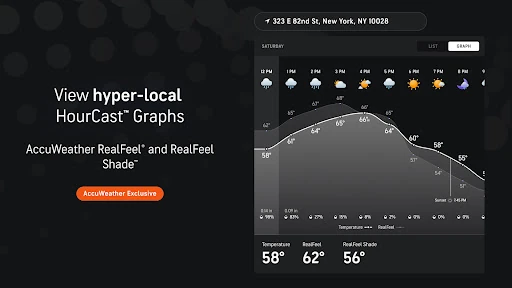
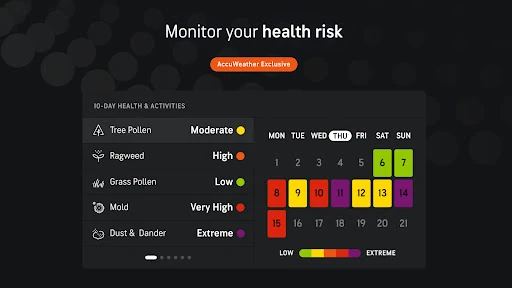
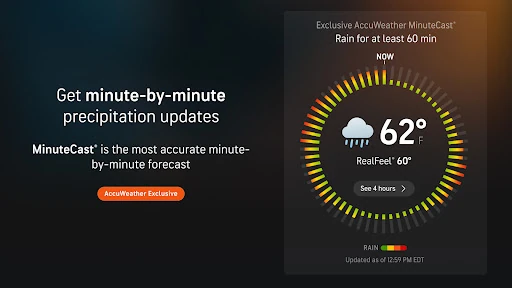
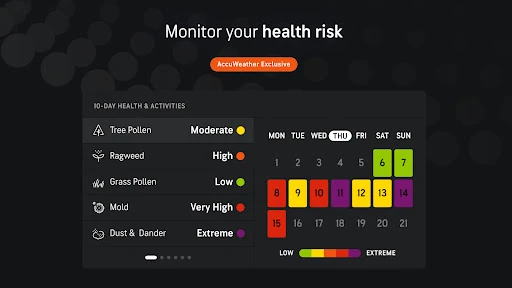
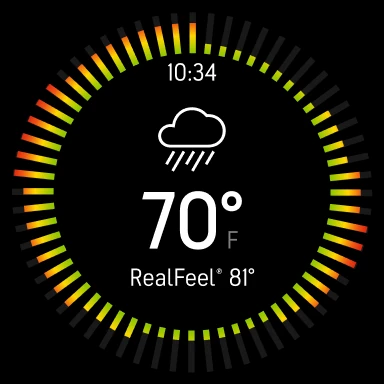
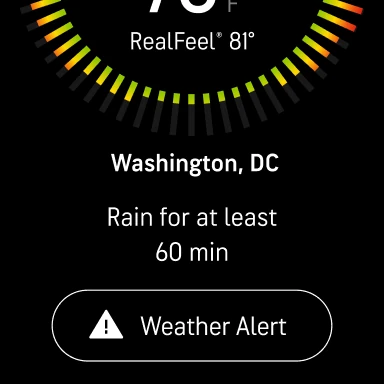
The interface of AccuWeather is built to handle a massive density of information, which is a significant challenge in mobile UI design. It utilizes a modular approach that allows users to view high-level summaries or dive into deep graphical data like 10-day HourCast displays. While the design is functional and optimized across various form factors including Wear OS and Android TV, the sheer volume of proprietary indices creates a learning curve. The UX is generally fluid, though the density of icons and data points requires a focused eye to navigate effectively compared to more minimalist weather apps.
While the app is feature-rich, the visual hierarchy can occasionally feel overwhelming for the average user. Future updates should focus on streamlining the navigation and providing a more customizable home dashboard that allows users to prioritize the specific data points that matter most to them. Additionally, refining the ad-integration to be less intrusive would improve the overall user sentiment for the free-tier audience.
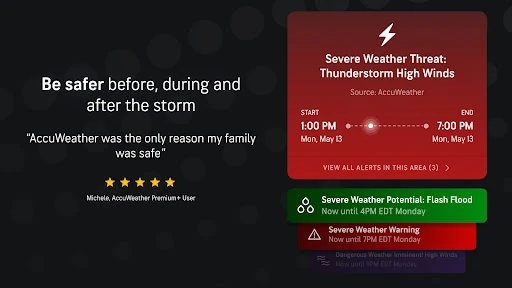
AccuWeather: Weather Radar is the definitive choice for power users, outdoor professionals, and anyone living in regions prone to volatile weather patterns. Its strength lies in its proprietary data modeling and hyper-local focus. It is recommended for users who prioritize detailed, scientific data over aesthetic simplicity. While the ad-supported version may be busy, the sheer reliability of its forecasts makes it a "must-have" for anyone whose daily schedule depends on the elements.