Advertisement
Click to download now, finish the installation quickly, and directly unlock the "all-round experience"
Advertisement
Screenshots
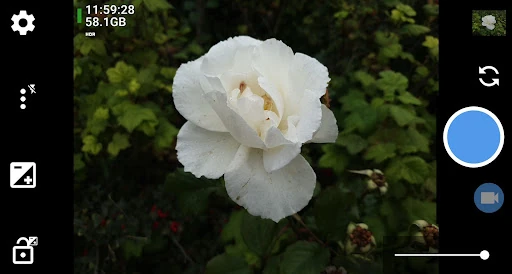
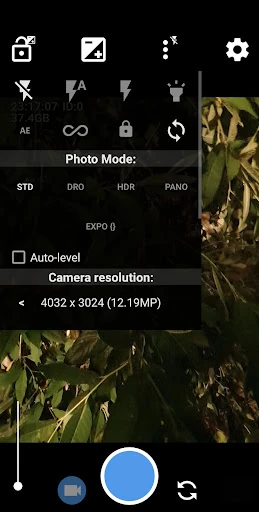
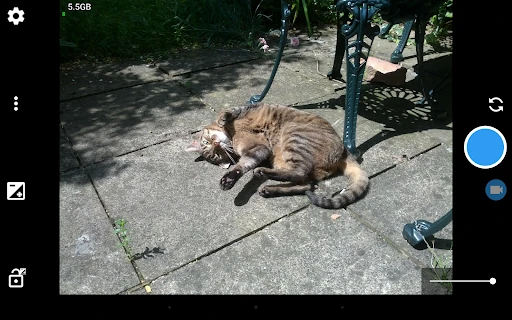
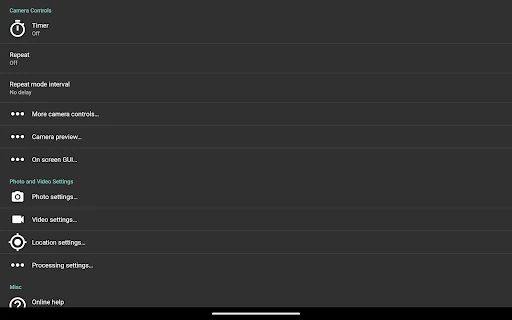
Click to download now, finish the installation quickly, and directly unlock the "all-round experience"
Open Camera stands as a titan in the open-source mobile photography niche, offering a level of granular control often missing from stock camera applications. As a Senior Analyst, I view it as a "Swiss Army Knife" for mobile photographers. By unlocking the full potential of the Camera2 API, it bridges the gap between casual snapshots and professional-grade mobile imaging. It is a no-nonsense, ad-free utility that prioritizes technical capability and transparency over aesthetic fluff, making it a staple in the Android photography ecosystem.
The user experience of Open Camera follows a strictly utilitarian philosophy. While it lacks the "slick" animations and minimalist aesthetic typical of modern social media-focused cameras, it compensates with extreme density of information and customization. The UI can feel overwhelming to novices due to its deeply nested settings and technical terminology. However, for the power user, the ability to overlay histograms, zebra stripes, and crop guides provides a professional monitoring environment that rivals dedicated DSLR interfaces. It is a design built for efficiency and function rather than visual trendiness.
The primary area for growth lies in the modernization of the UI/UX. Introducing a "Basic Mode" for casual users while hiding advanced manual controls behind a "Pro" toggle would improve accessibility. Additionally, the menu system would benefit from a visual overhaul using Material You principles to make navigation more intuitive and less reliant on text-heavy lists. Better organization of the settings menu into clearly labeled categories would also reduce the time spent searching for specific toggles.
Open Camera is the definitive choice for enthusiasts, hobbyist photographers, and privacy-conscious users who want to push their hardware to its absolute limit. It is not designed for the "point-and-shoot" crowd seeking AI-beautification filters, but rather for those who treat their smartphone as a serious creative tool. If you value manual precision, open-source integrity, and a distraction-free shooting environment, Open Camera is a mandatory addition to your app library.