Advertisement
Click to download now, finish the installation quickly, and directly unlock the "all-round experience"
Advertisement
Screenshots
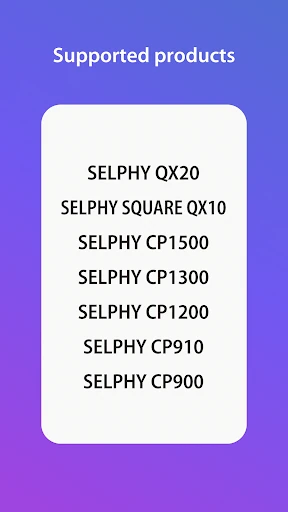
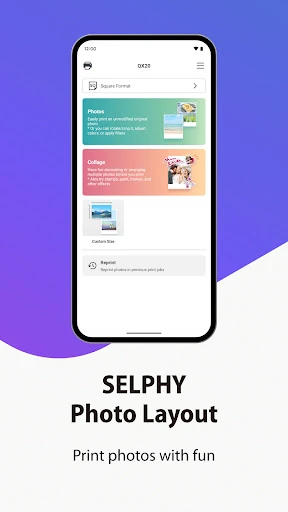
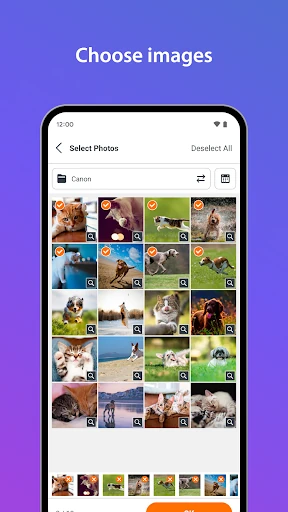
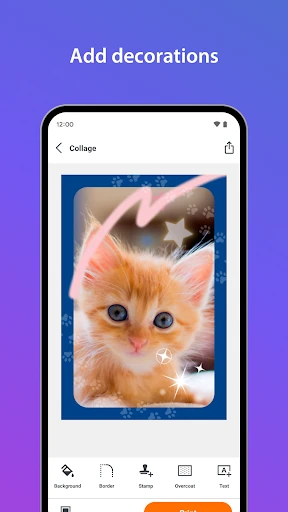
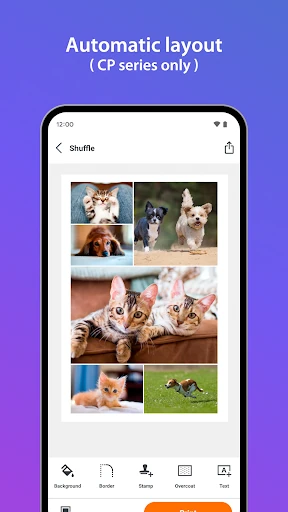
Click to download now, finish the installation quickly, and directly unlock the "all-round experience"
SELPHY Photo Layout stands as an essential utility in the mobile photography ecosystem, specifically designed to bridge the gap between digital captures and high-quality physical mementos. As an official Canon offering, the app provides a sophisticated interface for managing the SELPHY CP and QX series printers. It transcends simple printing by acting as a creative suite, allowing users to manipulate, decorate, and optimize images for specific paper formats. In a landscape where physical prints are becoming a premium commodity for hobbyists and professionals alike, SELPHY Photo Layout offers the precision required to ensure that the transition from screen to paper is both seamless and creatively fulfilling.
The user interface of SELPHY Photo Layout is built with a utility-first philosophy, prioritizing clear navigation and functional efficiency. The app categorizes tasks based on the connected hardware (CP vs. QX series), which helps prevent user confusion regarding supported paper sizes and features. In the Photography category, where precision is paramount, the app’s "what you see is what you get" (WYSIWYG) layout editor provides users with confidence before they commit to a print. However, the design leans heavily on traditional menu structures, which is stable but can feel slightly dated compared to more fluid, modern photo editing apps. The inclusion of "Pattern Overcoat" settings for newer models like the CP1500 shows a commitment to leveraging hardware-specific capabilities through software.
To further elevate the user experience, Canon should consider integrating the legacy "Canon PRINT" drivers directly into the SELPHY Photo Layout app to provide a unified experience for all supported hardware. Additionally, adding direct cloud integration for services like Google Photos or Lightroom would remove the need for users to download images to their device's local storage before printing. Improving the internal stability to reduce the need for application restarts would also significantly enhance the reliability for professional users who rely on the app for time-sensitive tasks like ID photo production.
SELPHY Photo Layout is a must-have tool for owners of Canon SELPHY hardware, ranging from scrapbooking enthusiasts to small business owners. Its strength lies in its specialized layout tools—particularly the ID photo and tiling functions—which turn a simple printer into a versatile production station. While it has some minor legacy software hurdles and stability quirks, it remains the gold standard for mobile-to-print workflows within the Canon ecosystem. This app is highly recommended for anyone looking to transform their digital gallery into high-quality, personalized physical media.