
Advertisement
Click to download now, finish the installation quickly, and directly unlock the "all-round experience"
Advertisement
Screenshots
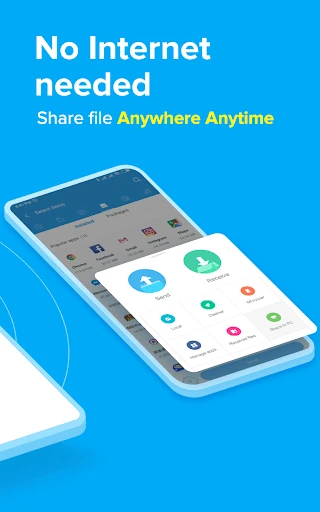
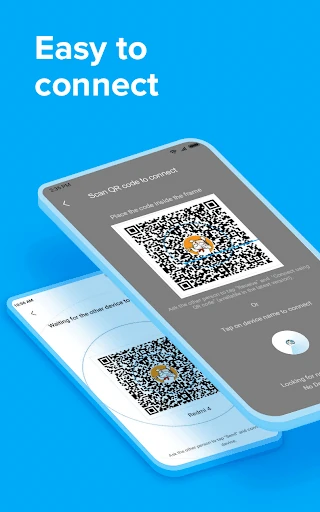
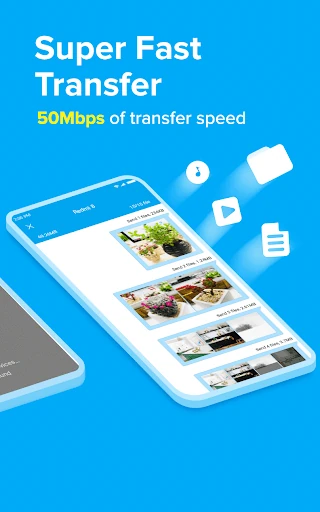
Click to download now, finish the installation quickly, and directly unlock the "all-round experience"
ShareMe: File sharing stands as a premier utility in the Tools landscape, offering a high-speed, data-free alternative to traditional file transfer methods. Developed by Xiaomi but optimized for the broader Android ecosystem, it addresses the critical need for moving large datasets—such as high-definition videos and complex app bundles—without relying on fluctuating internet connections. In an era where cloud storage often comes with subscription hurdles and data caps, ShareMe provides a seamless, peer-to-peer hardware solution that prioritizes speed and user privacy.
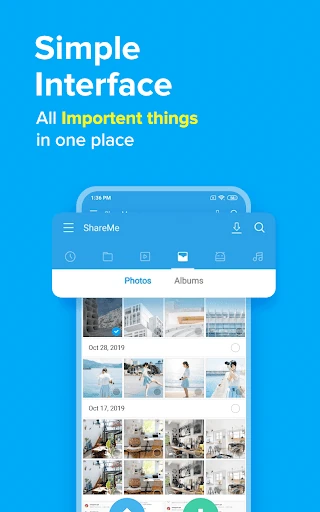
The UI of ShareMe is characterized by its minimalist and functional design, which adheres to modern Material Design principles. The interface focuses on high-contrast "Send" and "Receive" buttons to facilitate immediate action, minimizing the learning curve for new users. The visual hierarchy is clear, with categorized tabs that make finding specific media types effortless. From a UX perspective, the app succeeds by removing the technical friction often associated with Wi-Fi Direct pairing, making a complex networking task feel like a simple, consumer-grade interaction.
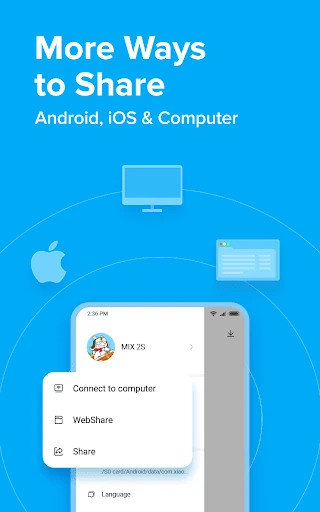
To further solidify its position as the market leader, ShareMe could benefit from an integrated "Web Share" UI refinement to make transfers to non-Android devices even more intuitive. Additionally, implementing a built-in basic file manager would allow users to delete or move files immediately after a transfer, further enhancing the app's utility as a comprehensive file management hub.
ShareMe: File sharing is an indispensable tool for students, professionals, and casual users who frequently move large amounts of data between mobile devices. It is particularly valuable for users in emerging markets or anyone looking to bypass the slow speeds of cloud-based sharing. For anyone seeking a fast, secure, and cost-effective way to manage file distribution, this app is a highly recommended addition to their digital toolkit.