Advertisement
Click to download now, finish the installation quickly, and directly unlock the "all-round experience"
Advertisement
Screenshots
Click to download now, finish the installation quickly, and directly unlock the "all-round experience"
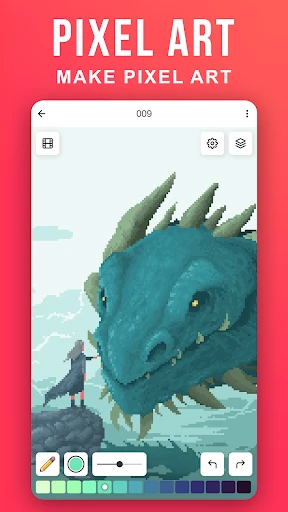
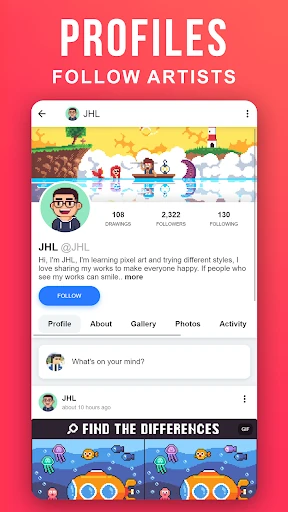
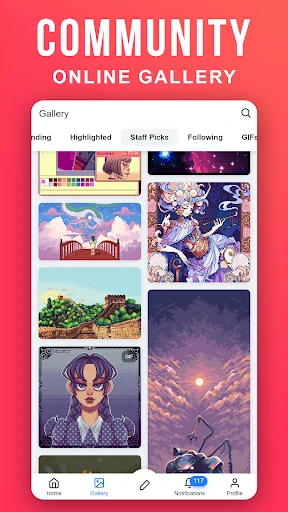
Pixilart - Make Pixel Art is a standout hybrid platform that successfully bridges the gap between a dedicated creative suite and a social networking hub. In the competitive Art & Design landscape, it carves out a unique niche by focusing specifically on the precision of pixel art while fostering a community-driven environment. As a professional-grade mobile tool, it democratizes digital art, allowing users to transition from casual doodlers to recognized community creators through its integrated feedback loops and accessible drawing mechanics.
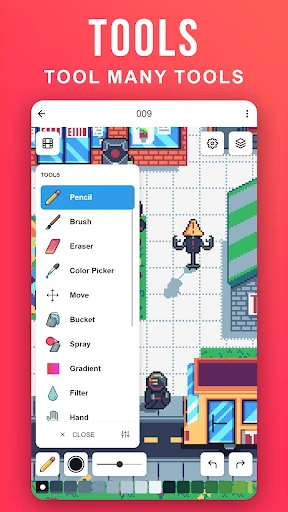
The user interface of Pixilart is intentionally functional, prioritizing the canvas area while keeping essential tools within thumb's reach. The UX is defined by its unique interaction model—moving a finger to position a cursor before "clicking" to draw—which provides a level of control rarely seen in mobile art apps. While the social aspects of the UI are densely packed, they follow familiar patterns seen in major social platforms, making the learning curve relatively shallow for the modern mobile user. The design succeeds in making a complex task feel playful and rewarding.
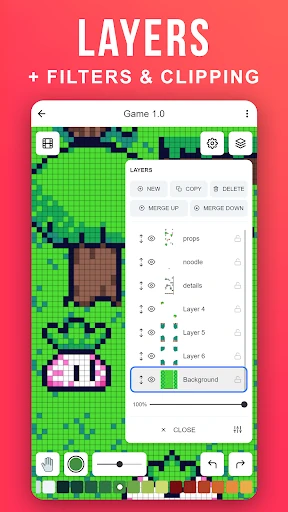
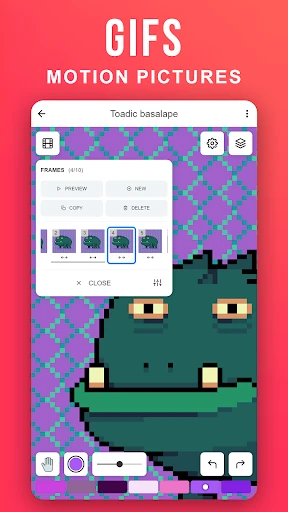
To further evolve, Pixilart could benefit from advanced layer management tools and a dedicated animation timeline for creating pixel GIFs, which would appeal to more professional animators. Additionally, implementing a customizable toolbar would allow power users to streamline their workflow by pinning their most-used brushes and palettes to the main screen.
Pixilart - Make Pixel Art is primarily for hobbyists, retro-gaming enthusiasts, and younger artists looking for a safe, social environment to hone their skills. It is an exceptional tool for anyone who values community engagement as much as the creative process itself. We highly recommend this app as the gold standard for mobile pixel art communities.