
Advertisement
Click to download now, finish the installation quickly, and directly unlock the "all-round experience"
Advertisement
Screenshots

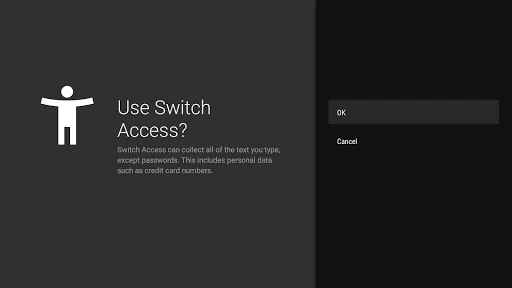
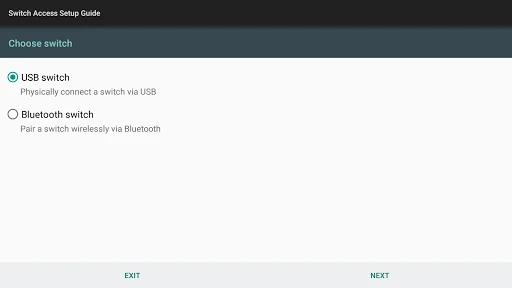
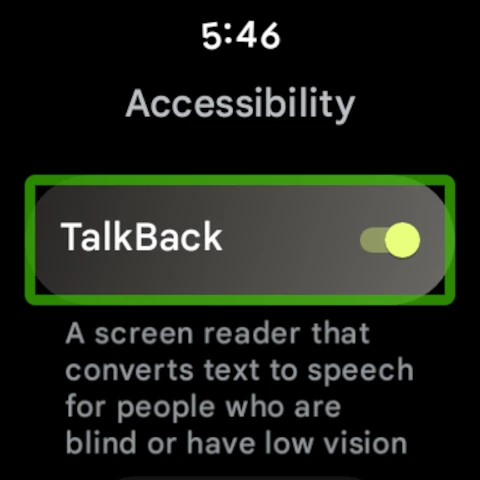
Click to download now, finish the installation quickly, and directly unlock the "all-round experience"
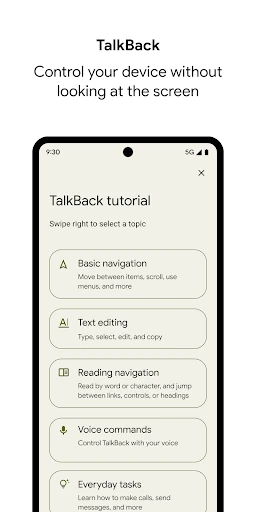
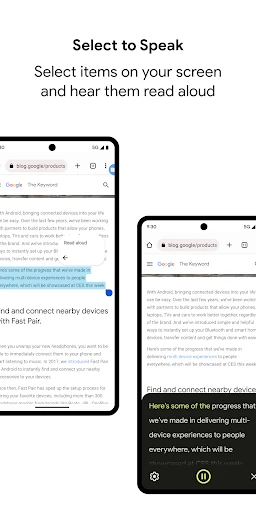
The Android Accessibility Suite stands as a cornerstone of Google's commitment to digital inclusion within the mobile Tools category. Far from being a niche utility, it is a robust framework of assistive technologies designed to democratize smartphone usage for individuals with visual, auditory, or motor impairments. By integrating features like TalkBack and Select to Speak directly into the operating system, Google ensures that Android devices remain functional and empowering tools regardless of a user's physical constraints. Its authoritative presence in the ecosystem sets the benchmark for how developers should approach inclusive design.
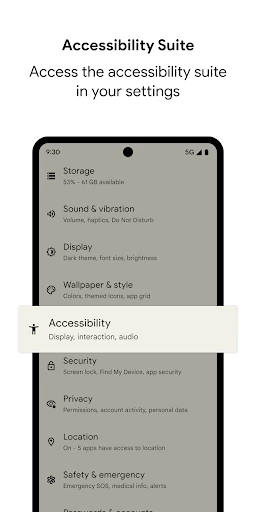
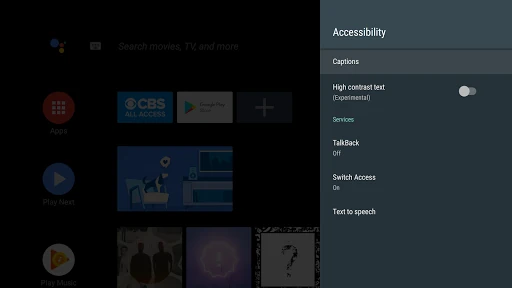
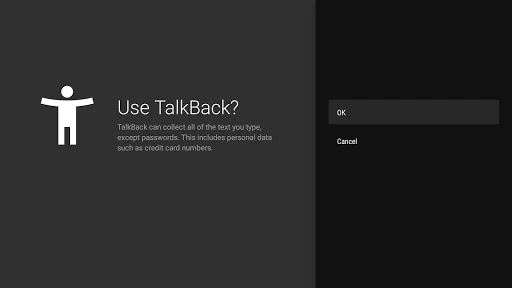
The design philosophy of the Android Accessibility Suite prioritizes high-utility and clarity over traditional aesthetic flourishes. As a system-level tool, its UI is nested within the Settings menu, maintaining a minimalist and utilitarian look that adheres to Material Design standards. The UX is engineered for reliability; however, the learning curve for TalkBack gestures is notably steep. Despite this, the suite succeeds by providing haptic and auditory cues that guide the user, creating a predictable environment that rewards muscle memory. The integration with Wear OS further demonstrates a thoughtful expansion of the UX into the wearable hardware landscape.
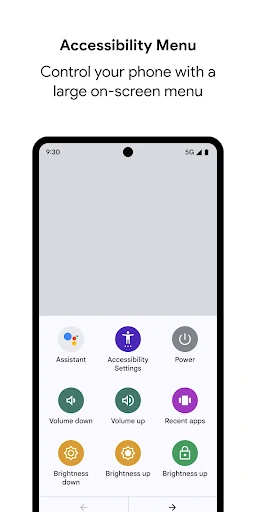
Future updates should focus on integrating more advanced multimodal AI to provide real-time, descriptive "alt-text" for images that lack metadata. Additionally, a simplified "Basic Mode" for the TalkBack gesture set could help bridge the gap for new users. Expanding the customization of the Accessibility Menu to include shortcuts for specific third-party apps would also greatly enhance productivity for users with motor impairments.
The Android Accessibility Suite is an indispensable toolset for anyone requiring assistive technology to navigate the digital world, as well as for elderly users or those with temporary injuries. It transforms a standard smartphone into a highly adaptive device that respects the user's unique needs. We highly recommend this suite as a mandatory configuration for any user seeking an eyes-free or switch-access mobile experience.